소개
The display is vital to using a laptop. If the display is damaged or not functioning properly this guide will show how to replace it.
필요한 것
-
-
Turn the laptop upside down so that the underside is facing up and locate the two switches that are on each side of the battery.
-
Slide the switch on the top right corner to the right.
-
Slide and hold the switch on the top left corner to the left and carefully remove the battery.
 FixBot에 문의하기
-
-
이 단계에 사용된 도구:Tweezers$4.99
-
Open up the laptop and locate the two circular stickers at the bottom corners of the display.
-
Use a pair of tweezers to remove the two black stickers covering the screws.
-
Using a Philips #000 screwdriver, remove the two 9mm screws.
-
-
-
-
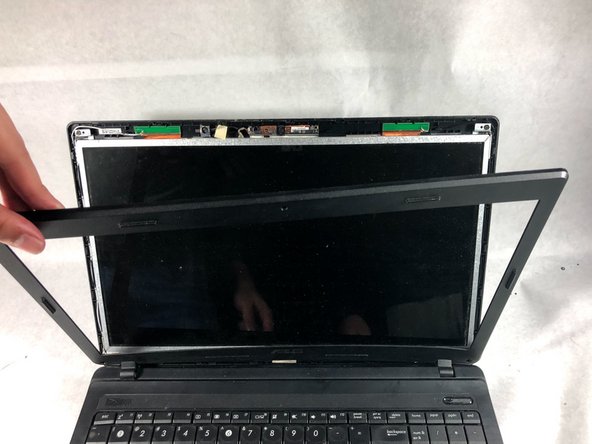
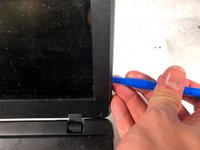
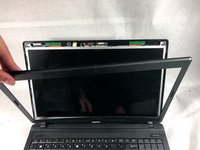
Use the plastic opening tool to pop off the plastic border around the display.
-
-
-
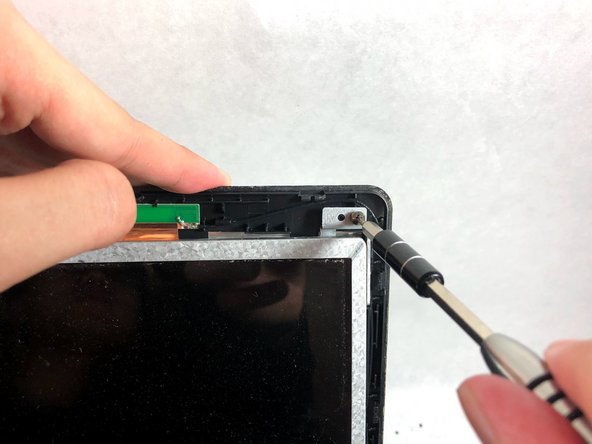
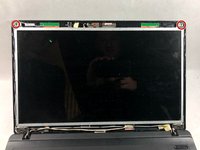
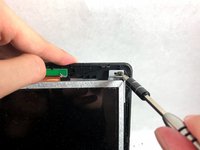
Remove the two 9mm screws from the top corners of the display with a Phillips #000 screwdriver.
-
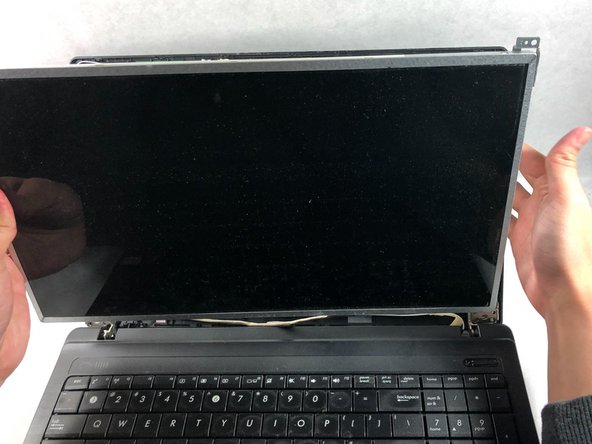
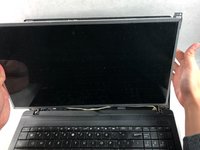
Carefully lift the display out and place the screen face down on the keyboard.
-




To reassemble your device, follow these instructions in reverse order.

팀

UMass Dartmouth, Team S3-G1, Bailey Fall 2017 UMass Dartmouth, Team S3-G1, Bailey Fall 2017 회원
UMASSD-BAILEY-F17S3G1
2 회원들
안내서 8개를 작성함
