소개
This guide will teach you how to replace the speaker that are located within the device. The speaker can malfunction causing you to not hear the proper sounds from the lock.
필요한 것
-
-
Flip the device so the back cover is facing you.
-
Undo the latches on both sides to remove the metal cover.
-
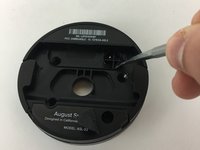
Using a Phillips #0 screwdriver, remove the black screws to release the back cover.
 FixBot에 문의하기
-
-
-
Use the metal spudger to pry the plug off of the motherboard.
-
The plug can be dislodged when prying it from the side.
-
-
-
-
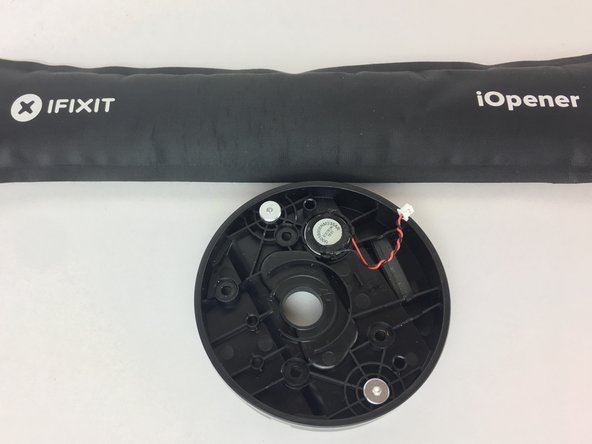
Warm up the iOpener.
-
Place the iOpener heating pad over the speaker and let sit for a few moments.
-
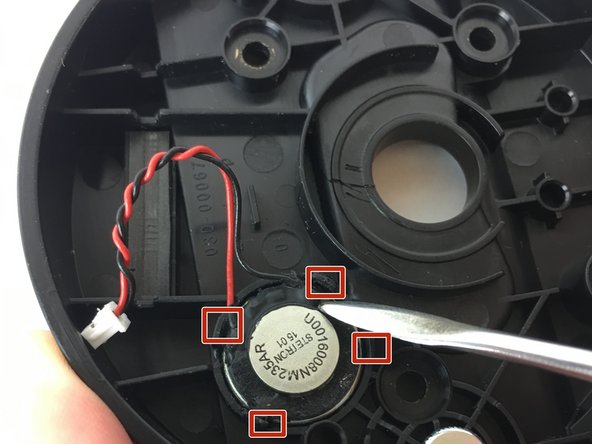
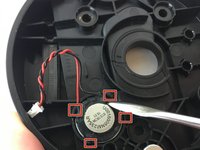
Using the metal spudger, pry some of the glue off the hinges holding the speaker in place.
-
-
-
Once the speaker looks mobile, flip the cover over and push below the speaker to pop it out.
-



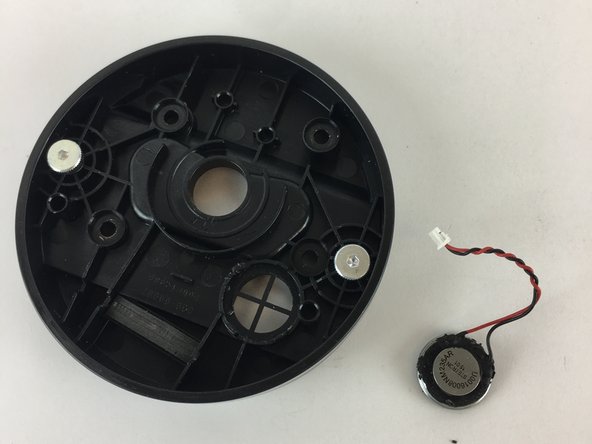
To reassemble your device, follow these instructions in reverse order.
다른 2명이 해당 안내서를 완성하였습니다.

팀

USF Tampa, Team S11-G6, Passmore Fall 2017 USF Tampa, Team S11-G6, Passmore Fall 2017 회원
USFT-PASSMORE-F17S11G6
4 회원들
안내서 6개를 작성함
