주요 콘텐츠로 건너뛰기

Backbone One Right Trigger Replacement

필요한 것

  1. Backbone One Right Trigger Replacement, Remove the screws: 1 단계, 이미지 1개 중 1개
    • Use a Phillips screwdriver to remove the four 5.9 mm-long screws.

  2. Backbone One Right Trigger Replacement, Rotate the upper part: 2 단계, 이미지 3개 중 1개 Backbone One Right Trigger Replacement, Rotate the upper part: 2 단계, 이미지 3개 중 2개 Backbone One Right Trigger Replacement, Rotate the upper part: 2 단계, 이미지 3개 중 3개
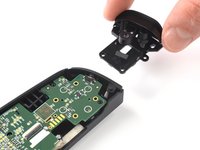
    • Lift up the upper cover of the controller.

    • Swing the upper cover over and place it on the controller case.

    • Make sure that the interconnecting cable has no tension.

  3. Backbone One Right Trigger Replacement, Remove the protective tape: 3 단계, 이미지 3개 중 1개 Backbone One Right Trigger Replacement, Remove the protective tape: 3 단계, 이미지 3개 중 2개 Backbone One Right Trigger Replacement, Remove the protective tape: 3 단계, 이미지 3개 중 3개
    이 단계에 사용된 도구:
    Tweezers
    $4.99
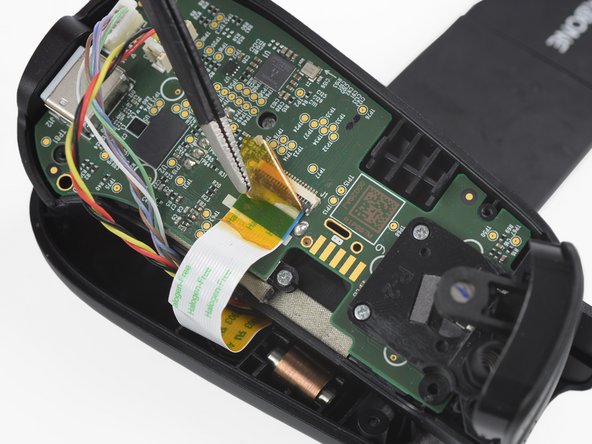
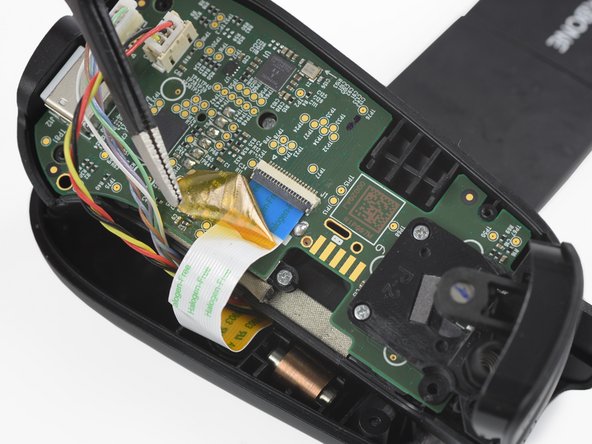
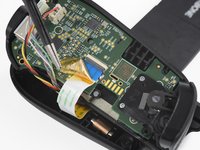
    • Use a pair of tweezers to remove the yellow protective tape which is placed over the interconnect cable and the connector.

  4. Backbone One Right Trigger Replacement, Open the interconnect cable ZIF connector: 4 단계, 이미지 3개 중 1개 Backbone One Right Trigger Replacement, Open the interconnect cable ZIF connector: 4 단계, 이미지 3개 중 2개 Backbone One Right Trigger Replacement, Open the interconnect cable ZIF connector: 4 단계, 이미지 3개 중 3개
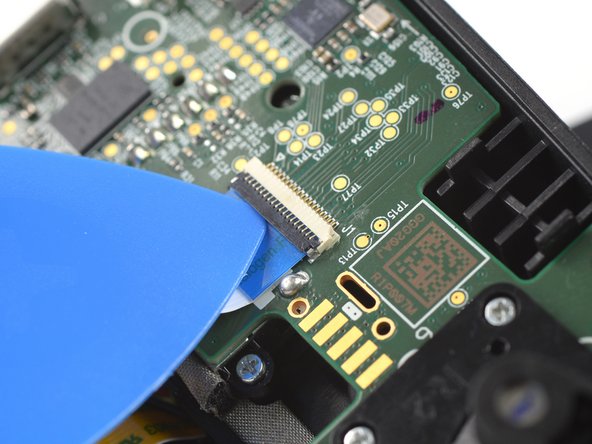
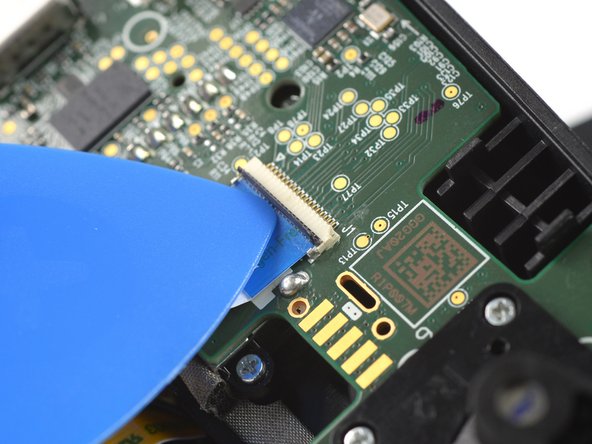
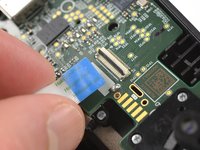
    • Use the tip of an opening pick to open the gray flap of the interconnect cable ZIF connector by pushing it upwards.

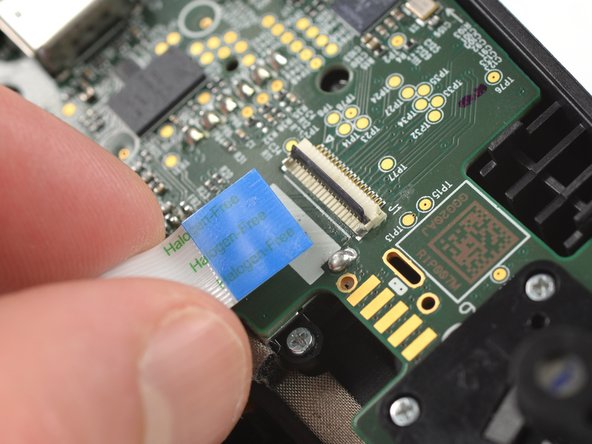
  5. Backbone One Right Trigger Replacement, Disconnect the interconnect cable: 5 단계, 이미지 2개 중 1개 Backbone One Right Trigger Replacement, Disconnect the interconnect cable: 5 단계, 이미지 2개 중 2개
    • Disconnect the cable by pulling it straight out the ZIF connector.

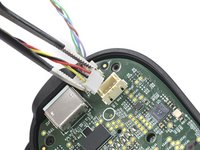
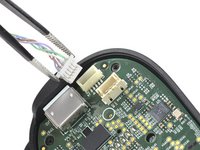
  6. Backbone One Right Trigger Replacement, Disconnect the phone connector cables: 6 단계, 이미지 3개 중 1개 Backbone One Right Trigger Replacement, Disconnect the phone connector cables: 6 단계, 이미지 3개 중 2개 Backbone One Right Trigger Replacement, Disconnect the phone connector cables: 6 단계, 이미지 3개 중 3개
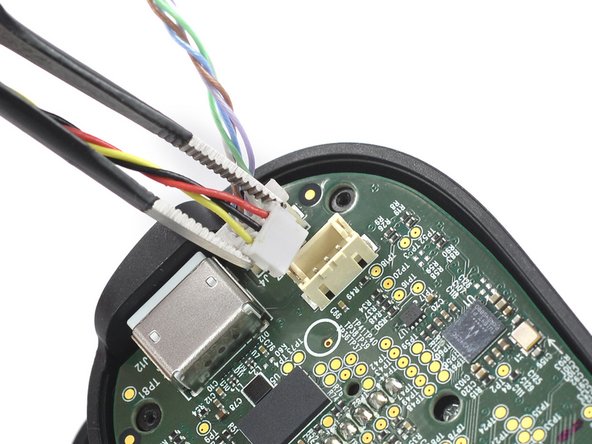
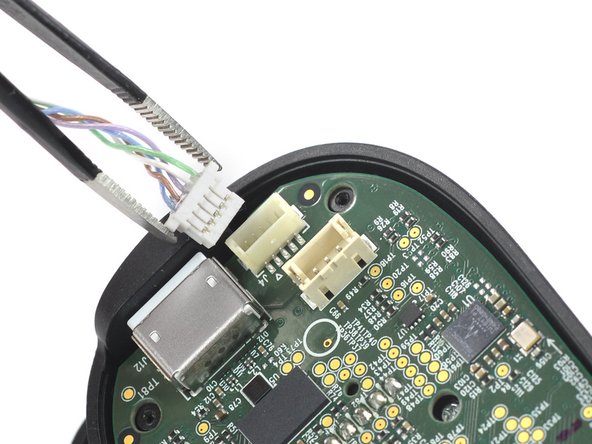
    • Use a pair of tweezers to disconnect the phone connector cables out from their sockets.

  7. Backbone One Right Trigger Replacement, Separate the upper case: 7 단계, 이미지 1개 중 1개
    • Separate the the upper case of the left controller handle.

  8. Backbone One Right Trigger Replacement, Remove the screws: 8 단계, 이미지 1개 중 1개
    • Use a Phillips screwdriver to remove the three 5.9 mm-long screws.

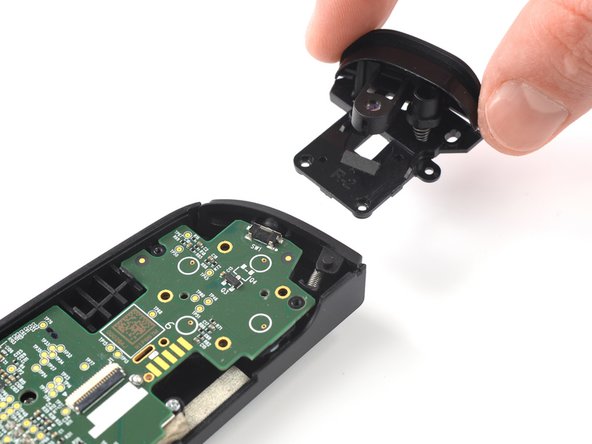
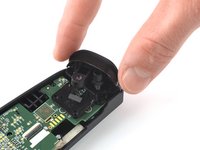
  9. Backbone One Right Trigger Replacement, Remove the trigger: 9 단계, 이미지 2개 중 1개 Backbone One Right Trigger Replacement, Remove the trigger: 9 단계, 이미지 2개 중 2개
    • Remove the trigger.

결론

To reassemble your device, follow these instructions in reverse order.

Opening didn’t go as planned? Answers community for help.

다른 한 분이 해당 안내서를 완성하였습니다.

작성자

1다른 기여자 명과 함께

Adriana Zwink

회원 가입일: 12/18/19

62,346 평판

안내서 167개를 작성함

iFixit iFixit 회원

Staff

123 회원들

안내서 23,656개를 작성함

2가이드 댓글

where can I buy a right trigger replacement?

pelony felony - 답글

where can I buy a right trigger replacement?

Ricardo Gazo Rosario - 답글

댓글 쓰기

조회 통계:

지난 24시간: 1

지난 7일: 4

지난 30일: 48

전체 시간: 1,383