주요 콘텐츠로 건너뛰기
수리 커뮤니티 가입 - 계정 만들기

BlackBerry 7280 Microphone Replacement

필요한 것

  1. BlackBerry 7280 Microphone Replacement, Battery: 1 단계, 이미지 3개 중 1개 BlackBerry 7280 Microphone Replacement, Battery: 1 단계, 이미지 3개 중 2개 BlackBerry 7280 Microphone Replacement, Battery: 1 단계, 이미지 3개 중 3개
    • With your thumb press down on the locking- button on the back of the BlackBerry 7280.

    • Slide the battery cover off the device.

  2. BlackBerry 7280 Microphone Replacement: 2 단계, 이미지 2개 중 1개 BlackBerry 7280 Microphone Replacement: 2 단계, 이미지 2개 중 2개
    • Remove the lithium-ion battery from the back of the device using your index finger.

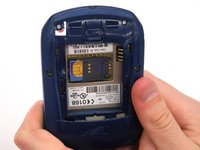
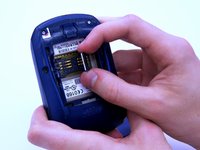
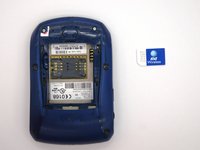
  3. BlackBerry 7280 Microphone Replacement, SIM Card: 3 단계, 이미지 3개 중 1개 BlackBerry 7280 Microphone Replacement, SIM Card: 3 단계, 이미지 3개 중 2개 BlackBerry 7280 Microphone Replacement, SIM Card: 3 단계, 이미지 3개 중 3개
    • Hold the device with both hands.

    • Lift the SIM card holder using your thumb and index finger.

    • Remove the SIM card from the device.

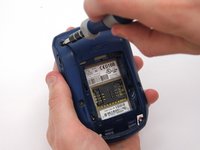
  4. BlackBerry 7280 Microphone Replacement, Back Case: 4 단계, 이미지 2개 중 1개 BlackBerry 7280 Microphone Replacement, Back Case: 4 단계, 이미지 2개 중 2개
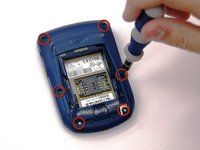
    • Using a Torx T6 screwdriver, remove all six 1/8 inch screws (marked in red) from the back case. Set screws aside.

    • The SIM card has been removed here to prevent damage to the card. This is recommended, but not not required.

  5. BlackBerry 7280 Microphone Replacement: 5 단계, 이미지 2개 중 1개 BlackBerry 7280 Microphone Replacement: 5 단계, 이미지 2개 중 2개
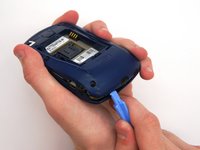
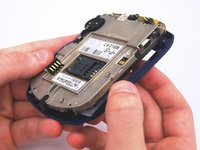
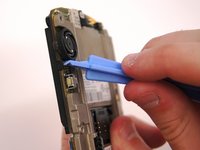
    • Use the plastic opening tool to pry the back case away from the front case.

  6. BlackBerry 7280 Microphone Replacement, Front Case: 6 단계, 이미지 2개 중 1개 BlackBerry 7280 Microphone Replacement, Front Case: 6 단계, 이미지 2개 중 2개
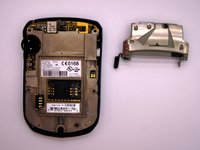
    • Using a Torx T6 screwdriver, remove the lone 1/8 inch screw that holds the upper metal bracket onto the larger metal bracket. Set aside the screw and the bracket.

  7. BlackBerry 7280 Microphone Replacement: 7 단계, 이미지 2개 중 1개 BlackBerry 7280 Microphone Replacement: 7 단계, 이미지 2개 중 2개
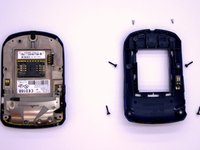
    • Remove the front plastic case from the metal bracket.

  8. BlackBerry 7280 Microphone Replacement, LCD Screen and Speaker: 8 단계, 이미지 2개 중 1개 BlackBerry 7280 Microphone Replacement, LCD Screen and Speaker: 8 단계, 이미지 2개 중 2개
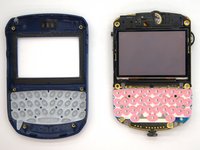
    • Use the plastic opening tool to pry at the edge of the screen near the track-wheel.

  9. BlackBerry 7280 Microphone Replacement, Logic Board: 9 단계, 이미지 1개 중 1개
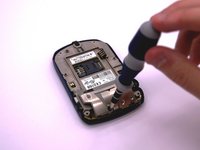
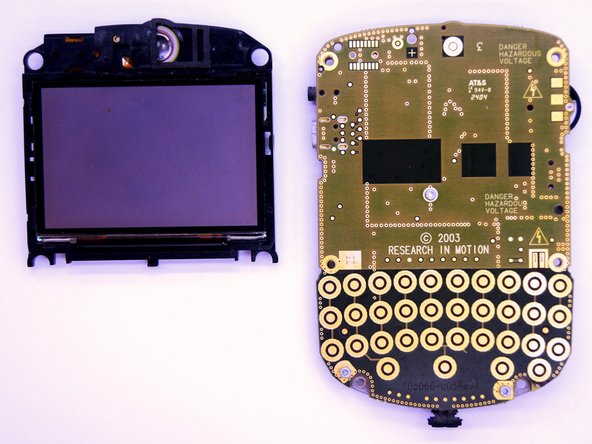
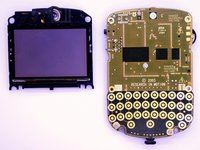
    • Use a Torx T6 screwdriver to remove the 3 1/8 inch screws shown.

  10. BlackBerry 7280 Microphone Replacement: 10 단계, 이미지 1개 중 1개
    • Remove the logic board with your hands.

  11. BlackBerry 7280 Microphone Replacement, Microphone: 11 단계, 이미지 3개 중 1개 BlackBerry 7280 Microphone Replacement, Microphone: 11 단계, 이미지 3개 중 2개 BlackBerry 7280 Microphone Replacement, Microphone: 11 단계, 이미지 3개 중 3개
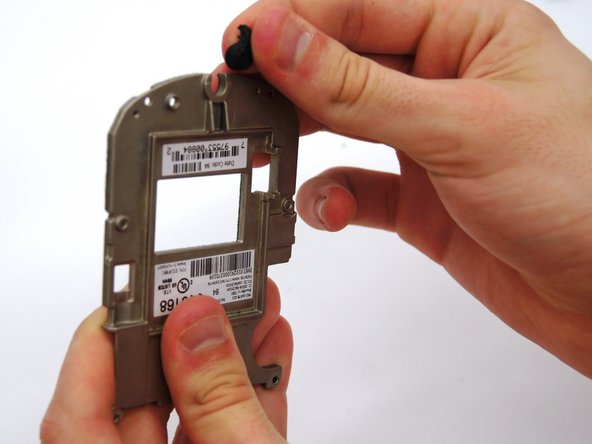
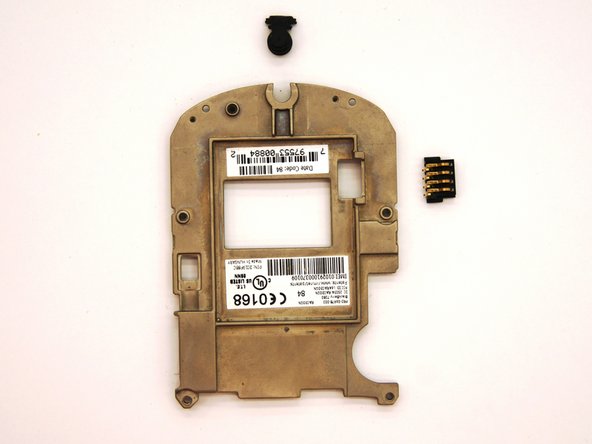
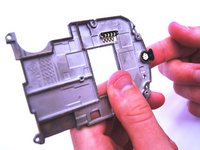
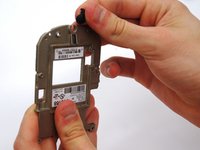
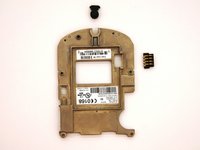
    • Remove the small black rubber microphone by sliding it off of the metal bracket.

결론

To reassemble your device, follow these instructions in reverse order.

다른 한 분이 해당 안내서를 완성하였습니다.

작성자

4다른 기여자 명과 함께

Andrew Catlin

회원 가입일: 03/11/13

16 평판

안내서 3개를 작성함

Clemson, Team 12-2, Benson Spring 2013 Clemson, Team 12-2, Benson Spring 2013 회원

CLEM-BENSON-S13S12G2

4 회원들

안내서 11개를 작성함

1가이드 댓글

Hi ! great tutorial ! do you know the reference name or number of the microphone that this blackberry uses ?

Thank you !

DearTom - 답글 공유

댓글 쓰기

조회 통계:

지난 24시간: 1

지난 7일: 2

지난 30일: 15

전체 시간: 430