소개
Replacing the keyboard of the BlackBerry Bold 9700 is one of the easier repairs you will do. All it takes is a bit of prying and a screwdriver. The process of replacing the keyboard of your BlackBerry Bold 9700 will allow you to become familiar with your device and restore full functionality.
필요한 것
-
-
Remove the back panel by sliding it downward and lifting it away from the phone.
 FixBot에 문의하기
-
-
-
Remove the battery by lifting the bottom edge of the battery from the bottom of the phone and up from the case.
-
(Warning: Power-off the device before removing the battery.)
-
-
-
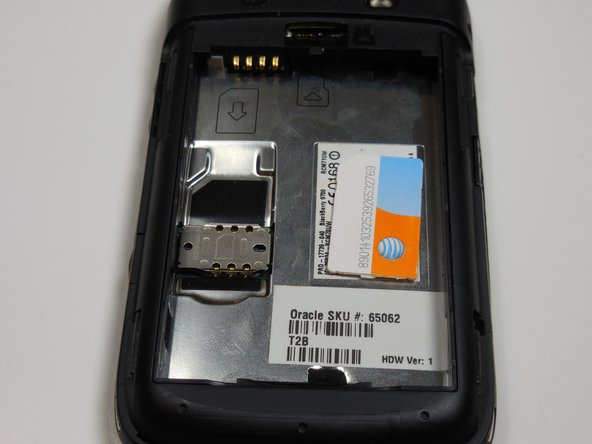
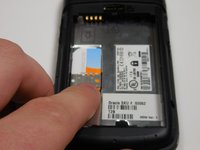
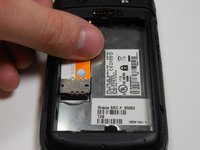
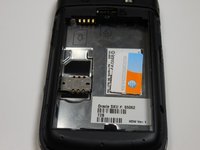
Remove the SIM card by pushing the card vertically through the bracket towards the top of the device.
-
-
-
-
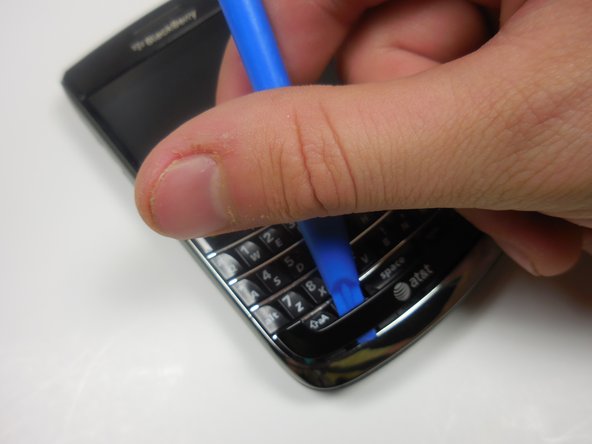
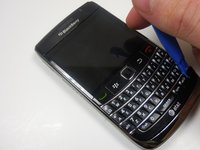
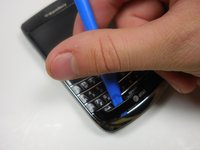
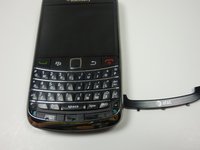
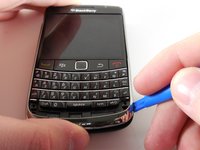
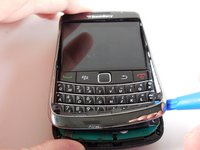
Use the plastic opening tool to gently pry the bottom panel with the AT&T logo away from the phone.
-
Note: You will hear a snapping sound.
-
-
-
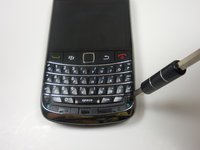
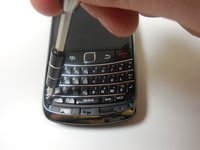
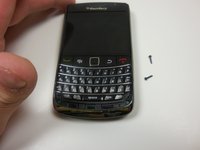
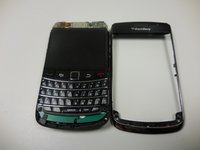
Remove the front panel 5.57mm Torx head screws x2 with the T5 Torx screwdriver.
-
-
-
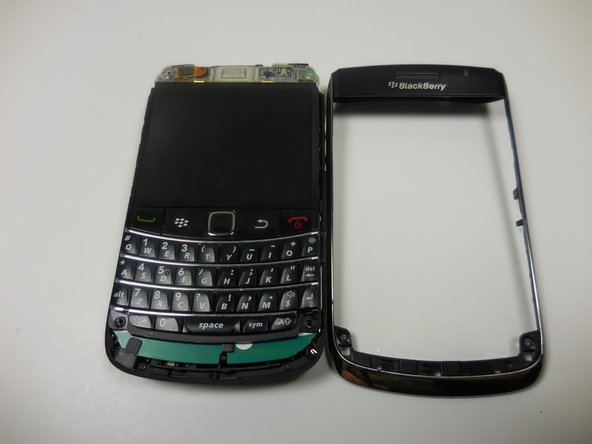
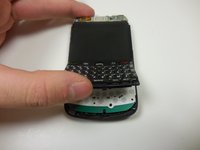
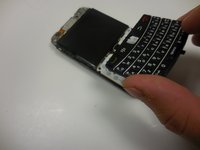
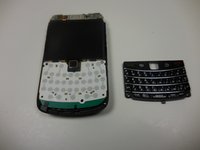
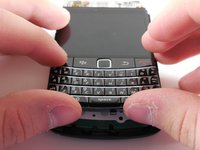
Gently lift the bottom of the keyboard up with your fingers and pull it toward the bottom of the phone.
-
-
-
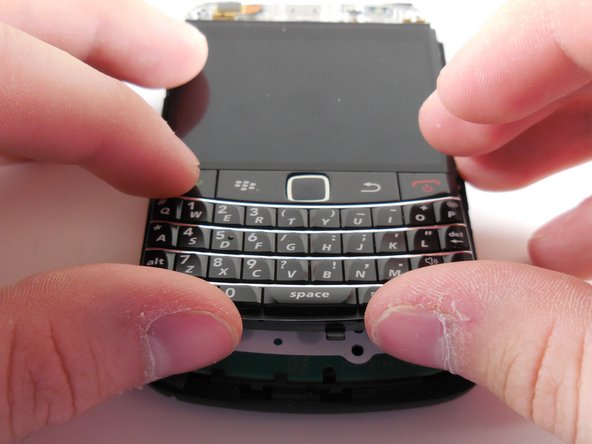
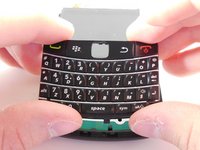
Align the new keyboard to the bottom of the screen with the track pad slot angled downward.
-
Once the keyboard is flush with the screen, push the keyboard into place.
-












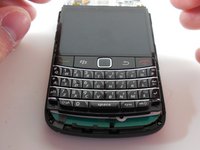
To reassemble your device, follow these steps in reverse.

팀

Colorado Springs, Team 9-3, Panko Spring 2015 Colorado Springs, Team 9-3, Panko Spring 2015 회원
UCCS-PANKO-S15S9G3
2 회원들
안내서 7개를 작성함
