주요 콘텐츠로 건너뛰기
수리 커뮤니티 가입 - 계정 만들기

Brother PT-210 Battery Replacement

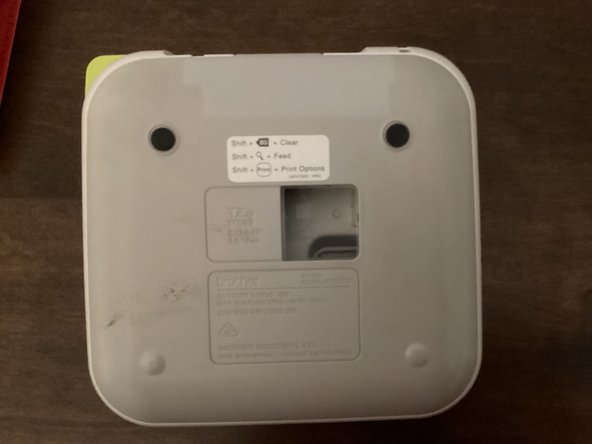
  1. Brother PT-210 Battery Replacement, Back Cover: 1 단계, 이미지 3개 중 1개 Brother PT-210 Battery Replacement, Back Cover: 1 단계, 이미지 3개 중 2개 Brother PT-210 Battery Replacement, Back Cover: 1 단계, 이미지 3개 중 3개
    • Use the tab to open the back cover of your machine.

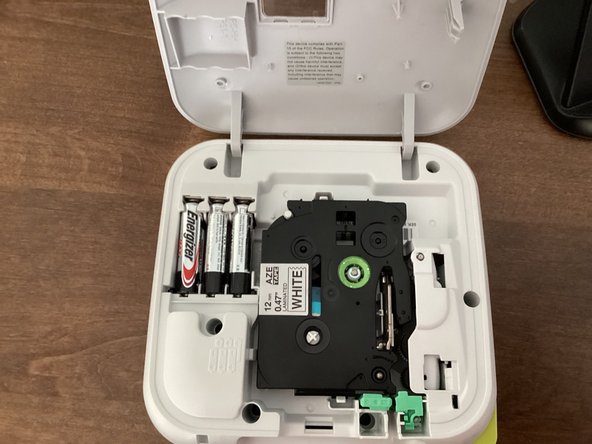
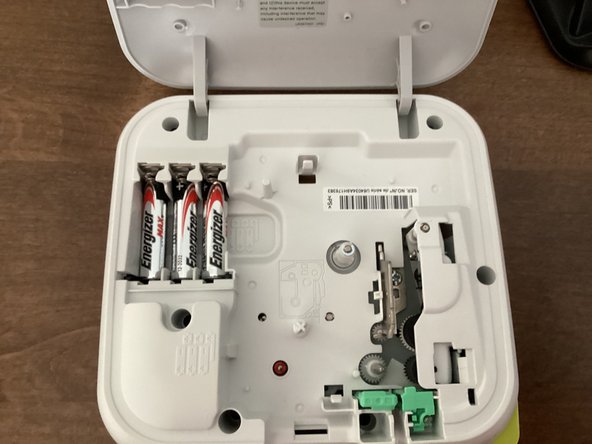
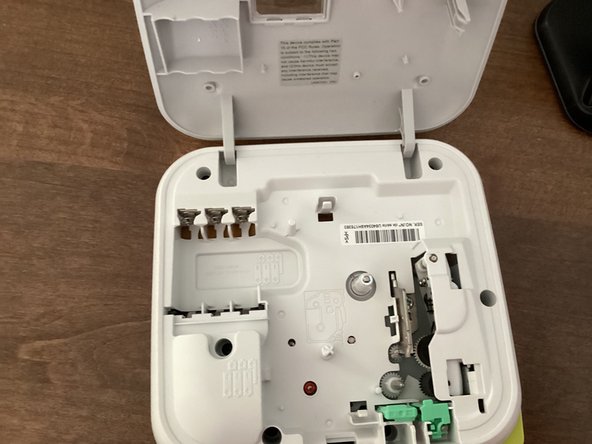
  2. Brother PT-210 Battery Replacement, Batteries: 2 단계, 이미지 3개 중 1개 Brother PT-210 Battery Replacement, Batteries: 2 단계, 이미지 3개 중 2개 Brother PT-210 Battery Replacement, Batteries: 2 단계, 이미지 3개 중 3개
    • Remove all 6 batteries from your machine.

    • When you put the batteries back in, keep in mind that the polarity of them matter. Your machine won't work if the polarities of the batteries are messed up.

    • Do not mix new and old batteries!

    • It might be helpful to take the tape out of your machine. This guide shows you how to.

결론

To reassemble your device, follow these instructions in reverse order.

작성자

1다른 기여자 명과 함께

TheMasterG

회원 가입일: 07/19/24

1,394 평판

안내서 12개를 작성함

0가이드 댓글

댓글 쓰기

조회 통계:

지난 24시간: 2

지난 7일: 11

지난 30일: 33

전체 시간: 233