소개
Pitch bends can stop working. If you cannot hear the difference in sound when you adjust the pitch blend, it may be time to replace it. This guide will show you how to replace the pitch bend on the side panel of your device.
필요한 것
-
-
-
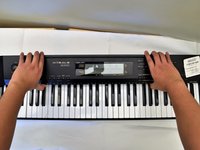
Flip the keyboard upside down, with the keys on a flat surface.
-
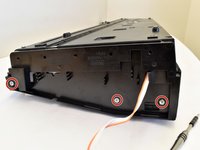
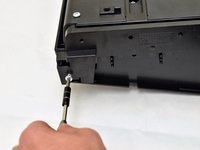
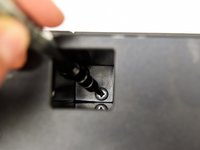
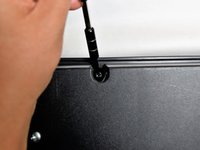
Remove the three black 14mm Japanese Industrial Standard (J) head screws using a J1 screwdriver on the top half of the outermost side panel.
 FixBot에 문의하기
-
-
-
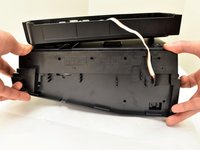
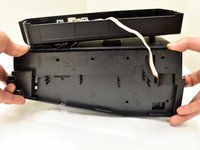
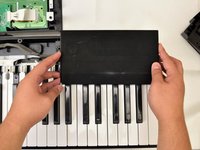
Use two hands to grab the side panel from both sides.
-
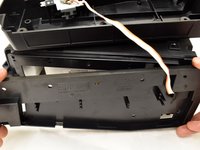
Pull the panel apart from the device one side at a time.
-
-
-
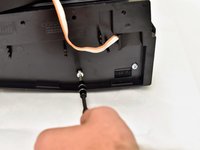
Remove the three silver 10mm screws with a J1 screwdriver on the bottom half of the innermost side panel of the device.
-
-
-
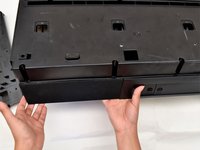
Remove the innermost side panel by pinching the top and bottom of the panel and pulling the panel off with both hands.
-
-
-
-
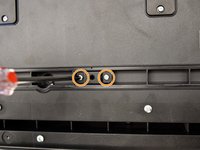
Remove the two black 30 mm J head screws with a J1 screwdriver to remove the long black bar.
-
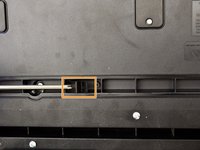
Remove the four silver 8mm x 2mm J head screws with a J1 screwdriver and the two brackets from the back panel.
-
-
-
Remove the eight silver 10mm x 1.5mm J head screws with a J1 screwdriver and the square tabs from the back panel.
-
Remove the eight silver 10mm J head screws with a J1 screwdriver underneath the square tabs.
-
-
-
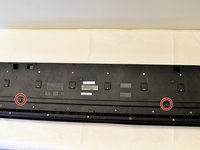
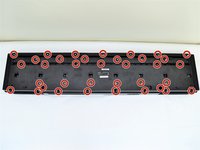
Remove the 36 silver 10mm J head screws with a J1 screwdriver from the back panel.
-
-
-
Place a hand on the front panel and speakers and carefully flip the keyboard over with the keys facing up.
-
Grab the center of the front panel with two hands and lift to remove panel.
-
Grab the speakers from the sides and lift to remove. Once you have done this for the first speaker, repeat with the second speaker.
-
-
-
-
-
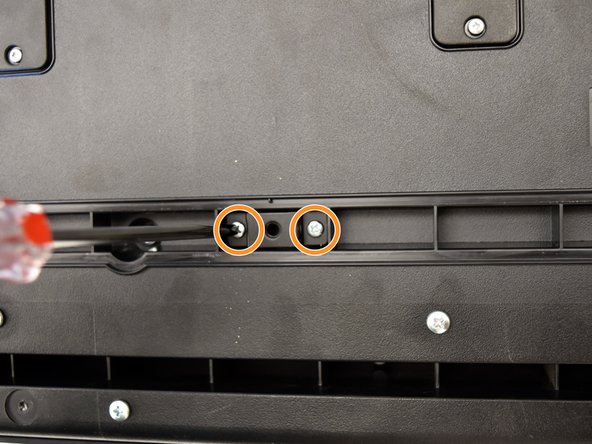
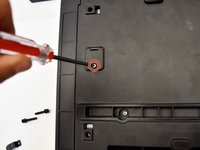
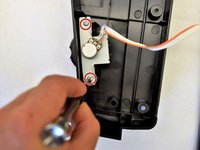
Remove the two 8mm x 1.5mm J screws from the inside of the side panel by using a J1 head screwdriver.
-
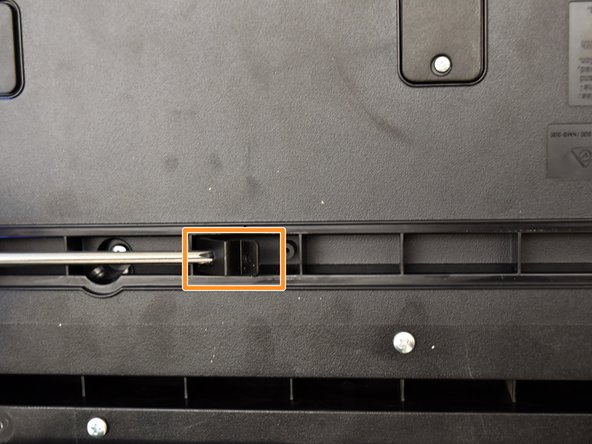
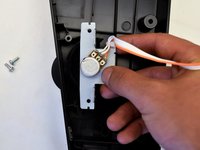
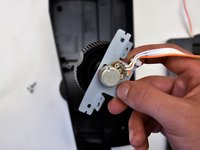
Slide the pitch bend out of the side panel.
-
-
-
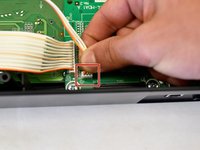
Follow the white and orange cable to the white end that is attached to the button panel
-
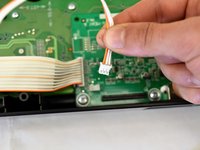
Pinch the white end and pull the cord out
-
-
-
Run the white and orange cable through the innermost side panel and pull out
-
-







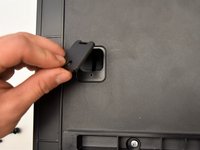
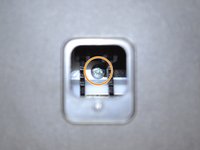

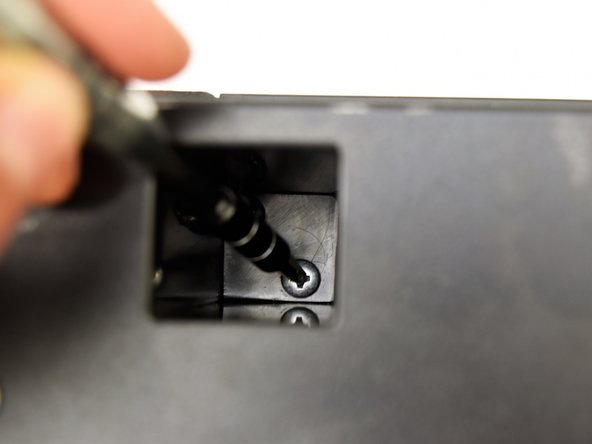
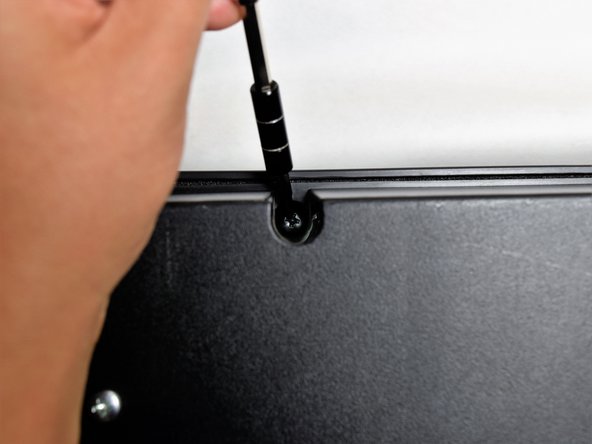







To reassemble your device, follow these instructions in reverse order.
다른 한 분이 해당 안내서를 완성하였습니다.

팀

Cal Poly, Team S4-G2, Livingston Fall 2017 Cal Poly, Team S4-G2, Livingston Fall 2017 회원
CPSU-LIVINGSTON-F17S4G2
4 회원들
안내서 6개를 작성함
