주요 콘텐츠로 건너뛰기
수리 커뮤니티 가입 - 계정 만들기

Canon EOS 300 Command Dial Replacement

필요한 것

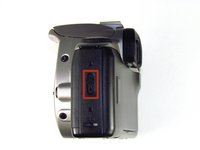
  1. Canon EOS 300 Command Dial Replacement, Batteries: 1 단계, 이미지 3개 중 1개 Canon EOS 300 Command Dial Replacement, Batteries: 1 단계, 이미지 3개 중 2개 Canon EOS 300 Command Dial Replacement, Batteries: 1 단계, 이미지 3개 중 3개
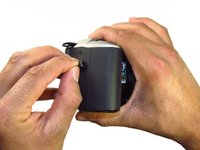
    • Open up the battery door.

    댓글 쓰기

  2. Canon EOS 300 Command Dial Replacement: 2 단계, 이미지 2개 중 1개 Canon EOS 300 Command Dial Replacement: 2 단계, 이미지 2개 중 2개
    • Remove the batteries from the camera by sliding them out into your palm.

    댓글 쓰기

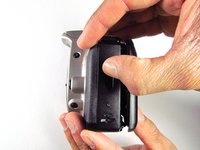
  3. Canon EOS 300 Command Dial Replacement, Side Panel with Lever: 3 단계, 이미지 2개 중 1개 Canon EOS 300 Command Dial Replacement, Side Panel with Lever: 3 단계, 이미지 2개 중 2개
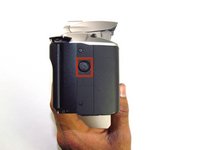
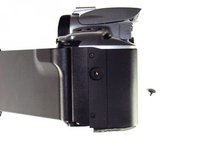
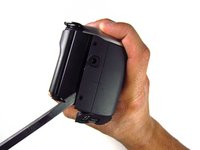
    • Release the side latch to open the back panel.

    댓글 쓰기

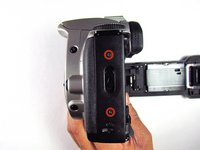
  4. Canon EOS 300 Command Dial Replacement: 4 단계, 이미지 2개 중 1개 Canon EOS 300 Command Dial Replacement: 4 단계, 이미지 2개 중 2개
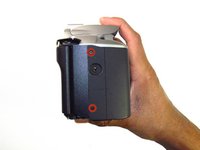
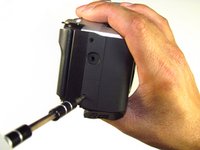
    • Remove the two black 4.5mm screws above and below the latch.

    댓글 쓰기

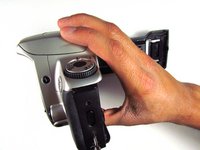
  5. Canon EOS 300 Command Dial Replacement: 5 단계, 이미지 2개 중 1개 Canon EOS 300 Command Dial Replacement: 5 단계, 이미지 2개 중 2개
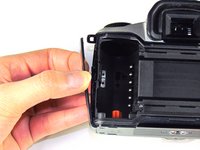
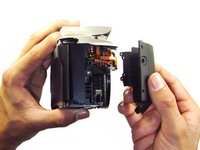
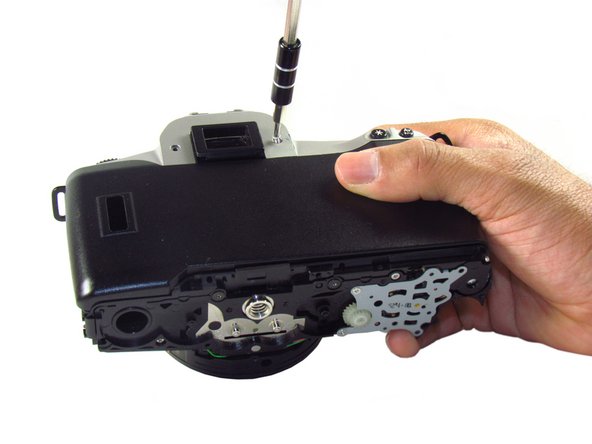
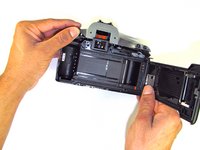
    • Using your finger, carefully pry open the side panel from the top of camera.

    • Pull panel downwards to remove.

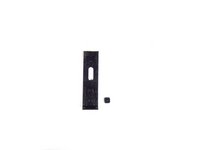
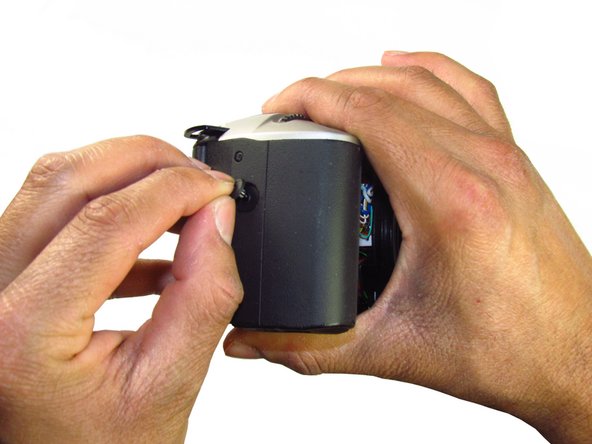
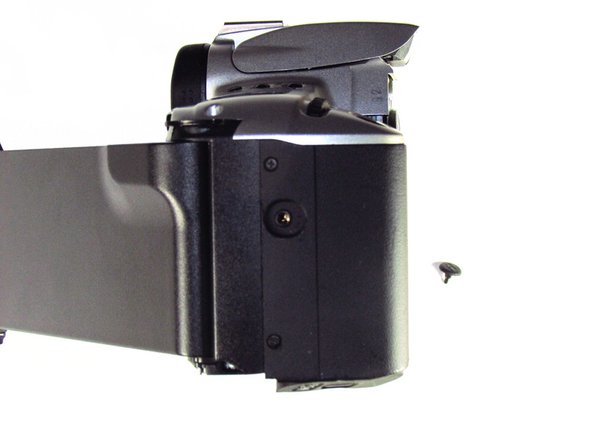
    • Make sure to keep track of the small black piece of rubber under the latch.

    댓글 쓰기

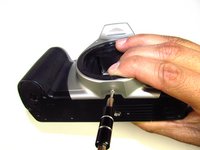
  6. Canon EOS 300 Command Dial Replacement, Front Panel: 6 단계, 이미지 2개 중 1개 Canon EOS 300 Command Dial Replacement, Front Panel: 6 단계, 이미지 2개 중 2개
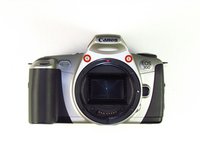
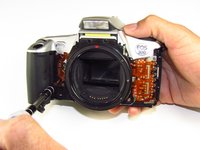
    • Remove the two silver 6mm Phillips #1 screws.

    댓글 쓰기

  7. Canon EOS 300 Command Dial Replacement: 7 단계, 이미지 2개 중 1개 Canon EOS 300 Command Dial Replacement: 7 단계, 이미지 2개 중 2개
    • Flip camera over to the bottom.

    • Remove the one 5mm Phillips #1 silver screw.

    댓글 쓰기

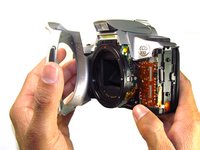
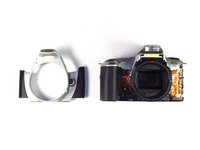
  8. Canon EOS 300 Command Dial Replacement: 8 단계, 이미지 2개 중 1개 Canon EOS 300 Command Dial Replacement: 8 단계, 이미지 2개 중 2개
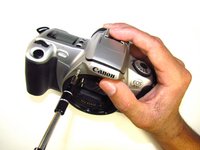
    • Remove the front panel by pulling away from the side with the lever.

    댓글 쓰기

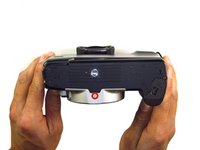
  9. Canon EOS 300 Command Dial Replacement, Bottom Panel: 9 단계, 이미지 2개 중 1개 Canon EOS 300 Command Dial Replacement, Bottom Panel: 9 단계, 이미지 2개 중 2개
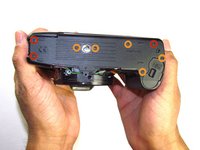
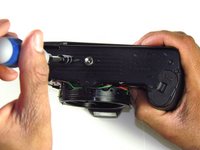
    • Remove three black 7.3mm Phillips #1 screws located on the corners of the camera.

    • Remove five black 4.8mm Phillips #1 screws.

    댓글 쓰기

  10. Canon EOS 300 Command Dial Replacement: 10 단계, 이미지 3개 중 1개 Canon EOS 300 Command Dial Replacement: 10 단계, 이미지 3개 중 2개 Canon EOS 300 Command Dial Replacement: 10 단계, 이미지 3개 중 3개
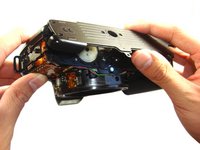
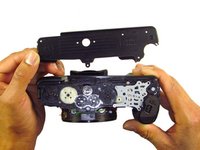
    • Simply remove the bottom panel by prying it off with your finger.

    • When removing the panel, be sure the bottom of the camera is facing upright. There are loose gears that may fall out.

    • Be wary of a loose piece of foam attached to the bottom panel.

    댓글 쓰기

  11. Canon EOS 300 Command Dial Replacement, Side Panel with Grip: 11 단계, 이미지 3개 중 1개 Canon EOS 300 Command Dial Replacement, Side Panel with Grip: 11 단계, 이미지 3개 중 2개 Canon EOS 300 Command Dial Replacement, Side Panel with Grip: 11 단계, 이미지 3개 중 3개
    • Remove the remote control socket cover.

    댓글 쓰기

  12. Canon EOS 300 Command Dial Replacement: 12 단계, 이미지 2개 중 1개 Canon EOS 300 Command Dial Replacement: 12 단계, 이미지 2개 중 2개
    • Remove two black 4.5mm Phillips #1 screws.

    댓글 쓰기

  13. Canon EOS 300 Command Dial Replacement: 13 단계, 이미지 2개 중 1개 Canon EOS 300 Command Dial Replacement: 13 단계, 이미지 2개 중 2개
    • Remove two black 4.8mm Phillips #1 screws on the front of the camera.

    댓글 쓰기

  14. Canon EOS 300 Command Dial Replacement: 14 단계, 이미지 2개 중 1개 Canon EOS 300 Command Dial Replacement: 14 단계, 이미지 2개 중 2개
    • Pry open the side grip using a spudger.

    댓글 쓰기

  15. Canon EOS 300 Command Dial Replacement, Eyecup: 15 단계, 이미지 2개 중 1개 Canon EOS 300 Command Dial Replacement, Eyecup: 15 단계, 이미지 2개 중 2개
    • With your hands, remove the rubber grip from the eye piece.

    댓글 쓰기

  16. Canon EOS 300 Command Dial Replacement: 16 단계, 이미지 1개 중 1개
    • Remove the eyecup from the eyepiece by pushing the eyecup up.

    댓글 쓰기

  17. Canon EOS 300 Command Dial Replacement, Top Panel: 17 단계, 이미지 2개 중 1개 Canon EOS 300 Command Dial Replacement, Top Panel: 17 단계, 이미지 2개 중 2개
    • Remove two silver 5.0mm Phillips #1 screws.

    댓글 쓰기

  18. Canon EOS 300 Command Dial Replacement: 18 단계, 이미지 1개 중 1개
    • Remove the silver 5.5mm Phillips #1 screw.

    댓글 쓰기

  19. Canon EOS 300 Command Dial Replacement: 19 단계, 이미지 2개 중 1개 Canon EOS 300 Command Dial Replacement: 19 단계, 이미지 2개 중 2개
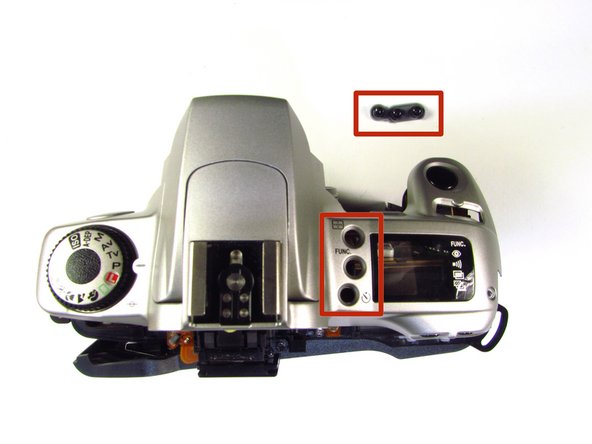
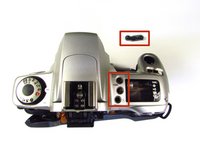
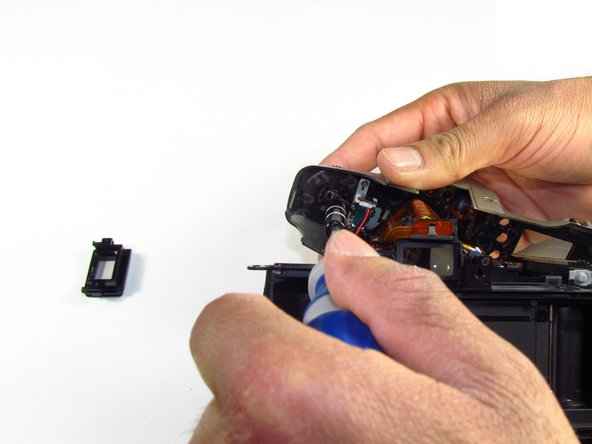
    • Pry the top silver part of the camera off.

    • Buttons may slip out of the camera's top as the top is pulled off the camera (shown in picture two).

    댓글 쓰기

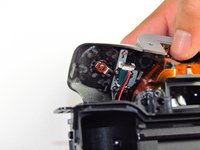
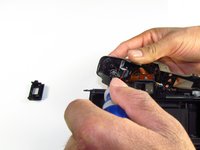
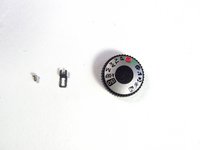
  20. Canon EOS 300 Command Dial Replacement, Command Dial: 20 단계, 이미지 3개 중 1개 Canon EOS 300 Command Dial Replacement, Command Dial: 20 단계, 이미지 3개 중 2개 Canon EOS 300 Command Dial Replacement, Command Dial: 20 단계, 이미지 3개 중 3개
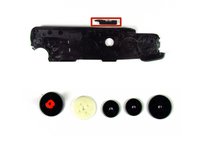
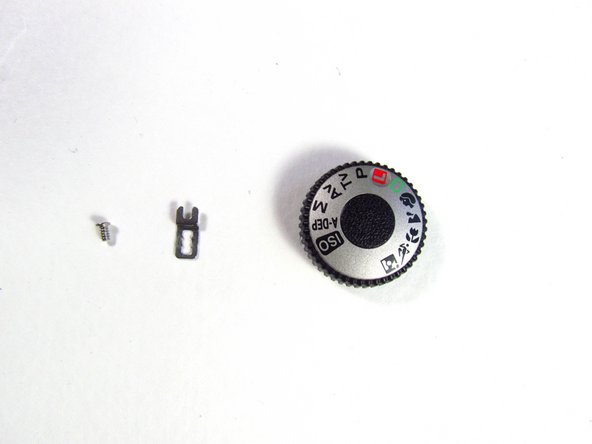
    • On the top panel, remove the silver 3.8mm Phillips #1 screw right below the command dial.

    • A small metal piece will come off with the screw.

    댓글 쓰기

결론

To reassemble your device, follow these instructions in reverse order.

취소: 해당 안내서를 완성하지 않았습니다.

작성자

3다른 기여자 명과 함께

Tammy Kong

회원 가입일: 01/23/14

805 평판

안내서 6개를 작성함

Cal Poly, Team 6-20, Maness Winter 2014 Cal Poly, Team 6-20, Maness Winter 2014 회원

CPSU-MANESS-W14S6G20

4 회원들

안내서 32개를 작성함

0가이드 댓글

댓글 쓰기

조회 통계:

지난 24시간: 1

지난 7일: 19

지난 30일: 65

전체 시간: 2,330