소개
If your camcorder LCD screen is scratched, cracked or defective in any way, it will have to be replaced. This guide requires some tools and time.
필요한 것
-
-
-
Locate battery compartment cover. Turn the device over and locate the battery compartment cover.
-
Place a finger or thumb on the textured section of the battery compartment cover and push forward until you hear a click. Then lift the battery compartment cover.
 FixBot에 문의하기
-
-
-
Locate the grey latch and move it aside. The battery is spring loaded and will pop up.
-
Remove the battery.
-
-
-
-
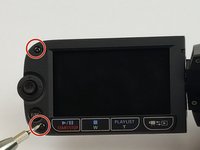
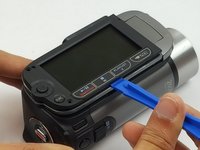
Using the Phillips #000, remove the two screws on the LCD panel.
-
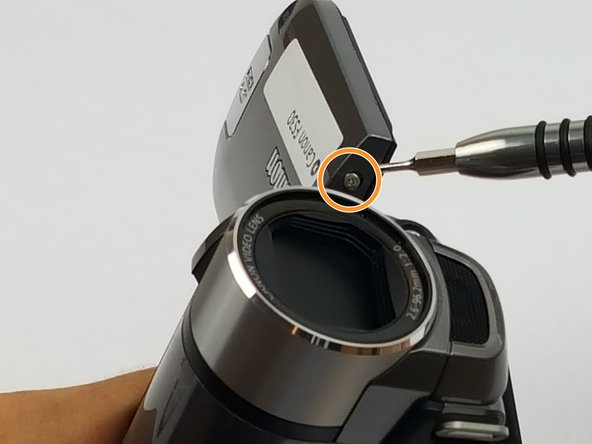
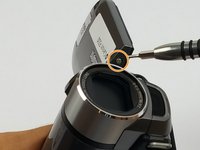
Using the Phillips #000, remove two more screws near the LCD panel swivel point.
-
-
-
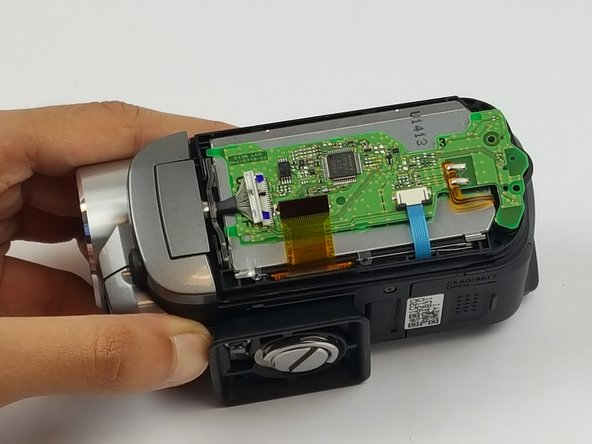
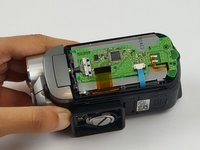
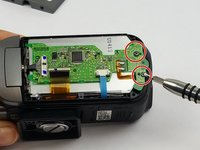
Locate and remove two screws on the logic board.
-
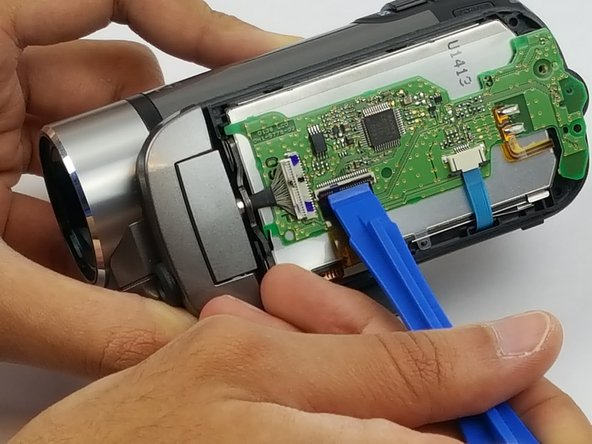
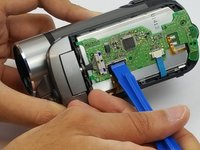
Use the plastic opening tool to open the ZIF (zero insertion force) connector. The LCD ribbon should pop up.
-
-





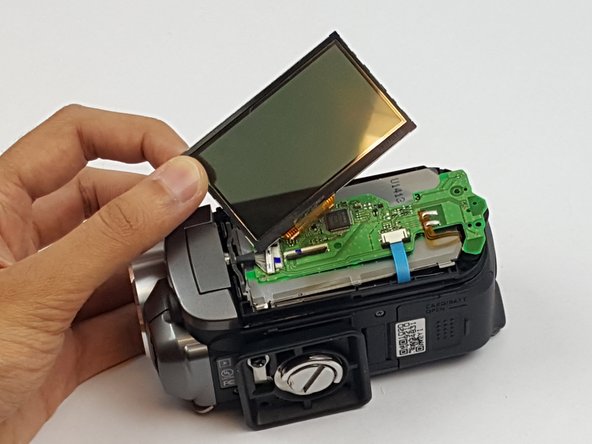
To reassemble your device, follow these instructions in reverse order.
다른 한 분이 해당 안내서를 완성하였습니다.

팀

USF Tampa, Team S1-G4, Nance Spring 2017 USF Tampa, Team S1-G4, Nance Spring 2017 회원
USFT-NANCE-S17S1G4
4 회원들
안내서 10개를 작성함
