소개
If the control panel isn't working on your Canon Pixma MG7720 printer even after power cycling, or the control panel is damaged, use this guide to remove and replace the control panel. This component displays the settings and functions on your printer, made up of a variety of different buttons and controls.
Additional resources:
필요한 것
-
-
-
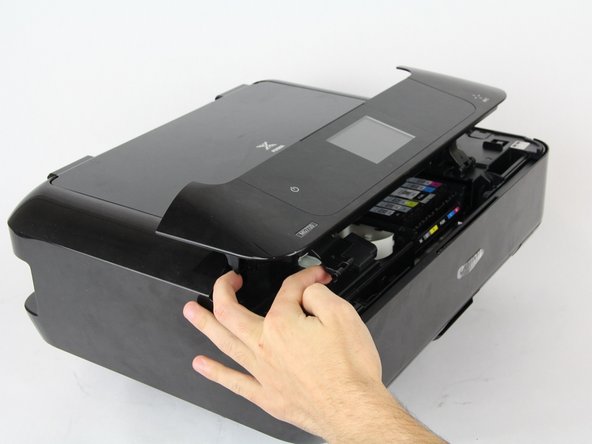
Open the front part of the printer and use your finger to depress the tab behind the front hinge in order to release it.
-
Repeat this with both the left and right front hinges.
 FixBot에 문의하기
-
-
-
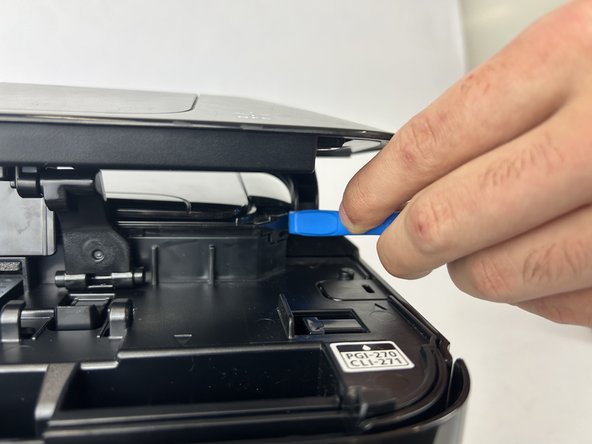
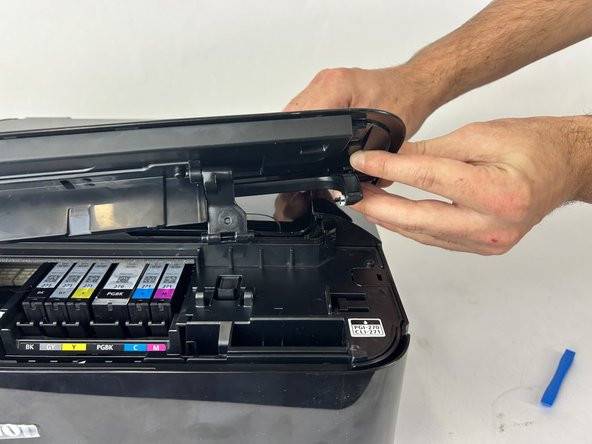
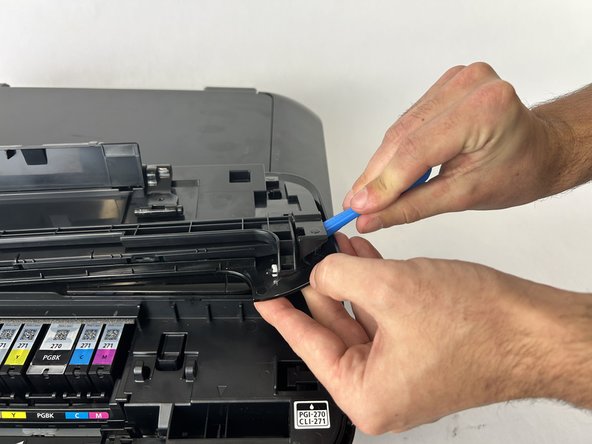
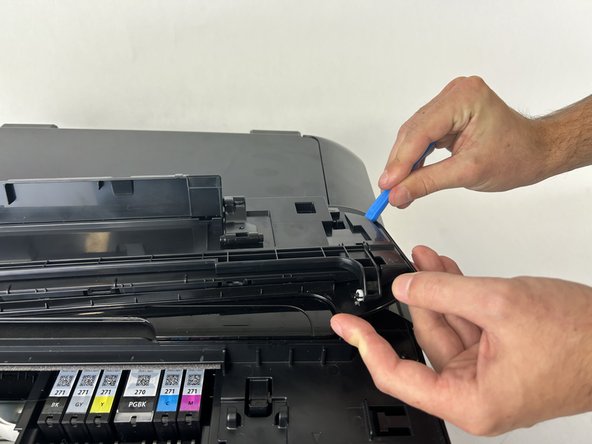
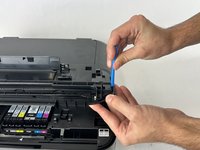
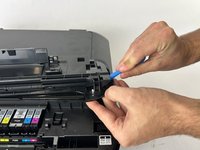
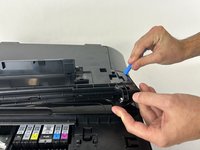
Use the iFixit Opening Tool to pull the hinge away from the printer, then pull the hinge forward.
-
Repeat this with both of the rear hinges.
-
-
-
-
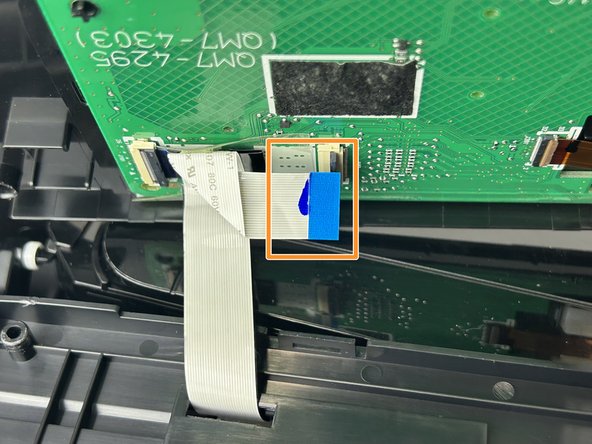
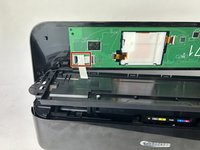
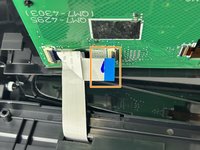
Remove the tape on the connector.
-
Unplug it from both terminals by flipping up the tabs and pulling it out.
-
-






To reassemble your device, follow these instructions in reverse order.

팀

Cuesta, Team 60-4, Krynen Fall 2024 Cuesta, Team 60-4, Krynen Fall 2024 회원
CUESTA-KRYNEN-F24S60G4
4 회원들
안내서 5개를 작성함
