주요 콘텐츠로 건너뛰기
수리 커뮤니티 가입 - 계정 만들기

Canon Selphy CP720 Cooling Fan Replacement

필요한 것

  1. Canon Selphy CP720 Cooling Fan Replacement, Cooling Fan: 1 단계, 이미지 2개 중 1개 Canon Selphy CP720 Cooling Fan Replacement, Cooling Fan: 1 단계, 이미지 2개 중 2개
    • Remove the four 8mm Phillips #1 screws from the bottom of the printer.

  2. Canon Selphy CP720 Cooling Fan Replacement: 2 단계, 이미지 1개 중 1개
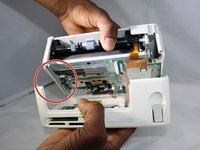
    • Gently lift the top half of the printer off its base

    • A data ribbon attaches the two halves, so don't pull hard and keep the two halves close together.

  3. Canon Selphy CP720 Cooling Fan Replacement: 3 단계, 이미지 3개 중 1개 Canon Selphy CP720 Cooling Fan Replacement: 3 단계, 이미지 3개 중 2개 Canon Selphy CP720 Cooling Fan Replacement: 3 단계, 이미지 3개 중 3개
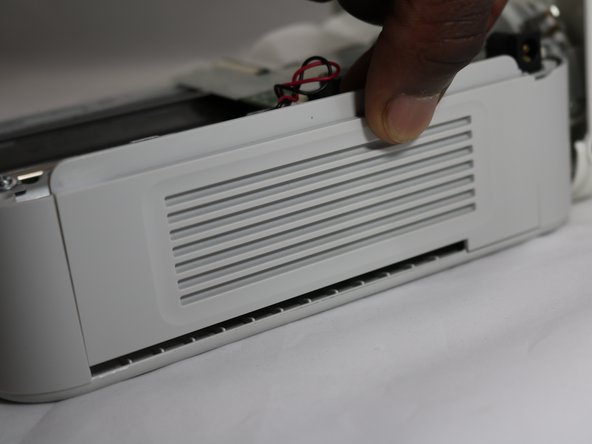
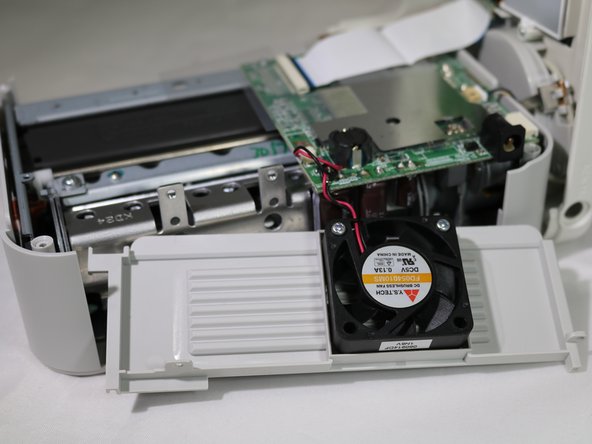
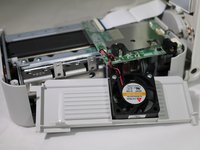
    • Remove the side panel by lifting it out.

  4. Canon Selphy CP720 Cooling Fan Replacement: 4 단계, 이미지 2개 중 1개 Canon Selphy CP720 Cooling Fan Replacement: 4 단계, 이미지 2개 중 2개
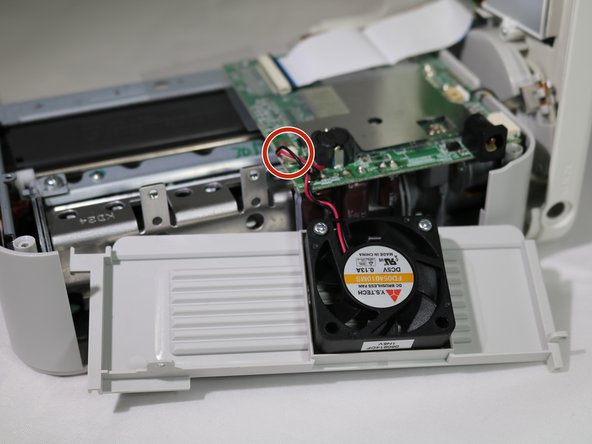
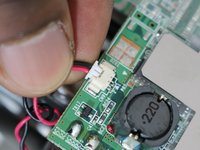
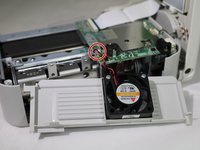
    • Unplug the fan from the circuit board by gently pulling on the wire connector at the base of the port.

    • Do not tug on the wires. Slowly increasing force as you pull is the best way to detach the wires.

  5. Canon Selphy CP720 Cooling Fan Replacement: 5 단계, 이미지 1개 중 1개
    • Unscrew the two 8mm Phillips #1 screws from the fan.

    • Remove the fan from the panel.

결론

To reassemble your device, follow these instructions in reverse order.

작성자

2다른 기여자 명과 함께

Peter Ely

회원 가입일: 09/26/18

884 평판

안내서 5개를 작성함

0가이드 댓글

댓글 쓰기

조회 통계:

지난 24시간: 0

지난 7일: 7

지난 30일: 36

전체 시간: 568