소개
The Casio CZ-1000 powers on with the flip of a switch. If you find that your Casio CZ-1000 does not power on due to a broken or malfunctioning power switch, follow this guide for a step-by-step on how to replace it. You’ll need to know how to use basic tools like a soldering iron and a lint-free cloth, as well as some patience if you are new to soldering.
필요한 것
-
-
-
Use a Phillips #1 screwdriver to remove the eleven 7.5 mm screws securing the back plate.
 FixBot에 문의하기
-
-
-
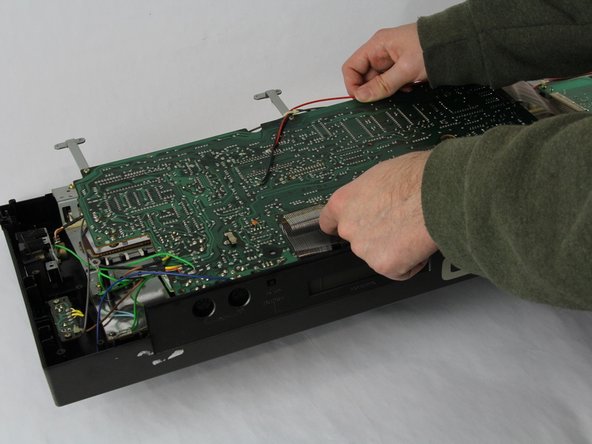
Using a Phillips #1 screwdriver, remove all 14 5.5 mm screws from the two motherboards.
-
-
-
-
Carefully cut the zip tie located in the right-hand corner using a pair of scissors or wire cutters.
-
Gently slide all the plugs out of their sockets.
-
-
-
-
-
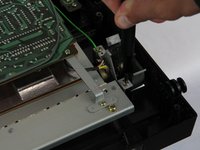
Remove the two 5.5 mm screws holding the power switch to the case using a Phillips #1 screwdriver.
-
-
-
Heat the soldering iron and use a desoldering braid or pump to remove the solder from the pins of the old switch.
-
Once the solder is removed, gently pull the old switch out of its place.
-
-






To reassemble your device, follow these instructions in reverse order.

팀

Cuesta, Team 60-3, Krynen Fall 2024 Cuesta, Team 60-3, Krynen Fall 2024 회원
CUESTA-KRYNEN-F24S60G3
4 회원들
안내서 10개를 작성함
