주요 콘텐츠로 건너뛰기
수리 커뮤니티 가입 - 계정 만들기

Casio Exilim EX-Z850 Battery Casing Disassembly

필요한 것

  1. Casio Exilim EX-Z850 Battery Casing Disassembly, Casio Exilim EX-Z850 Battery Casing Disassembly: 1 단계, 이미지 1개 중 1개
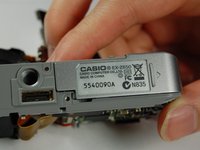
    • Remove battery before you begin disassembly.

    • Use a Phillips #00 Screwdriver to remove all four of the screws on the right side of the camera with the lens facing you.

    댓글 쓰기

  2. Casio Exilim EX-Z850 Battery Casing Disassembly: 2 단계, 이미지 1개 중 1개
    • Use a Phillips #00 screwdriver, unscrew all four screws on the left side of the camera.

    댓글 쓰기

  3. Casio Exilim EX-Z850 Battery Casing Disassembly: 3 단계, 이미지 1개 중 1개
    • Use the Phillips #00 screwdriver to remove all four of the screws on the bottom of the camera.

    • Bottom screws are longer than the top screws, so label accordingly for easy reassembly.

    댓글 쓰기

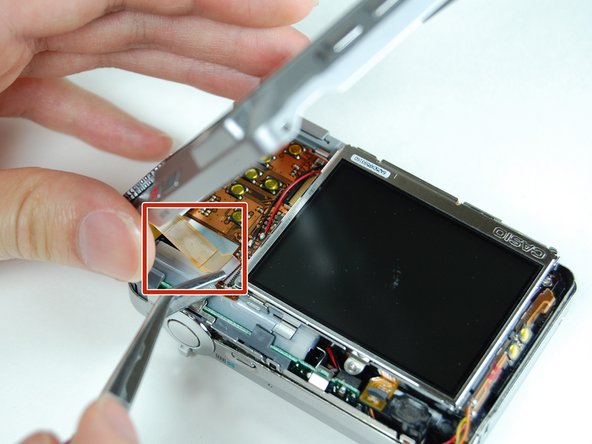
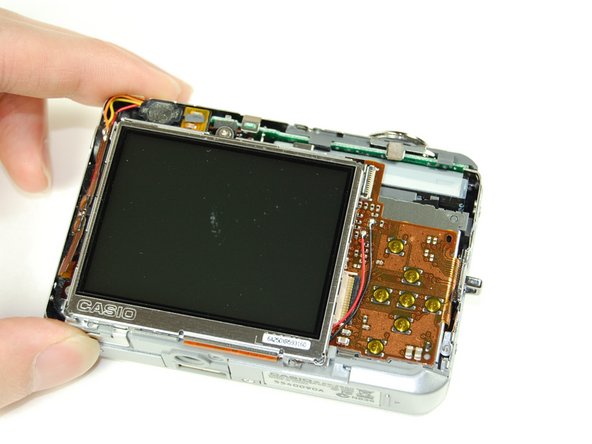
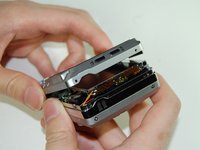
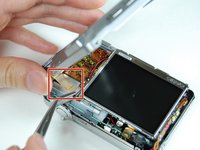
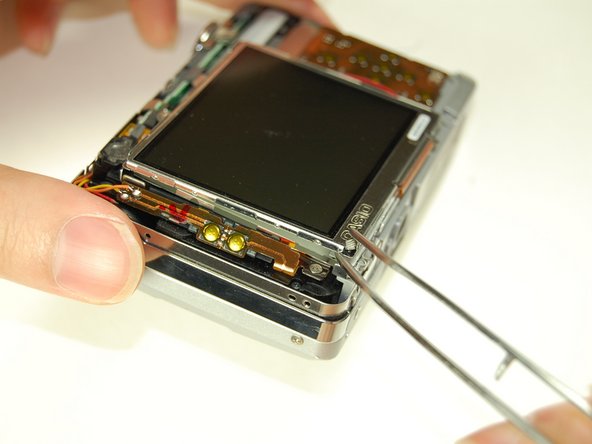
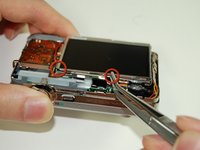
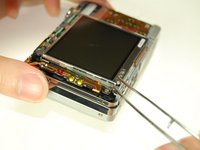
  4. Casio Exilim EX-Z850 Battery Casing Disassembly: 4 단계, 이미지 3개 중 1개 Casio Exilim EX-Z850 Battery Casing Disassembly: 4 단계, 이미지 3개 중 2개 Casio Exilim EX-Z850 Battery Casing Disassembly: 4 단계, 이미지 3개 중 3개
    이 단계에 사용된 도구:
    Tweezers
    $4.99
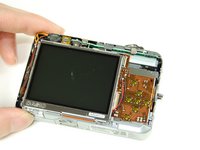
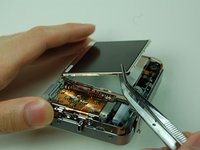
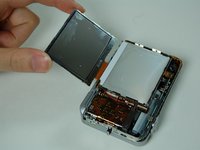
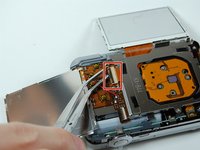
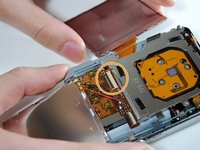
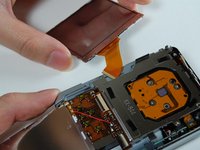
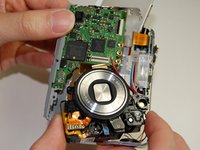
    • Once all screws have been removed, slowly pry open the back casing of the camera.

    • Gently remove the ribbon cable from the LCD with tweezers.

    • Set aside back casing of the camera.

    댓글 쓰기

  5. Casio Exilim EX-Z850 Battery Casing Disassembly: 5 단계, 이미지 2개 중 1개 Casio Exilim EX-Z850 Battery Casing Disassembly: 5 단계, 이미지 2개 중 2개
    • Use your tweezers to hold the camera secure, while you pull the front cover off of the camera.

    댓글 쓰기

  6. Casio Exilim EX-Z850 Battery Casing Disassembly: 6 단계, 이미지 2개 중 1개 Casio Exilim EX-Z850 Battery Casing Disassembly: 6 단계, 이미지 2개 중 2개
    • The bottom of the LCD screen is secured to the frame by small pieces of black tape. You will need to peel the tape away to release the LCD screen.

    • Use your tweezers to lift the LCD screen from the frame.

    댓글 쓰기

  7. Casio Exilim EX-Z850 Battery Casing Disassembly: 7 단계, 이미지 2개 중 1개 Casio Exilim EX-Z850 Battery Casing Disassembly: 7 단계, 이미지 2개 중 2개
    • Lift screen away from the camera with your tweezers.

    • Flip screen over gently with your fingers once it is lifted far away enough from the camera.

    댓글 쓰기

  8. Casio Exilim EX-Z850 Battery Casing Disassembly: 8 단계, 이미지 1개 중 1개
    • Use your tweezers to lift the LCD frame from the camera.

    댓글 쓰기

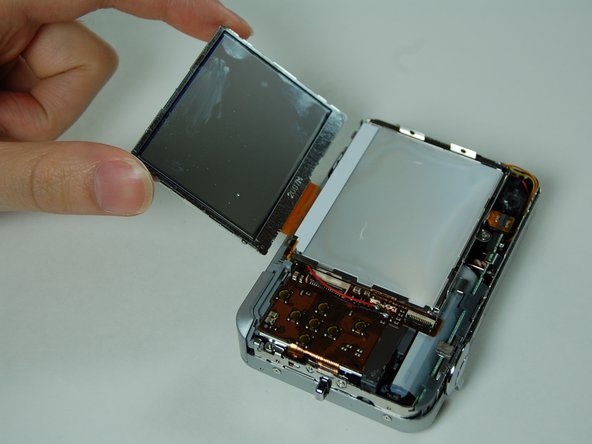
  9. Casio Exilim EX-Z850 Battery Casing Disassembly: 9 단계, 이미지 3개 중 1개 Casio Exilim EX-Z850 Battery Casing Disassembly: 9 단계, 이미지 3개 중 2개 Casio Exilim EX-Z850 Battery Casing Disassembly: 9 단계, 이미지 3개 중 3개
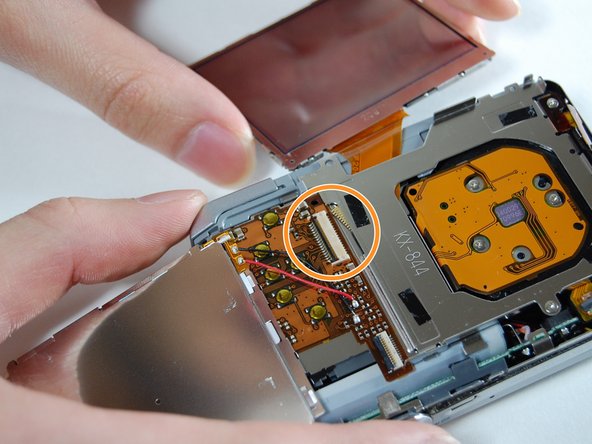
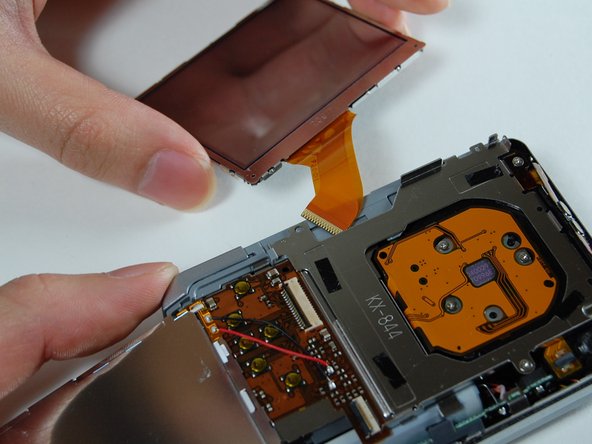
    • Use your tweezers to lift the bar holding the ribbon off.

    • Disconnect the ribbon to release the LCD screen.

    • Use your fingers to pull the LCD screen with the attached ribbon from the camera.

    댓글 쓰기

  10. Casio Exilim EX-Z850 Battery Casing Disassembly: 10 단계, 이미지 2개 중 1개 Casio Exilim EX-Z850 Battery Casing Disassembly: 10 단계, 이미지 2개 중 2개
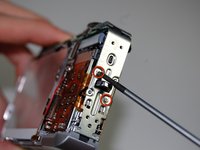
    • Use a Phillips #00 screwdriver to remove the two screws from the side of the camera that has the strap mount.

    • Remove strap mount by slowly pulling the side of the case so it will dislocate from the top of the camera.

    댓글 쓰기

  11. Casio Exilim EX-Z850 Battery Casing Disassembly: 11 단계, 이미지 2개 중 1개 Casio Exilim EX-Z850 Battery Casing Disassembly: 11 단계, 이미지 2개 중 2개
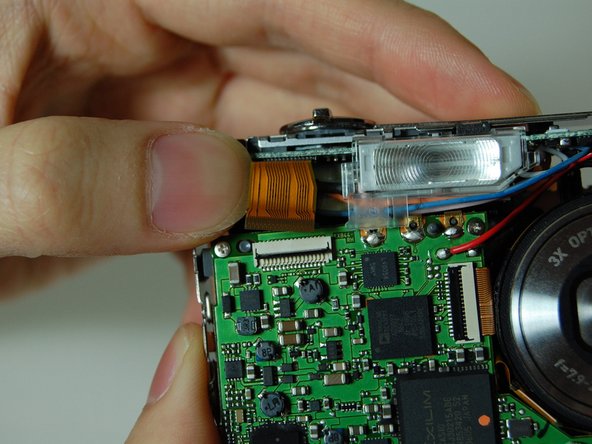
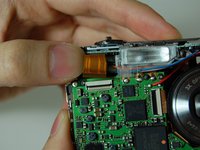
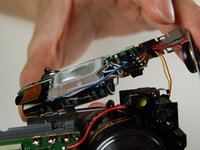
    • Hold the camera facing toward you. Pull up the bar that is securing the ribbon located to the left of the flash.

    • Disconnect the ribbon by prying it off with your fingers.

    댓글 쓰기

  12. Casio Exilim EX-Z850 Battery Casing Disassembly: 12 단계, 이미지 3개 중 1개 Casio Exilim EX-Z850 Battery Casing Disassembly: 12 단계, 이미지 3개 중 2개 Casio Exilim EX-Z850 Battery Casing Disassembly: 12 단계, 이미지 3개 중 3개
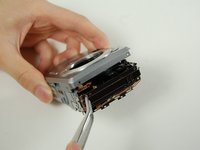
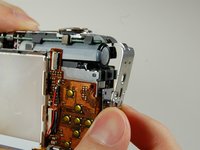
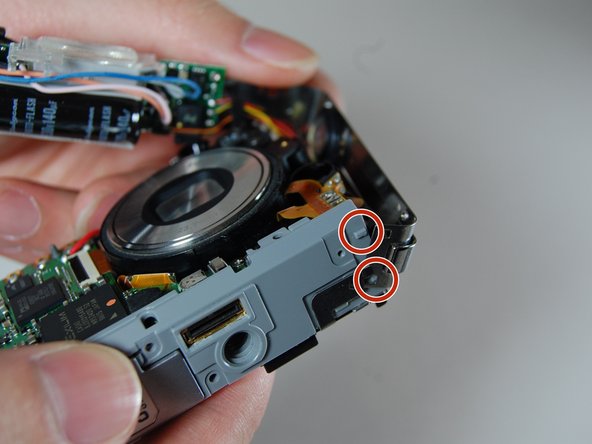
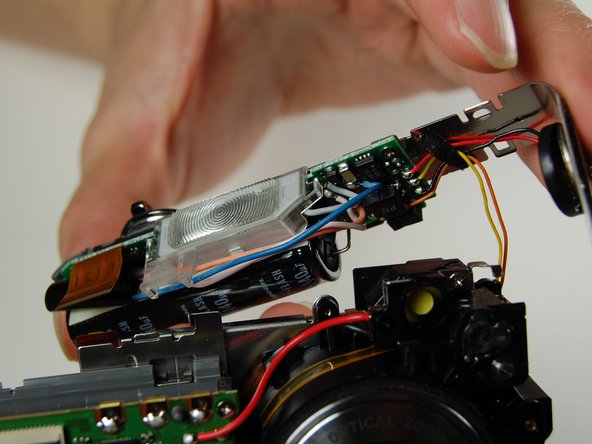
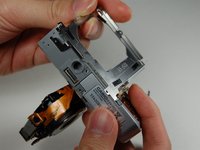
    • With the lens facing towards you, pull the L-shaped frame away from the camera.

    • Do not disconnect any of the wires from the camera when pulling the frame.

    • Remove the frame from the two studs and metal tabs keeping it in place at the bottom of the camera.

    댓글 쓰기

  13. Casio Exilim EX-Z850 Battery Casing Disassembly: 13 단계, 이미지 2개 중 1개 Casio Exilim EX-Z850 Battery Casing Disassembly: 13 단계, 이미지 2개 중 2개
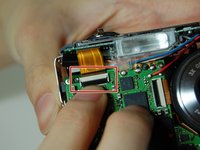
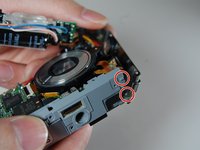
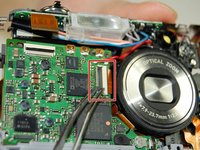
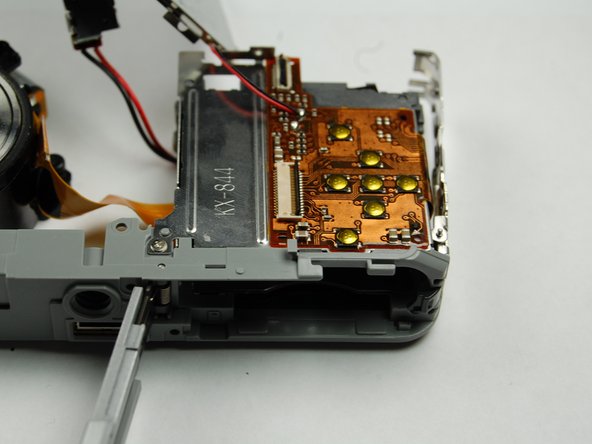
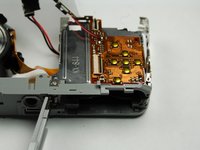
    • Locate the logic board to the left of the lens. You will see a bar securing a ribbon. Flip the bar up to release the ribbon.

    • Disconnect the ribbon.

    댓글 쓰기

  14. Casio Exilim EX-Z850 Battery Casing Disassembly: 14 단계, 이미지 2개 중 1개 Casio Exilim EX-Z850 Battery Casing Disassembly: 14 단계, 이미지 2개 중 2개
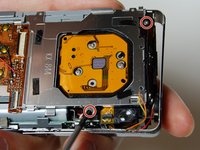
    • Use your Phillips #00 screwdriver to remove the two screws connecting the frame to the back of the camera.

    • Lift the frame away on the LCD screen side of the camera.

    댓글 쓰기

  15. Casio Exilim EX-Z850 Battery Casing Disassembly: 15 단계, 이미지 2개 중 1개 Casio Exilim EX-Z850 Battery Casing Disassembly: 15 단계, 이미지 2개 중 2개
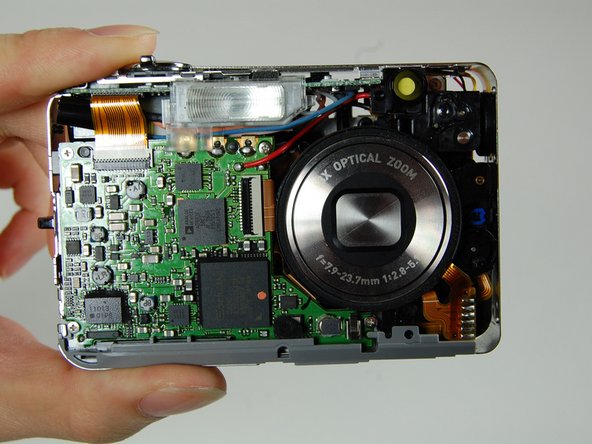
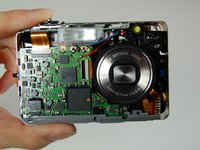
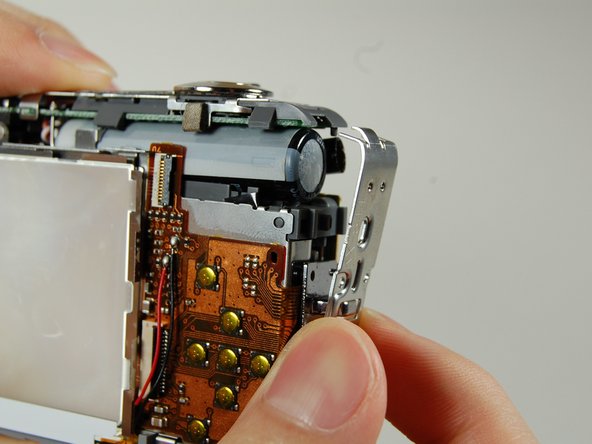
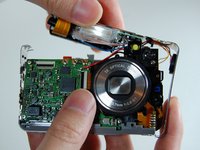
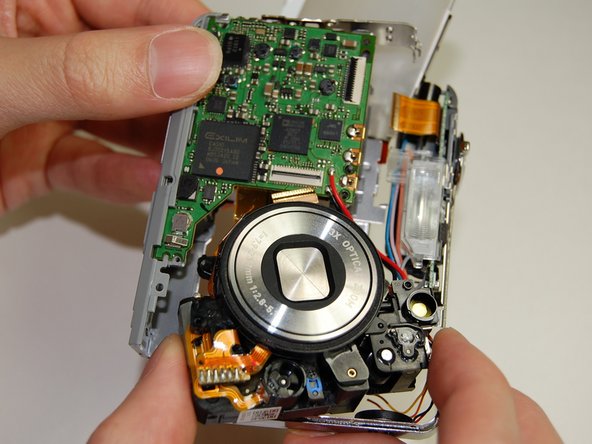
    • This is what your camera should look like now that you have the battery casing isolated.

    댓글 쓰기

결론

To reassemble your device, follow these instructions in reverse order.

취소: 해당 안내서를 완성하지 않았습니다.

작성자

13다른 기여자 명과 함께

Logan

회원 가입일: 01/10/11

313 평판

안내서 2개를 작성함

Cal Poly, Team 4-38, Regan Winter 2011 Cal Poly, Team 4-38, Regan Winter 2011 회원

CPSU-REGAN-W11S4G38

4 회원들

안내서 14개를 작성함

0가이드 댓글

댓글 쓰기

조회 통계:

지난 24시간: 2

지난 7일: 8

지난 30일: 57

전체 시간: 4,453