소개
Changing the battery will be quite simple. All you need to do is pull the tab.
-
-
-
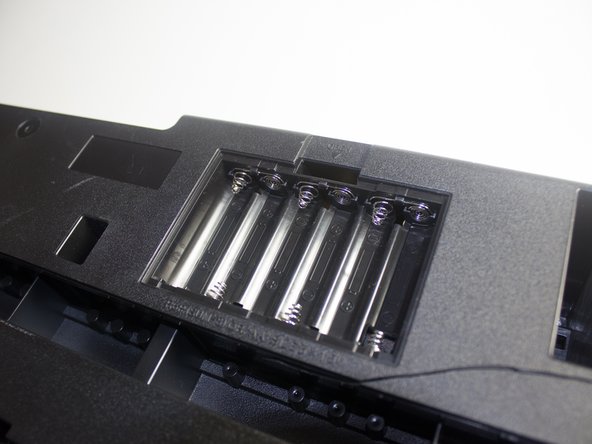
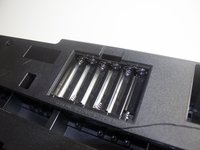
Locate the battery compartment on the back of the keyboard. The compartment is characterized as a small black square.
 FixBot에 문의하기
-
-
-
-
Use your finger to push down with a small amount of pressure on the tab protruding from the top of the battery compartment.
-
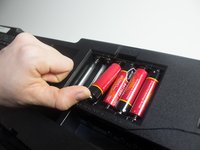
Remove this compartment cover carefully with your hand to completely to reveal the batteries in the compartment.
-
-


결론
To reassemble your device, follow these instructions in reverse order.

팀

Cal Poly, Team 13-2, Banghart Winter 2017 Cal Poly, Team 13-2, Banghart Winter 2017 회원
CPSU-BANGHART-W17S13G2
3 회원들
안내서 5개를 작성함
