주요 콘텐츠로 건너뛰기

Charge 3 Disassembly

필요한 것

  1. Charge 3 Disassembly, Strap Connectors: 1 단계, 이미지 3개 중 1개 Charge 3 Disassembly, Strap Connectors: 1 단계, 이미지 3개 중 2개 Charge 3 Disassembly, Strap Connectors: 1 단계, 이미지 3개 중 3개
    • Remove both T3 screws

    • Slide off the plastic piece by lifting out and then up

    • Slide plastic and spring assembly off the rail

  2. Charge 3 Disassembly, Display: 2 단계, 이미지 3개 중 1개 Charge 3 Disassembly, Display: 2 단계, 이미지 3개 중 2개 Charge 3 Disassembly, Display: 2 단계, 이미지 3개 중 3개
    • Heat the glass screen with a blowdryer to soften the adhesives

    • Start the next step on the opposite side of the Fitbit wording below the glass. This is due to the display cables being located there

    • Insert a razor blade between the glass and the body

    • Keep going around the rim of the display until loose

  3. Charge 3 Disassembly, Cable Warning: 3 단계, 이미지 1개 중 1개
    • This is how close those cables get to the edge underneath the Fitbit wording so be careful

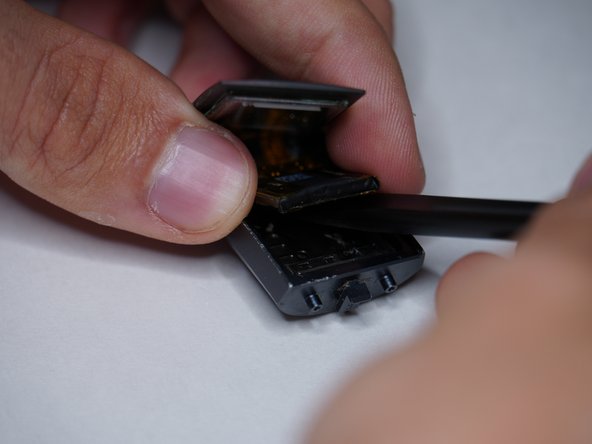
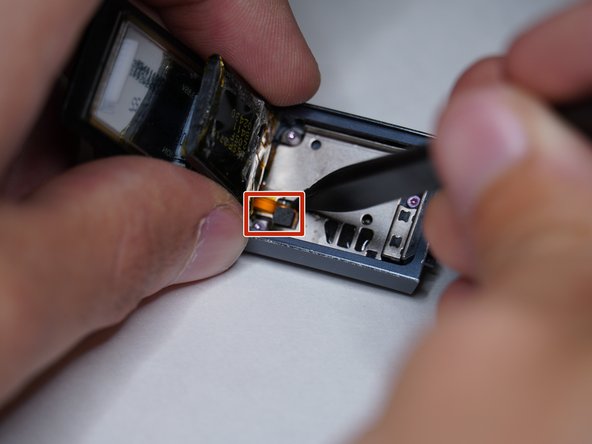
  4. Charge 3 Disassembly, Battery: 4 단계, 이미지 3개 중 1개 Charge 3 Disassembly, Battery: 4 단계, 이미지 3개 중 2개 Charge 3 Disassembly, Battery: 4 단계, 이미지 3개 중 3개
    • Lift display up gently

    • The battery is attached with a little bit of adhesive so lift gently

    • Remove battery connector

  5. Charge 3 Disassembly, Vibrator Shield: 5 단계, 이미지 2개 중 1개 Charge 3 Disassembly, Vibrator Shield: 5 단계, 이미지 2개 중 2개
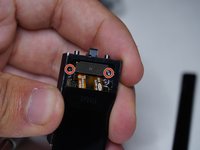
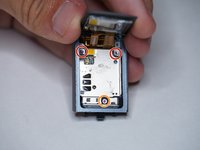
    • Remove both T2 screws

    • Liftoff metal shield

  6. Charge 3 Disassembly, Main Shield: 6 단계, 이미지 3개 중 1개 Charge 3 Disassembly, Main Shield: 6 단계, 이미지 3개 중 2개 Charge 3 Disassembly, Main Shield: 6 단계, 이미지 3개 중 3개
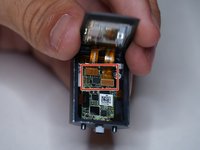
    • Remove two T2 screws

    • Remove T3 screw

    • Liftoff metal shield

  7. Charge 3 Disassembly, Display Connectors: 7 단계, 이미지 3개 중 1개 Charge 3 Disassembly, Display Connectors: 7 단계, 이미지 3개 중 2개 Charge 3 Disassembly, Display Connectors: 7 단계, 이미지 3개 중 3개
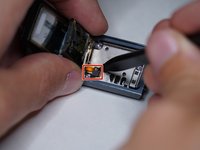
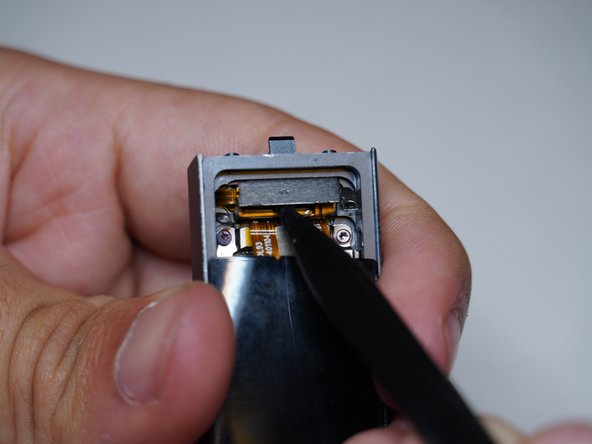
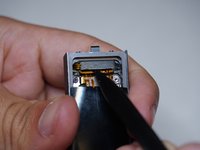
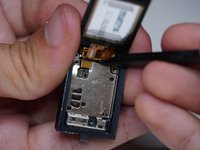
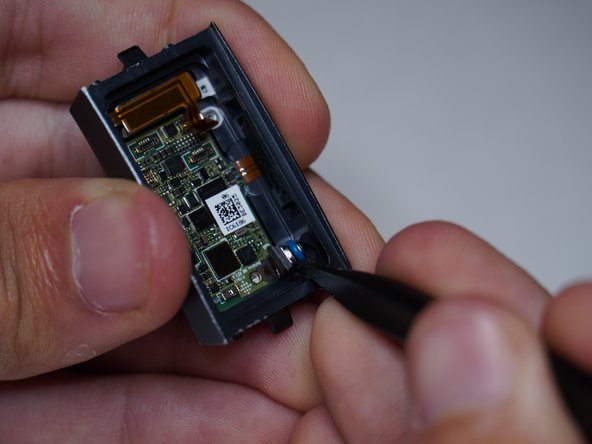
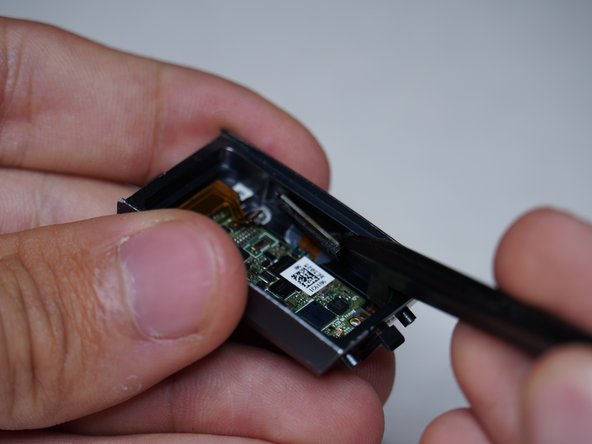
    • Liftoff both display connectors

  8. Charge 3 Disassembly, Disconnect Connectors and Altimeter: 8 단계, 이미지 2개 중 1개 Charge 3 Disassembly, Disconnect Connectors and Altimeter: 8 단계, 이미지 2개 중 2개
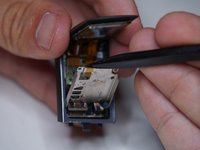
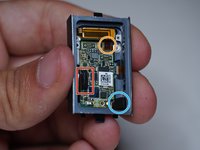
    • Disconnect vibrator motor

    • Disconnect heartrate and charging connector

    • Remove altimeter

  9. Charge 3 Disassembly, Side Button and Vibrator: 9 단계, 이미지 3개 중 1개 Charge 3 Disassembly, Side Button and Vibrator: 9 단계, 이미지 3개 중 2개 Charge 3 Disassembly, Side Button and Vibrator: 9 단계, 이미지 3개 중 3개
    • Remove button assembly from case

    • Remove vibrator motor

    • Has a slight bit of adhesive and is magnetic to the case

  10. Charge 3 Disassembly, Motherboard: 10 단계, 이미지 2개 중 1개 Charge 3 Disassembly, Motherboard: 10 단계, 이미지 2개 중 2개
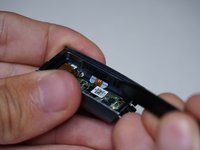
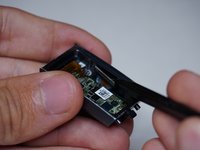
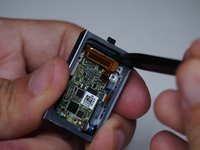
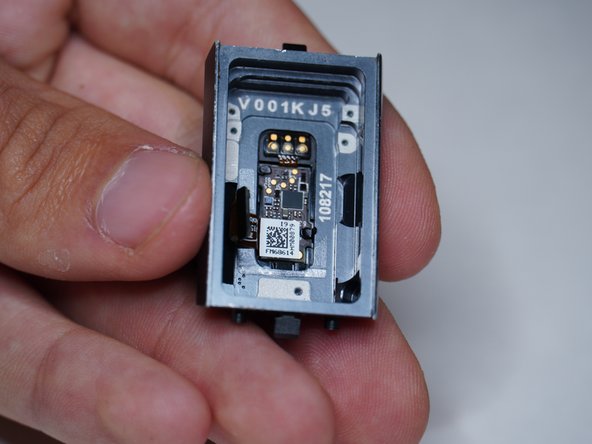
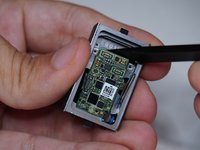
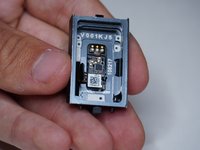
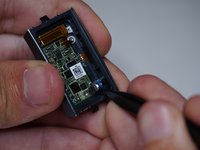
    • Remove motherboard

    • It seems as if the heart rate sensor and charging pins are molded into the case, and I was not able to remove them

결승점

다른 4명이 해당 안내서를 완성하였습니다.

작성자

6다른 기여자 명과 함께

ShellingRook27

회원 가입일: 08/21/19

2,124 평판

안내서 7개를 작성함

Repair For You Repair For You 회원

Business

1 회원

안내서 12개를 작성함

12가이드 댓글

The tear down pictures are great, but in my Charge 3 I needed a T-1 and a T-2 driver

Julien Baldwin - 답글
Same, my ifixit pro kit only had a driver for the external screws and did not come with a small enough driver to remove the screws inside the charge 3 unit. I'll need to get the smaller bit from a different kit.

Brian Hall -
Which step in the teardown guide needed the T1 driver?

ShellingRook27 -

Great job on this tear-down. Thank you, it really helped in my screen replacement.

AndyZ - 답글

This tear down was very easy to follow. The heart rate monitor was also sealed in with some adhesive for me too but a little heat gun took it right off. I had suspected water leaked in and that in fact was the culprit after inspecting the connection. corrosion all around the HR monitor.

Nick Herbert - 답글

댓글 쓰기

조회 통계:

지난 24시간: 3

지난 7일: 28

지난 30일: 149

전체 시간: 11,459