필요한 것
-
-
I will be showing you how to look at the motherboard of a coin counter
-
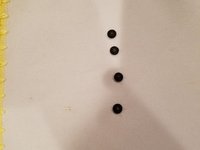
the first step is to flip it to the back to see the little screws
 FixBot에 문의하기
-
-
-
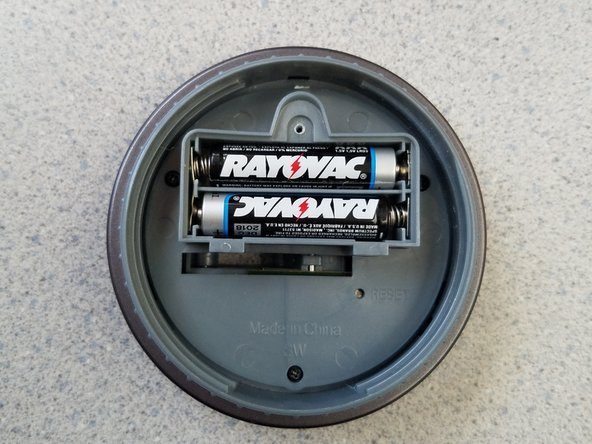
the second step is to remove the batteries.
-
To remove the batteries you have to take the top screw off
-
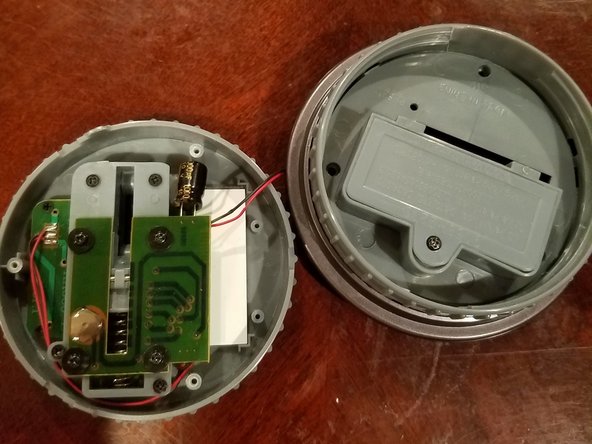
the second picture will show you how i toke out the screw in order to take out the batteries.to be safe when i get to the motherboard
-
-
-
-
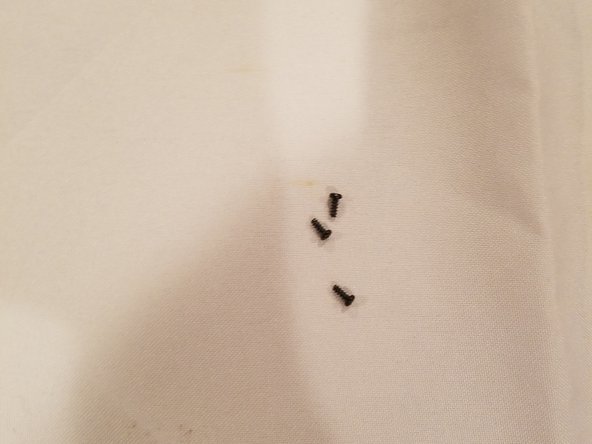
the third step is to take out the 3 little screws in which side of the circle
-
In total you should have 3 screws. make sure you don"t lose them in case you want to put it back together
-
-
-
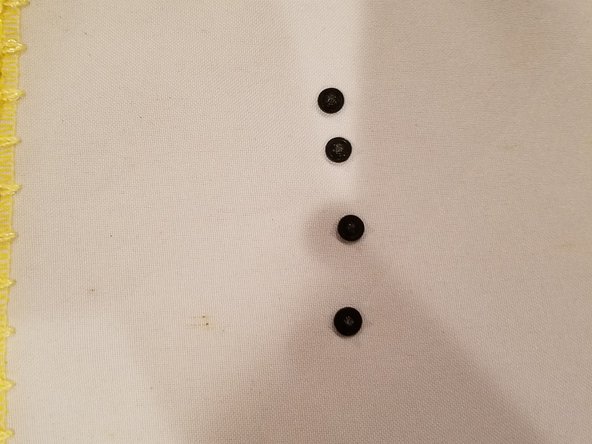
The fourth step is to remove the othere crews from the motherboard. You need to remove the crews in order to take out the motherboard.
-
You have to have the 4 screws if your switch the motherboard to a other one.
-
-
-
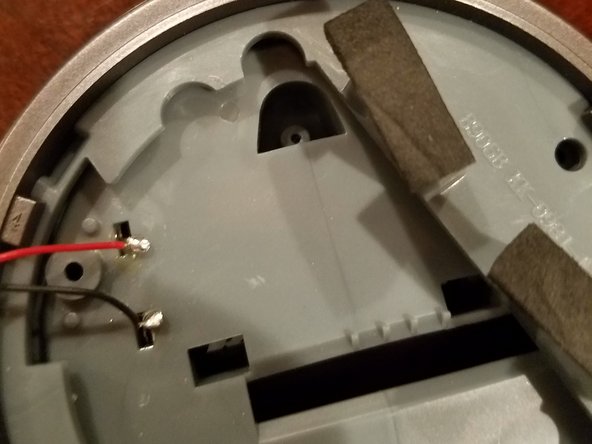
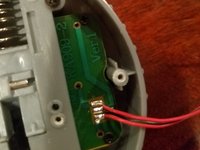
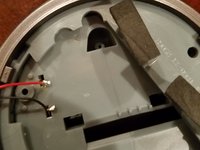
The 5th step is the hardest part because you have to now remove the red and black wires from both sides so then you can see the motherboard.
-
Be very careful removing or pulling the wires because it can break the other wires which will not work anymore.
-
-
-
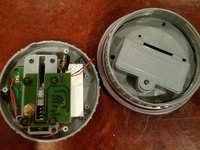
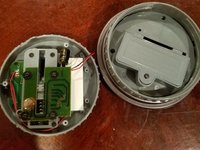
The last step is you got to the motherboard which was my goal. you could use the motherboard for other projects or just put it back for more a challenge.
-
My decisions was to put it back together, so then i can have more of a challenge. thank you for your time and i hoped this helped
-







To reassemble your device, follow these instructions in reverse order.

