주요 콘텐츠로 건너뛰기
수리 커뮤니티 가입 - 계정 만들기

ComNet Ericsson Panther 600P Motherboard Replacement

필요한 것

    1. ComNet Ericsson Panther 600P Motherboard Replacement, Locate the release button.: 1 단계, 이미지 3개 중 1개 ComNet Ericsson Panther 600P Motherboard Replacement, Locate the release button.: 1 단계, 이미지 3개 중 2개 ComNet Ericsson Panther 600P Motherboard Replacement, Locate the release button.: 1 단계, 이미지 3개 중 3개
      • Look for the release button on the back of the radio.

      • Press the button and pull down on the battery at the same time. The battery will come free.

      댓글 쓰기

    1. ComNet Ericsson Panther 600P Motherboard Replacement, Antenna: 2 단계, 이미지 1개 중 1개
      • Twist the antenna counter-clockwise to unscrew it from the antenna jack.

      댓글 쓰기

    2. ComNet Ericsson Panther 600P Motherboard Replacement, Dials: 3 단계, 이미지 1개 중 1개
      • Pull up on the dials to remove them from the underlying pegs.

      댓글 쓰기

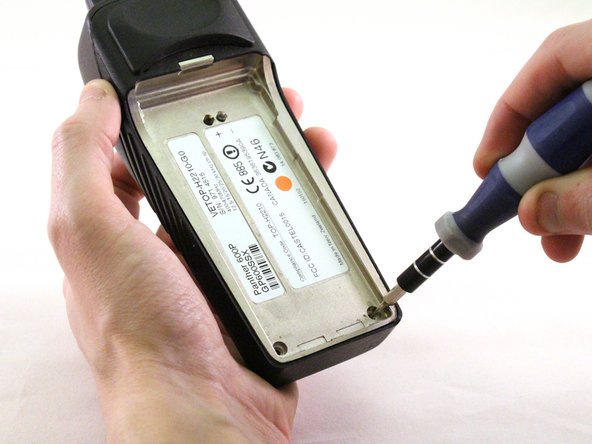
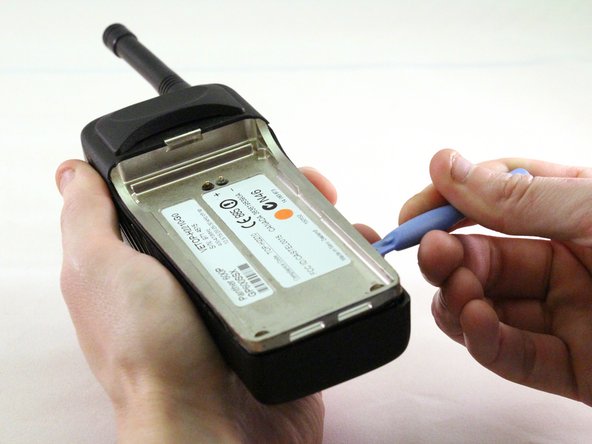
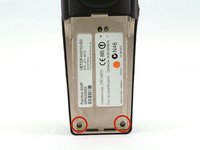
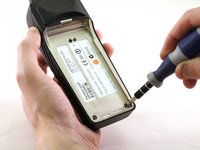
    3. ComNet Ericsson Panther 600P Motherboard Replacement, Exterior Case: 4 단계, 이미지 3개 중 1개 ComNet Ericsson Panther 600P Motherboard Replacement, Exterior Case: 4 단계, 이미지 3개 중 2개 ComNet Ericsson Panther 600P Motherboard Replacement, Exterior Case: 4 단계, 이미지 3개 중 3개
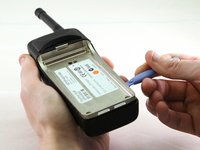
      • Using a T15 Torx screwdriver, unscrew the two screws.

      • Using a plastic opening tool, pry the internal case from the external case.

      댓글 쓰기

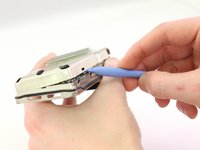
    1. ComNet Ericsson Panther 600P Motherboard Replacement, Front Case - Internal: 5 단계, 이미지 3개 중 1개 ComNet Ericsson Panther 600P Motherboard Replacement, Front Case - Internal: 5 단계, 이미지 3개 중 2개 ComNet Ericsson Panther 600P Motherboard Replacement, Front Case - Internal: 5 단계, 이미지 3개 중 3개
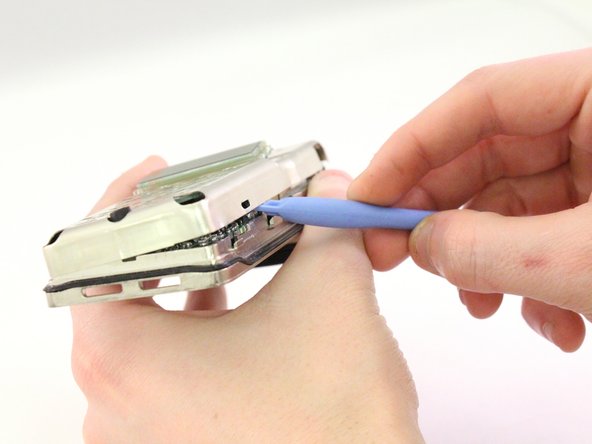
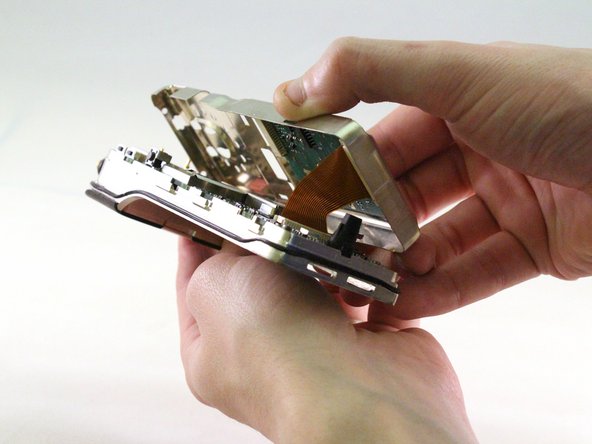
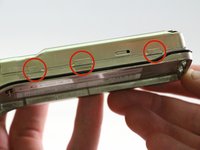
      • Using the plastic opening tool, pry the case apart.

      댓글 쓰기

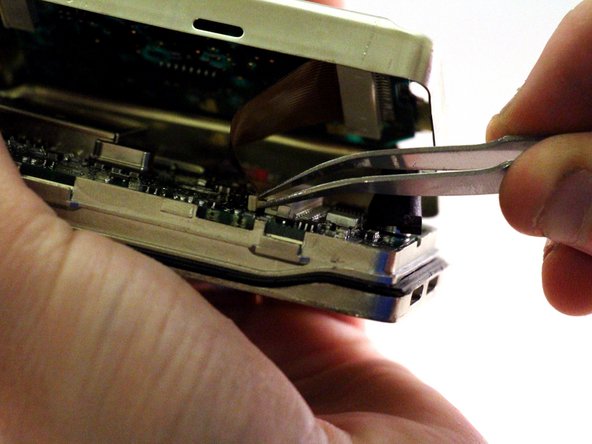
    2. ComNet Ericsson Panther 600P Motherboard Replacement, Ribbon: 6 단계, 이미지 2개 중 1개 ComNet Ericsson Panther 600P Motherboard Replacement, Ribbon: 6 단계, 이미지 2개 중 2개
      이 단계에 사용된 도구:
      Tweezers
      $4.99
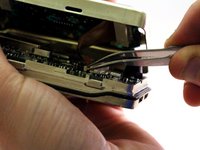
      • The keypad chip is attached to the motherboard by a ribbon.

      • Pull ribbon with tweezers to detach from back panel.

      댓글 쓰기

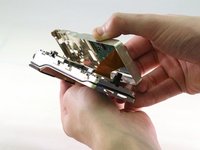
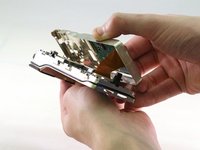
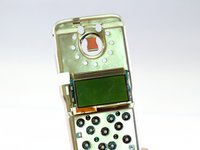
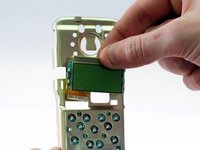
    3. ComNet Ericsson Panther 600P Motherboard Replacement, Screen: 7 단계, 이미지 3개 중 1개 ComNet Ericsson Panther 600P Motherboard Replacement, Screen: 7 단계, 이미지 3개 중 2개 ComNet Ericsson Panther 600P Motherboard Replacement, Screen: 7 단계, 이미지 3개 중 3개
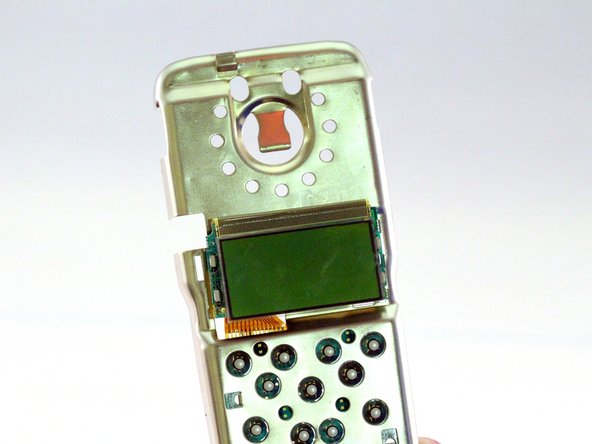
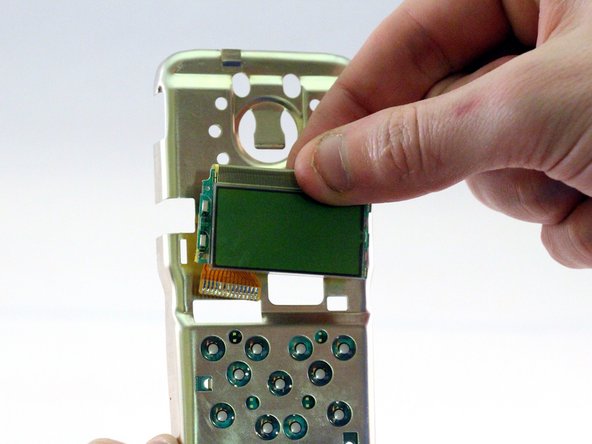
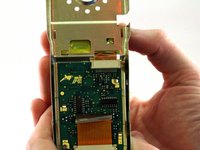
      • Screen will be attached by a ribbon.

      • Pull screen up and away from motherboard to detach.

      댓글 쓰기

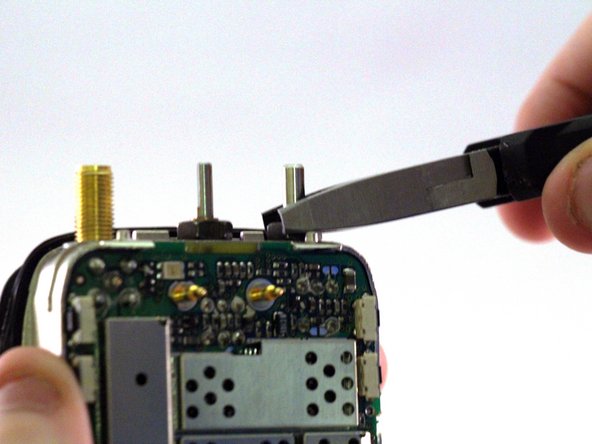
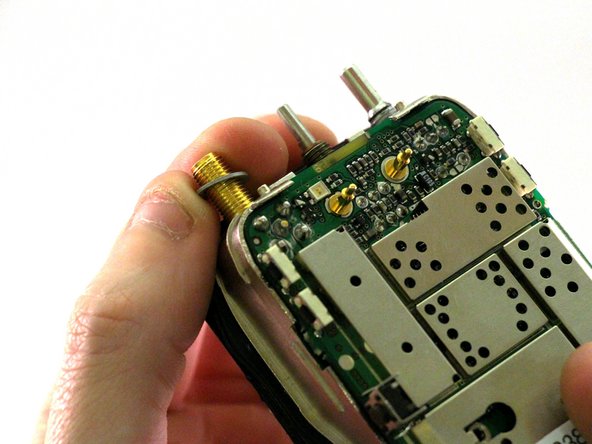
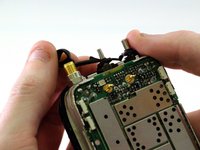
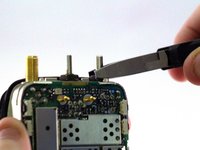
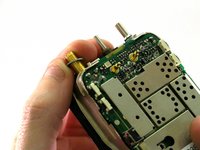
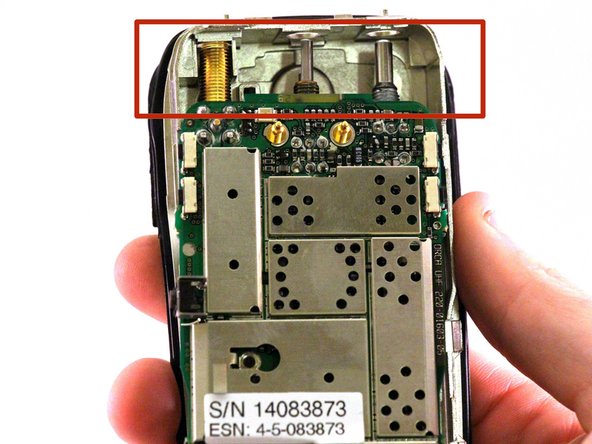
    1. ComNet Ericsson Panther 600P Motherboard Replacement, Antenna, Volume, Channel Nuts: 8 단계, 이미지 3개 중 1개 ComNet Ericsson Panther 600P Motherboard Replacement, Antenna, Volume, Channel Nuts: 8 단계, 이미지 3개 중 2개 ComNet Ericsson Panther 600P Motherboard Replacement, Antenna, Volume, Channel Nuts: 8 단계, 이미지 3개 중 3개
      • Remove the rubber O-rings from the antenna jack, volume switch, and channel switch.

      • Once the rubber O-rings have been removed, use small needle nose pliers to unscrew the nuts on the antenna jack, volume switch, and channel switch.

      • There are washers underneath the nuts on the antenna jack, volume switch, and channel switch. Set these washers aside.

      댓글 쓰기

    2. ComNet Ericsson Panther 600P Motherboard Replacement: 9 단계, 이미지 1개 중 1개
      • Using a T15 Torx screwdriver, unscrew the 3.8mm screw from the case.

      댓글 쓰기

    3. ComNet Ericsson Panther 600P Motherboard Replacement, Internal Case - Back: 10 단계, 이미지 3개 중 1개 ComNet Ericsson Panther 600P Motherboard Replacement, Internal Case - Back: 10 단계, 이미지 3개 중 2개 ComNet Ericsson Panther 600P Motherboard Replacement, Internal Case - Back: 10 단계, 이미지 3개 중 3개
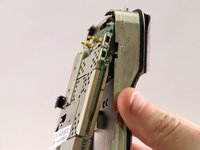
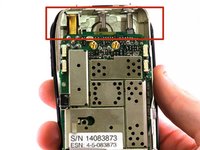
      • Using any convenient hand-placement, pull the motherboard away from the case.

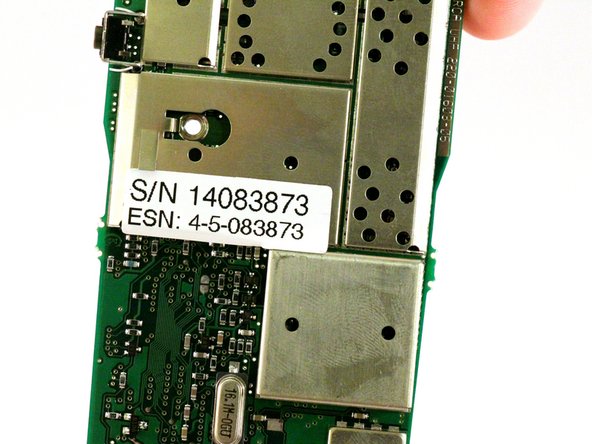
      • The antenna jack, volume dial, and channel dial are attached to the motherboard. Be sure to pull the motherboard downward so they clear their respective slots in the case.

      • Lift the motherboard completely free of the case.

      댓글 쓰기

결론

To reassemble your device, follow these instructions in reverse order.

취소: 해당 안내서를 완성하지 않았습니다.

작성자

3다른 기여자 명과 함께

Tim Moreau

회원 가입일: 01/13/15

126 평판

안내서 1개를 작성함

0가이드 댓글

댓글 쓰기

조회 통계:

지난 24시간: 1

지난 7일: 5

지난 30일: 25

전체 시간: 621