주요 콘텐츠로 건너뛰기
수리 커뮤니티 가입 - 계정 만들기

Core Assembly Removal

필요한 것

  1. Core Assembly Removal, Turn off the watch: 1 단계, 이미지 2개 중 1개 Core Assembly Removal, Turn off the watch: 1 단계, 이미지 2개 중 2개
    • Turn off the Galaxy Watch Active by pushing and holding the bottom button for approximately 3 seconds. You should feel a short vibration.

    • When the "Power off" symbol appears tap the center of the screen to make it shut down. You should feel a longer vibration for confirmation.

  2. Core Assembly Removal, Remove the rear screws: 2 단계, 이미지 1개 중 1개
    • Use a Tri-point Y00 screwdriver to remove the four 4 mm-long screws on the back of the watch.

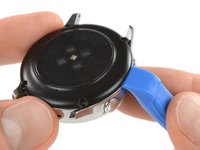
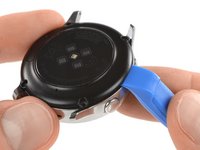
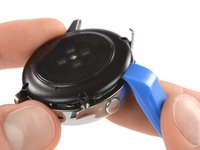
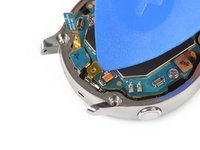
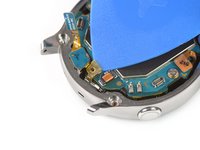
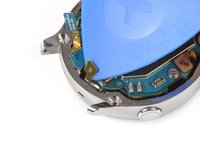
  3. Core Assembly Removal, Separate the back cover from the housing: 3 단계, 이미지 3개 중 1개 Core Assembly Removal, Separate the back cover from the housing: 3 단계, 이미지 3개 중 2개 Core Assembly Removal, Separate the back cover from the housing: 3 단계, 이미지 3개 중 3개
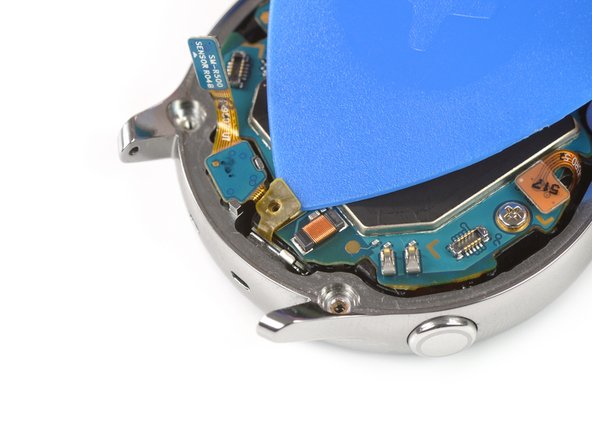
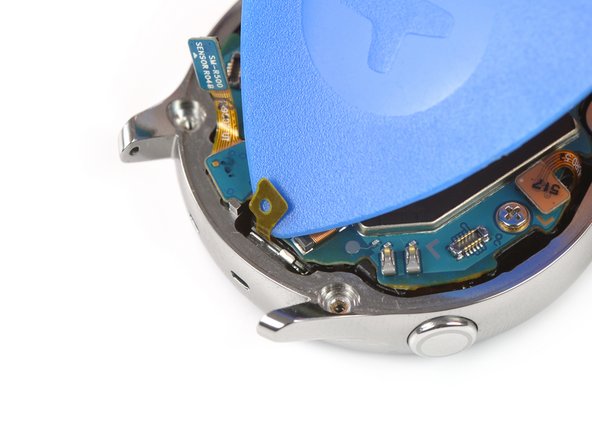
    • Use an opening tool and place it between the plastic back cover and the metal housing near the buttons.

    • Push the tip of the opening tool into the gap to separate the back cover from the housing.

    • Don’t remove the back cover all the way yet. There is a cable connecting it to the motherboard.

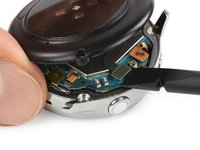
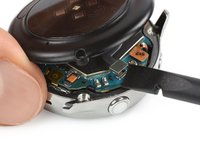
  4. Core Assembly Removal, Disconnect the sensor array: 4 단계, 이미지 2개 중 1개 Core Assembly Removal, Disconnect the sensor array: 4 단계, 이미지 2개 중 2개
    • Carefully lift the back cover approximately 2 cm to access the sensor array connector near the two buttons.

    • Use a spudger to disconnect the sensor array from the motherboard.

  5. Core Assembly Removal, Remove the back cover: 5 단계, 이미지 1개 중 1개
    • Remove the back cover.

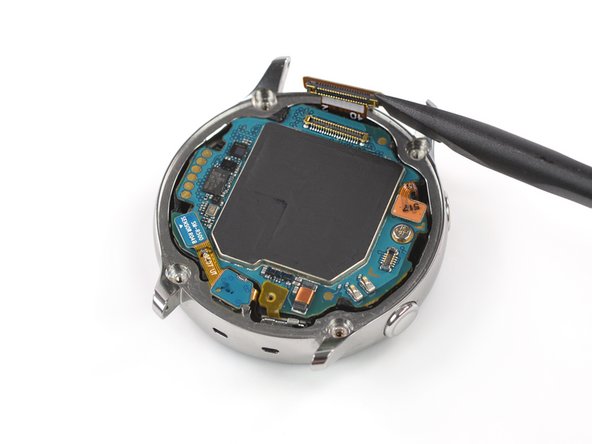
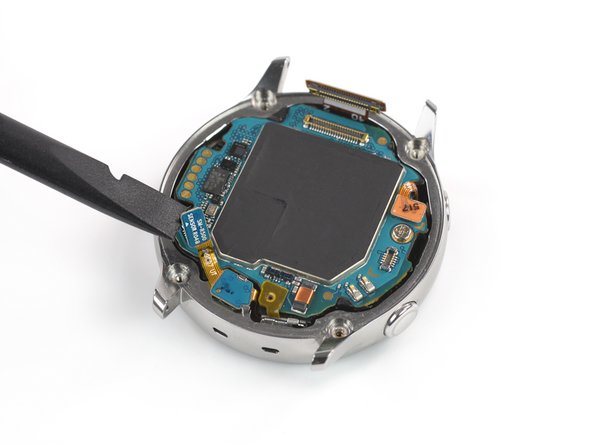
  6. Core Assembly Removal, Disconnect the display and the mic array: 6 단계, 이미지 3개 중 1개 Core Assembly Removal, Disconnect the display and the mic array: 6 단계, 이미지 3개 중 2개 Core Assembly Removal, Disconnect the display and the mic array: 6 단계, 이미지 3개 중 3개
    • Use a spudger to disconnect the display assembly and the microphone and pressure sensor array.

  7. Core Assembly Removal, Undo the mic tape: 7 단계, 이미지 3개 중 1개 Core Assembly Removal, Undo the mic tape: 7 단계, 이미지 3개 중 2개 Core Assembly Removal, Undo the mic tape: 7 단계, 이미지 3개 중 3개
    • Use an opening pick to peel back the thin tape belonging to the microphone array.

    • When re-assembling make sure this tape properly sticks to the motherboard by pressing it down with the flat end of a spudger.

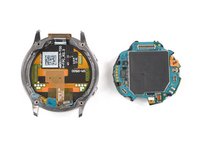
  8. Core Assembly Removal, Lift the core assembly: 8 단계, 이미지 2개 중 1개 Core Assembly Removal, Lift the core assembly: 8 단계, 이미지 2개 중 2개
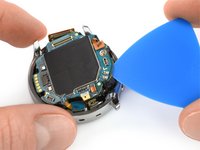
    • Insert an opening pick at the bottom right between the motherboard and the frame to lift up the core assembly.

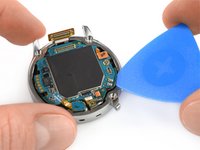
  9. Core Assembly Removal, Remove the core assembly: 9 단계, 이미지 3개 중 1개 Core Assembly Removal, Remove the core assembly: 9 단계, 이미지 3개 중 2개 Core Assembly Removal, Remove the core assembly: 9 단계, 이미지 3개 중 3개
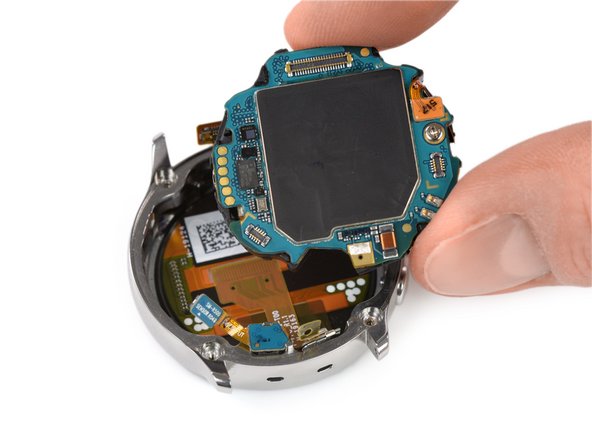
    • Lift out and remove the core assembly.

결론

To reassemble your device, follow these instructions in reverse order.

다른 3명이 해당 안내서를 완성하였습니다.

Tobias Isakeit

회원 가입일: 03/31/14

130,749 평판

안내서 189개를 작성함

Tobias Isakeit - Repairability Engineer Tobias Isakeit - Repairability Engineer 회원
Business

1 회원

안내서 1,145개를 작성함

0가이드 댓글

댓글 쓰기

조회 통계:

지난 24시간: 0

지난 7일: 2

지난 30일: 42

전체 시간: 1,879