소개
Use the metal or nylon opening tool(s) to remove the back cover.
필요한 것
-
-
-
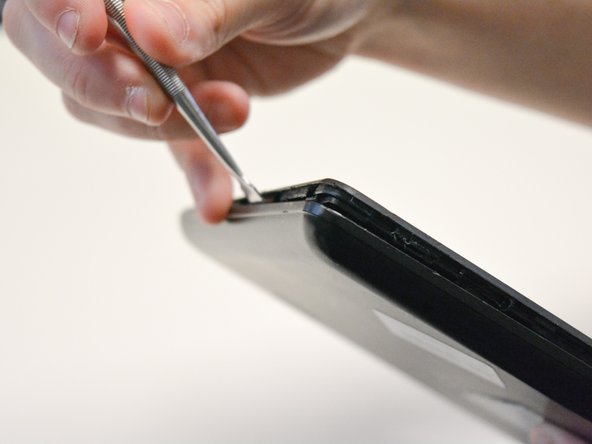
Locate the opening line between the cover and the device. Then locate the groove near the charging port.
 FixBot에 문의하기
-
-
-
-
Use a metal spudger to separate the back cover from the front touch screen.
-
To do this, place the metal spudger in between the groove near the charging port of the device to unlatch the first clip.
-
-
-
Continue to separate all of the clips around the device until the back cover comes off completely.
-
-


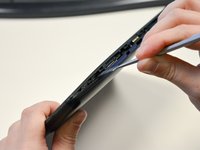
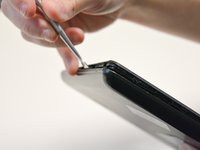
To reassemble your device, follow these instructions in reverse order.
다른 2명이 해당 안내서를 완성하였습니다.

팀

University of North Texas, Team S2-G2, Thompson Fall 2017 University of North Texas, Team S2-G2, Thompson Fall 2017 회원
UNT-THOMPSON-F17S2G2
4 회원들
안내서 5개를 작성함
1가이드 댓글
Como puedo habilitarle lo puerto usb ya k por error lo deshabilita en la bio y ahora me esta dando el error shell2.40 y no me funciona ni el clado ni el mouse en mi icraig cmp 801 bun
