소개
The heat sink is responsible for regulating the heat flow and temperature control in your device. If your device is overheating and not cooling itself down properly, then the heat sink will need to be replaced. Follow this guide for the steps on how to replace the heat sink.
필요한 것
-
-
-
-
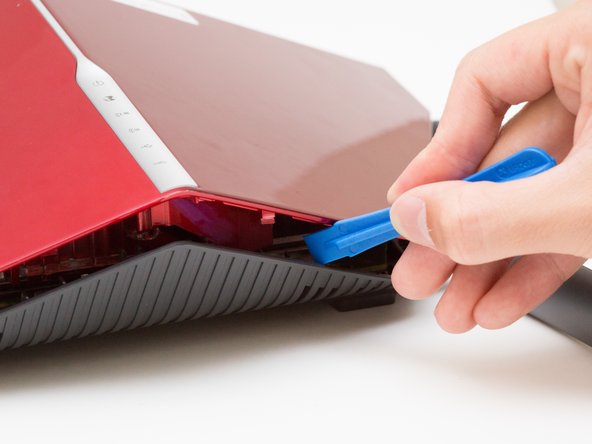
Wedge the opening tool between the red top panel and the gray bottom panel.
-
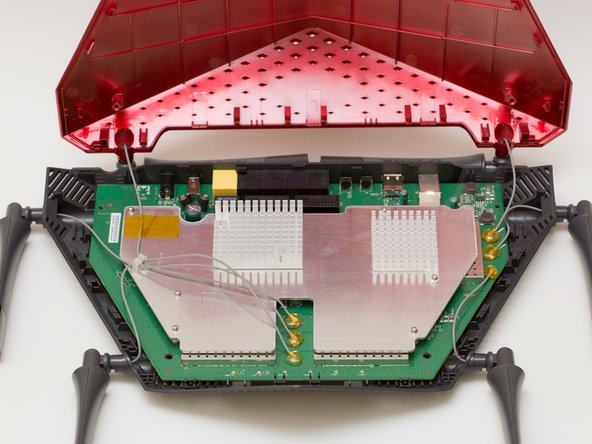
Twist the opening tool to separate the panels. Work your way around the case until both of the panels are separated.
-
-
-
-
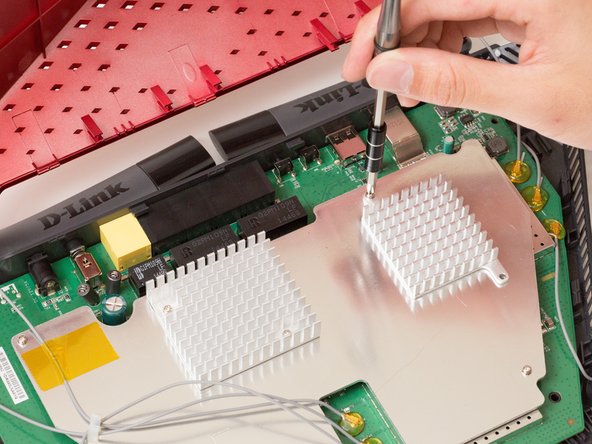
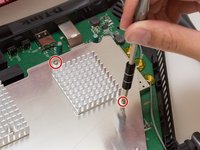
Unscrew the two 7mm screws with a Phillips #1 screwdriver.
-
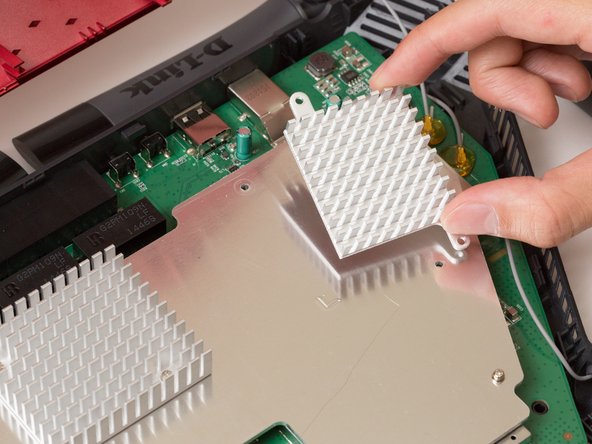
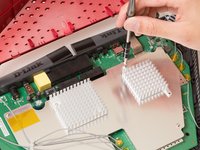
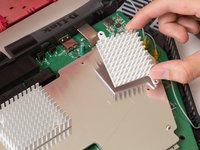
Lift the heat sink off the metal plate with your fingers.
-
-


 FixBot에 문의하기





To reassemble your device, follow these instructions in reverse order.
다른 한 분이 해당 안내서를 완성하였습니다.

팀

Cal Poly, Team 10-7, Livingston Fall 2016 Cal Poly, Team 10-7, Livingston Fall 2016 회원
CPSU-LIVINGSTON-F16S10G7
4 회원들
안내서 12개를 작성함
