소개
Use this guide to replace the back panel of your DJI Phantom 4 Advanced remote controller.
You can also use this guide to access the internal components in the controller.
필요한 것
-
-
-
Remove the four screws with a Torx T8 screwdriver to access the back con board.
 FixBot에 문의하기
-
-
-
이 단계에 사용된 도구:Tweezers$4.99
-
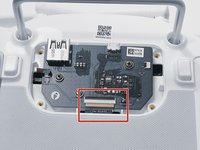
With tweezers, gently remove the large con board tab.
-
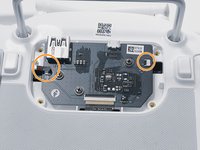
Use your hands to remove the two small clips. Pull out from the socket, in a horizontal direction.
-
-
-
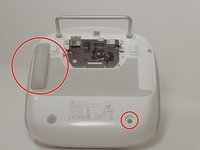
Peel off the rubber grips to access the screw holes.
-
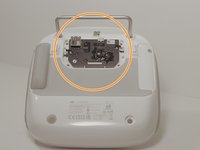
Remove the back board and set it aside.
-
-
-
Pull apart the back plastic panel.
-
Once the back panel is off, you will have access to the motherboard.
-
-






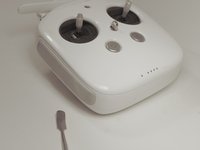
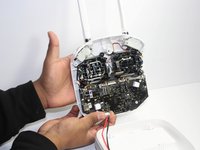
To reassemble your device, follow these instructions in reverse order.

팀

Linn Benton Community College, Team S1-G4, Johnson Fall 2018 Linn Benton Community College, Team S1-G4, Johnson Fall 2018 회원
LBCC-JOHNSON-F18S1G4
3 회원들
안내서 12개를 작성함
