소개
If your battery is dead or just isn't properly holding a charge, follow this guide.
필요한 것
-
-
-
Using the metal spudger, carefully slide it under the black rubber bottom to remove it.
-
Using a Phillips J000 head screw driver, unscrew the 4mm screws placed on the outer corners of the metal plate.
-
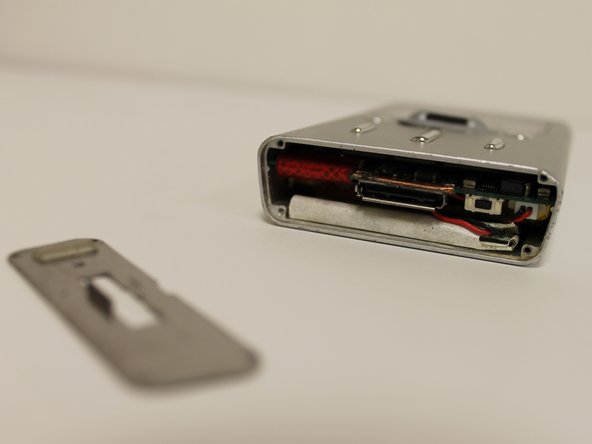
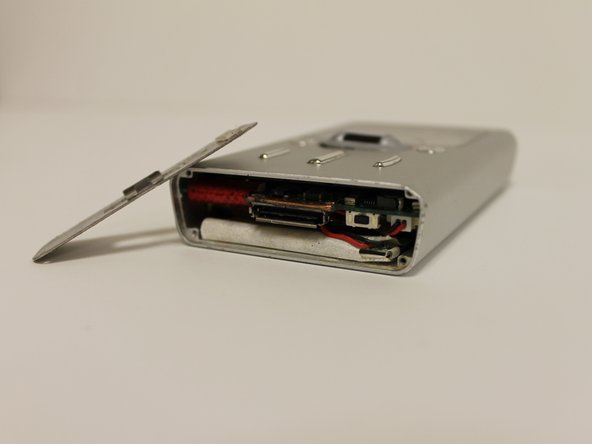
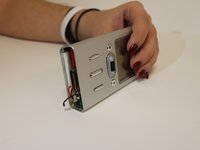
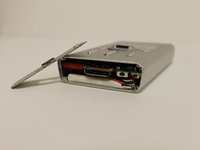
Again, take the metal spudger, placing it under the metal plate to take it off.
 FixBot에 문의하기
-
-
-
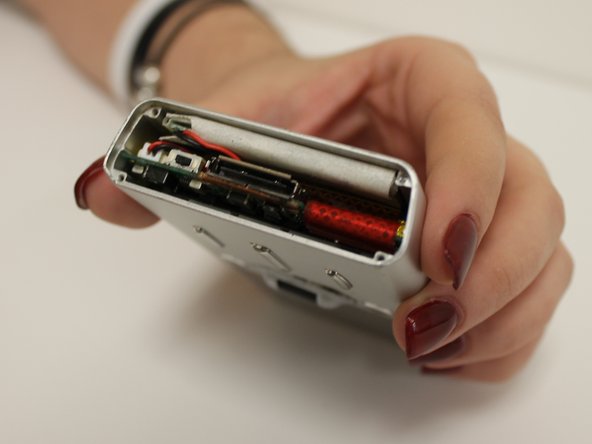
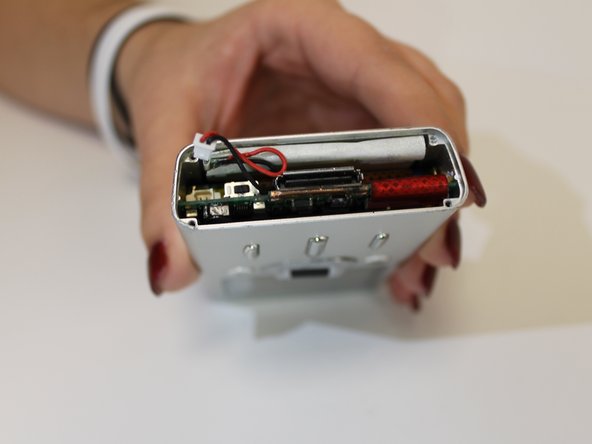
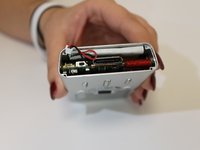
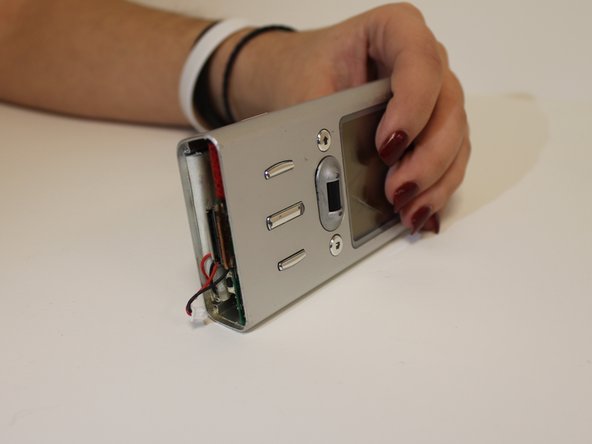
Once the metal plate is off, inspect the inside of the device to be sure the battery is plugged in and there's nothing blocking it.
-
-
-
이 단계에 사용된 도구:Tweezers$4.99
-
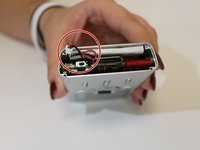
If the battery is still malfunctioning, carefully unplug the battery using tweezers.
-
-
-
To replace the battery, simply insert a new one into the same slot and then plug in the end to the correct spot.
-
After the device is assembled, power the device on. The issue should be repaired.
-
-






To reassemble your device, follow these instructions in reverse order.

팀

USF Sarasota-Manatee, Team 1-1, Stewart Spring 2016 USF Sarasota-Manatee, Team 1-1, Stewart Spring 2016 회원
USFSM-STEWART-S16S1G1
3 회원들
안내서 10개를 작성함
