소개
Before beginning the Dell Inspiron 1526 keyboard replacement guide, be sure that you have all of the tools listed. Because there are some small delicate steps involved, make sure that you are in an environment free of distractions that is well lit.
필요한 것
-
-
-
Slide the unlock button to the left to release the battery.
-
Slide the battery away from the laptop to remove.
 FixBot에 문의하기
-
-
-
-
-
Flip the laptop over.
-
Lift the control cover by prying the right side of the cover with an iFixit opening tool.
-
-
-
-
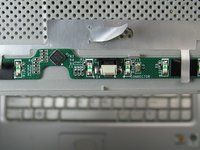
Carefully lift the control cover up and forward to reveal a single ribbon cable.
-
-
이 단계에 사용된 도구:Tweezers$4.99
-
Use tweezers to squeeze the tabs on the connector and remove the ribbon cable.
-
-
-
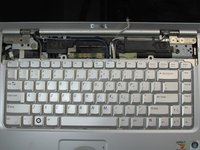
Remove the two 3mm Phillips #1 screws at the top of the keyboard where the control cover was.
-
-
-
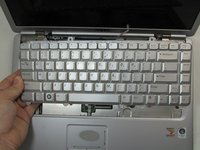
Lift the keyboard gently from the top, but do not remove completely.
-
Looking under the keyboard, towards the touch-pad in the center, lift up the black tab on the connector with tweezers for the keyboard ribbon cable.
-




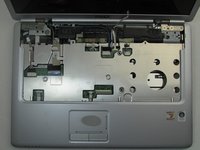
To reassemble your device, follow these instructions in reverse order.

팀

Embry-Riddle Aeronautical University, Team S20-G3, Branham Fall 2019 Embry-Riddle Aeronautical University, Team S20-G3, Branham Fall 2019 회원
ERAU-BRANHAM-F19S20G3
4 회원들
안내서 5개를 작성함
