소개
This replacement guide will show you how to replace the HDMI/USB cable on your Dell VRP100 headset. With the right tools, this will be a quick and easy replacement.
필요한 것
-
-
-
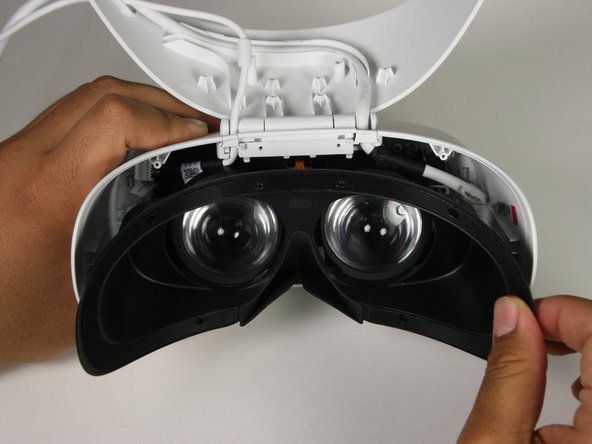
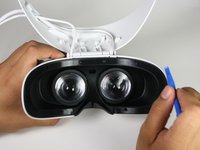
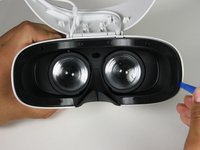
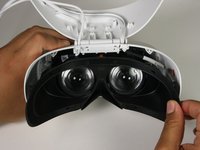
Remove the black foam padding by peeling away slowly.
-
Remove the front and back padding from the headset by peeling away slowly.
 FixBot에 문의하기
-
-
-
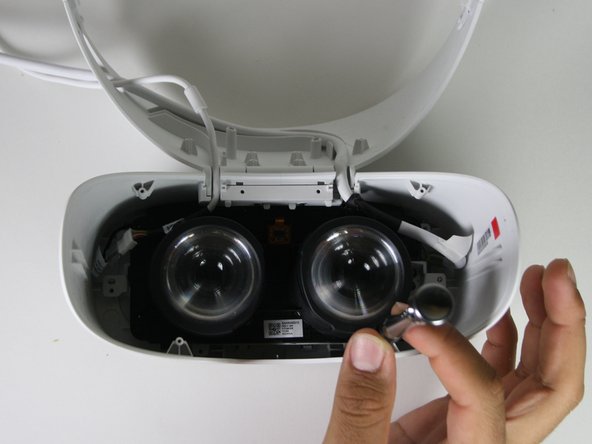
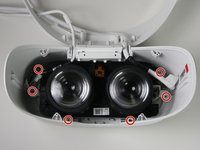
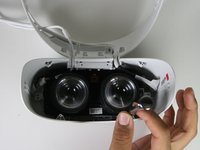
Remove the six 5.5mm PH000 screws from the cover by rotating counter-clockwise.
-
-
-
-
Remove the cover using one of the plastic opening tools, and then carefully pull it from the casing.
-
-
-
Remove the six 5.5mm PH000 screws from the cover by rotating counter-clockwise.
-
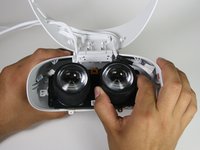
Carefully remove the lens and motherboard assembly from the white casing.
-
-
-
-
이 단계에 사용된 도구:Tweezers$4.99
-
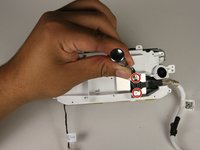
Remove the two 3.4mm PH000 screws from the cover by rotating counter-clockwise.
-
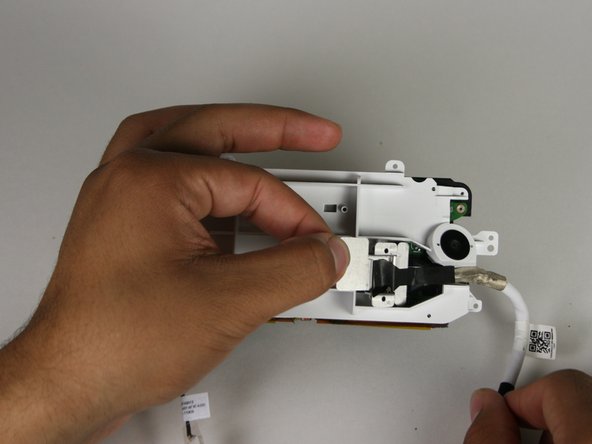
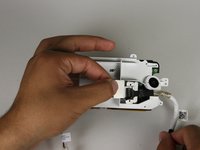
Peel off the tape using your hands or the blunt nose tweezers.
-
-
-
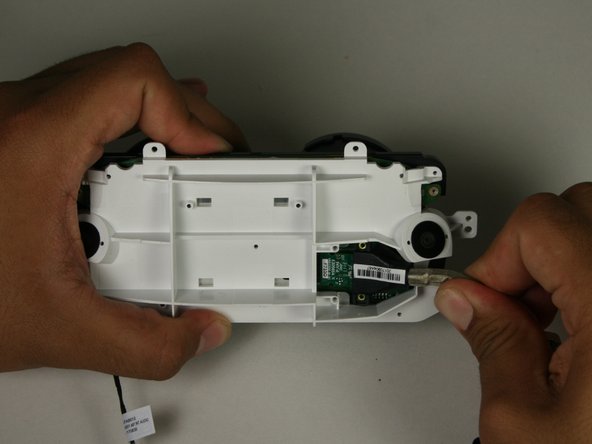
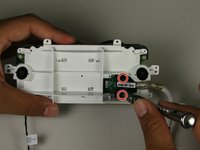
Remove the two 5.5mm PH000 screws from the cover by rotating counter-clockwise.
-
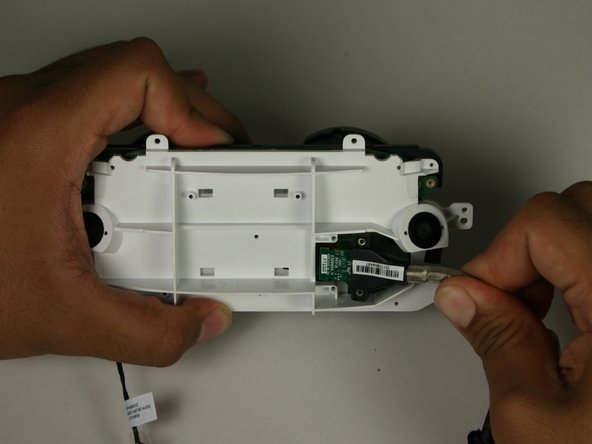
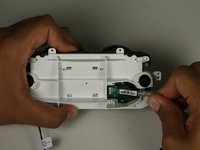
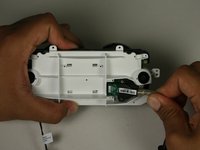
Hold the HDMI/USB cable and remove from the connection.
-
-







To reassemble your device, follow these instructions in reverse order.
다른 5명이 해당 안내서를 완성하였습니다.

팀

Cal Poly, Team S17-G1, White Fall 2018 Cal Poly, Team S17-G1, White Fall 2018 회원
CPSU-WHITE-F18S17G1
4 회원들
안내서 24개를 작성함
6가이드 댓글
Hi
Nice breakdown. Would you know where I can purchase a spare cable (I’m in the UK) as I can find nothing online regarding where to buy one.
Thanks
Jason
Me too, looking for a cable replacement.
also looking for replacement cable as mine has twisted up so bad that there is no longer and picture coming through when can i buy the replacement
Tom Powell - 답글 공유
I am also looking for a replacement cable. Could it be soldered on from another cable?
Peter Hindes - 답글 공유
