주요 콘텐츠로 건너뛰기
수리 커뮤니티 가입 - 계정 만들기

Dell VRP100 Screen Replacement

필요한 것

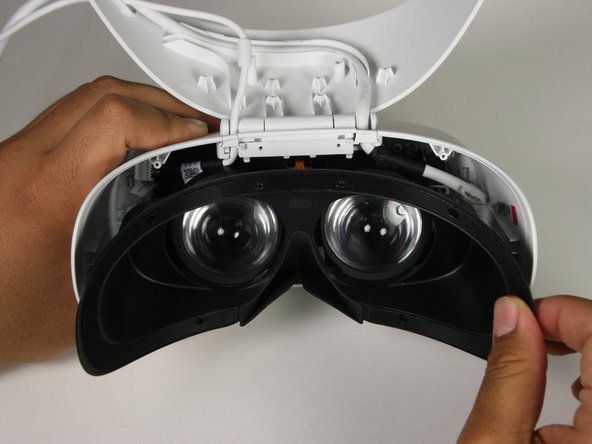
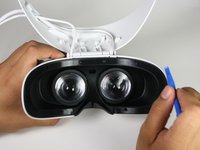
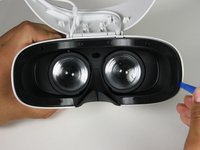
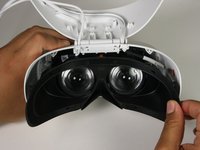
  1. Dell VRP100 Screen Replacement, Cover Panel: 1 단계, 이미지 3개 중 1개 Dell VRP100 Screen Replacement, Cover Panel: 1 단계, 이미지 3개 중 2개 Dell VRP100 Screen Replacement, Cover Panel: 1 단계, 이미지 3개 중 3개
    • Remove the black foam padding by peeling away slowly.

    • Remove the front and back padding from the headset by peeling away slowly.

  2. Dell VRP100 Screen Replacement: 2 단계, 이미지 1개 중 1개
    • Remove the six 5.5mm PH000 screws from the cover by rotating counter-clockwise.

    • Cover panel may need to be pushed in before inserting screws.

  3. Dell VRP100 Screen Replacement: 3 단계, 이미지 3개 중 1개 Dell VRP100 Screen Replacement: 3 단계, 이미지 3개 중 2개 Dell VRP100 Screen Replacement: 3 단계, 이미지 3개 중 3개
    • Remove the cover using one of the plastic opening tools, and then carefully pull it from the casing.

  4. Dell VRP100 Screen Replacement: 4 단계, 이미지 3개 중 1개 Dell VRP100 Screen Replacement: 4 단계, 이미지 3개 중 2개 Dell VRP100 Screen Replacement: 4 단계, 이미지 3개 중 3개
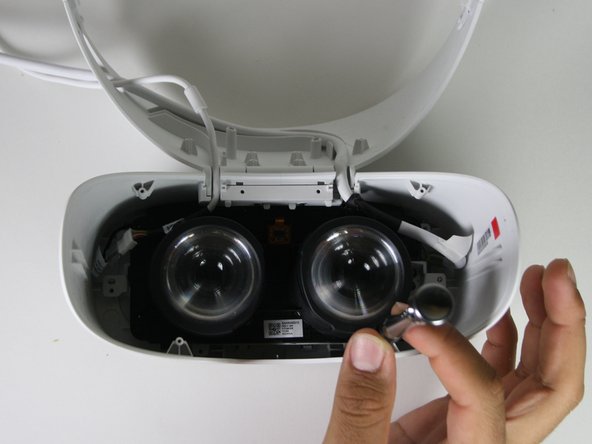
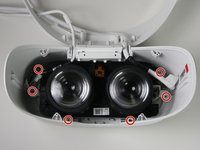
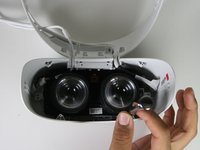
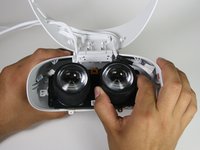
    • Remove the six 5.5mm PH000 screws from the cover by rotating counter-clockwise.

    • Carefully remove the lens and motherboard assembly from the white casing.

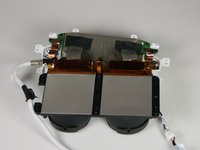
  5. Dell VRP100 Screen Replacement, Screen: 5 단계, 이미지 3개 중 1개 Dell VRP100 Screen Replacement, Screen: 5 단계, 이미지 3개 중 2개 Dell VRP100 Screen Replacement, Screen: 5 단계, 이미지 3개 중 3개
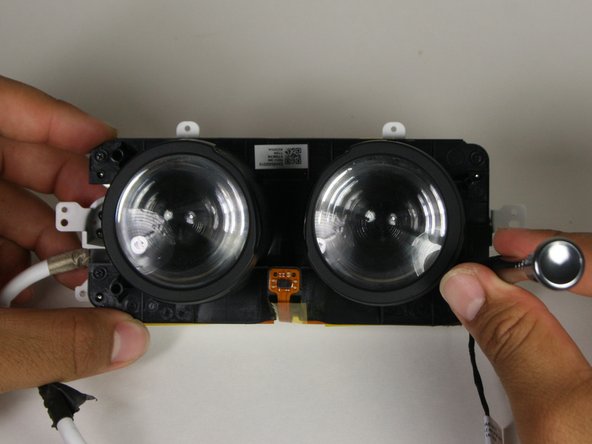
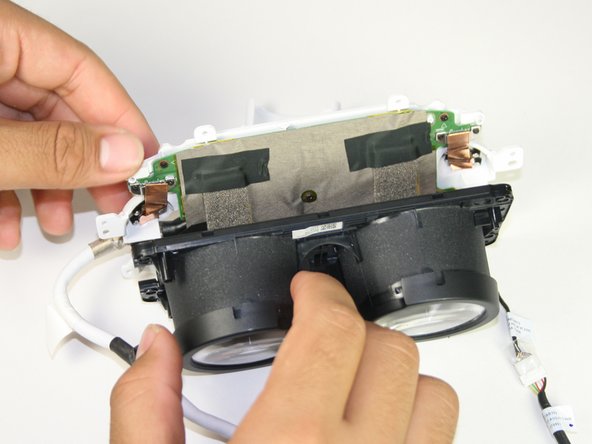
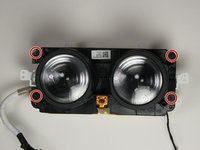
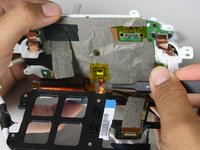
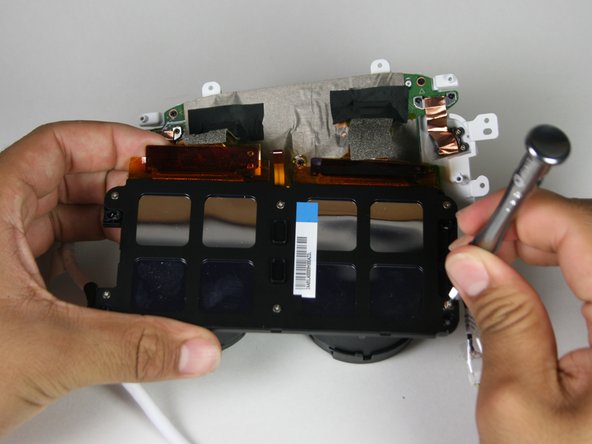
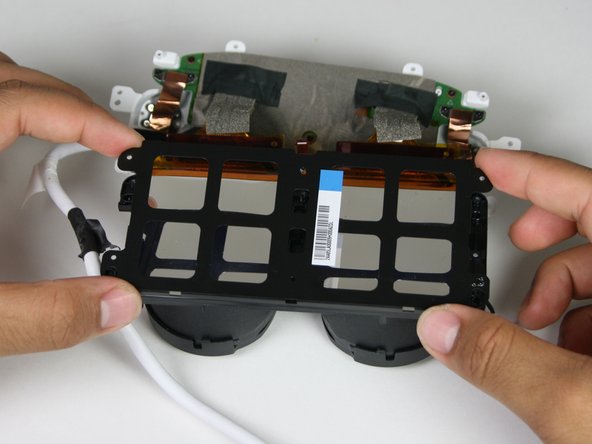
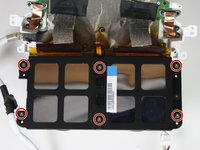
    • Remove the four 2.5 mm PH000 screws by rotating counter-clockwise.

    • Separate the lenses from the motherboard panel.

  6. Dell VRP100 Screen Replacement: 6 단계, 이미지 2개 중 1개 Dell VRP100 Screen Replacement: 6 단계, 이미지 2개 중 2개
    이 단계에 사용된 도구:
    Tweezers
    $4.99
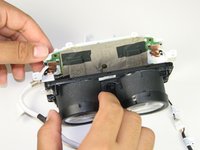
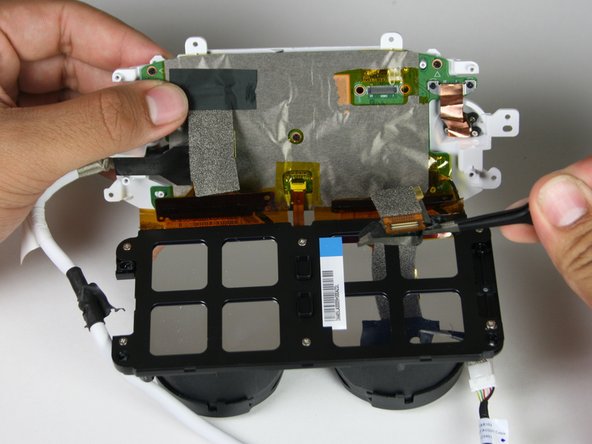
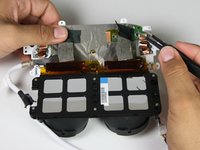
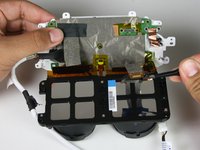
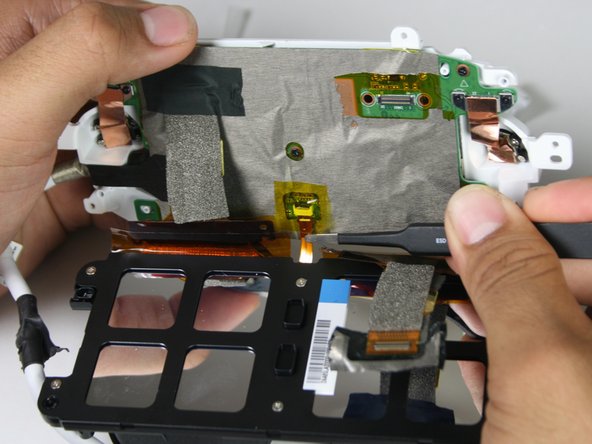
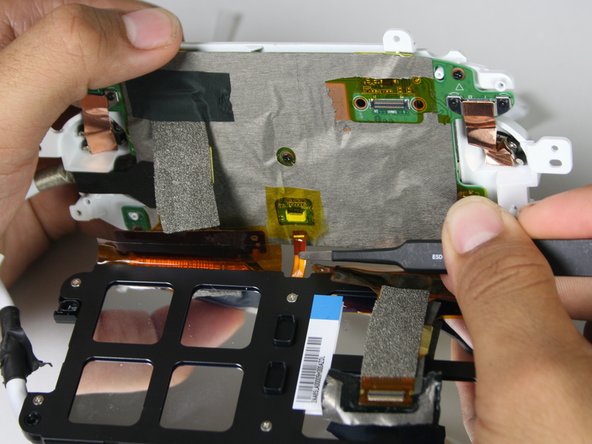
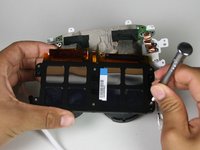
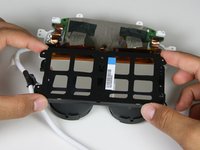
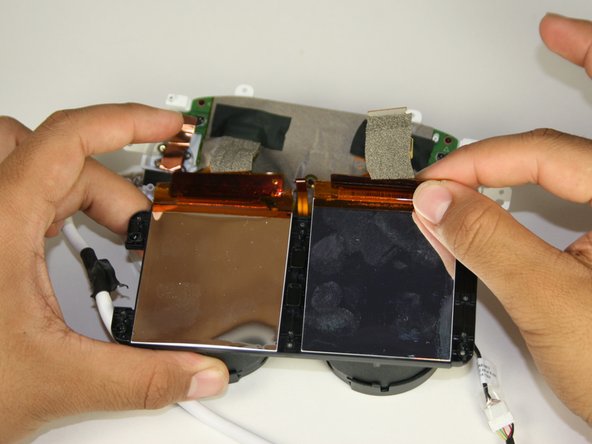
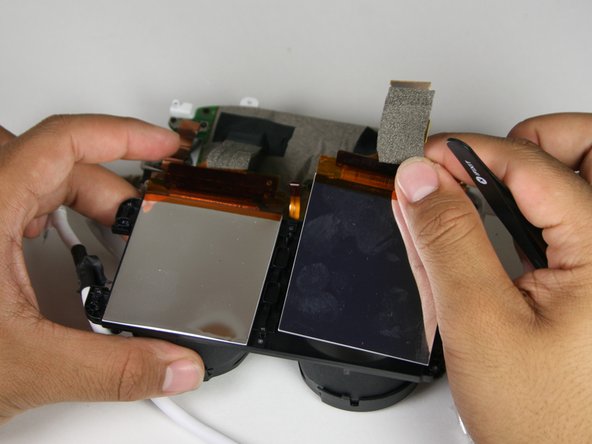
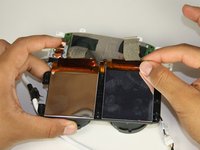
    • Take off the tape using the blunt nosed tweezers to disconnect the flat-topped connector from the motherboard.

    • The screen is attached to the motherboard using an adhesive.

  7. Dell VRP100 Screen Replacement: 7 단계, 이미지 3개 중 1개 Dell VRP100 Screen Replacement: 7 단계, 이미지 3개 중 2개 Dell VRP100 Screen Replacement: 7 단계, 이미지 3개 중 3개
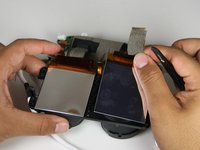
    • Lift the yellow tape with tweezers.

    • Remove the ribbon cable from the screen to the motherboard with tweezers.

  8. Dell VRP100 Screen Replacement: 8 단계, 이미지 3개 중 1개 Dell VRP100 Screen Replacement: 8 단계, 이미지 3개 중 2개 Dell VRP100 Screen Replacement: 8 단계, 이미지 3개 중 3개
    • Remove the six 3.4mm PH000 screws by rotating counter-clockwise connecting the back panel to the screen.

    • Remove the back panel from the screen by carefully pulling apart the two.

  9. Dell VRP100 Screen Replacement: 9 단계, 이미지 3개 중 1개 Dell VRP100 Screen Replacement: 9 단계, 이미지 3개 중 2개 Dell VRP100 Screen Replacement: 9 단계, 이미지 3개 중 3개
    • Peel away the screen with both hands.

    • A plastic opening tool may be required for removing the screen.

    • Adhesive may need to be reapplied during the rebuild.

결론

To reassemble your device, follow these instructions in reverse order.

작성자

5다른 기여자 명과 함께

Lauren Monzon

회원 가입일: 10/08/18

235 평판

안내서 2개를 작성함

Cal Poly, Team S17-G1, White Fall 2018 Cal Poly, Team S17-G1, White Fall 2018 회원

CPSU-WHITE-F18S17G1

4 회원들

안내서 12개를 작성함

0가이드 댓글

댓글 쓰기

조회 통계:

지난 24시간: 1

지난 7일: 5

지난 30일: 17

전체 시간: 1,101