주요 콘텐츠로 건너뛰기
수리 커뮤니티 가입 - 계정 만들기

Dell Vostro 1700 RAM Replacement

필요한 것

  1. Dell Vostro 1700 RAM Replacement, Keyboard: 1 단계, 이미지 3개 중 1개 Dell Vostro 1700 RAM Replacement, Keyboard: 1 단계, 이미지 3개 중 2개 Dell Vostro 1700 RAM Replacement, Keyboard: 1 단계, 이미지 3개 중 3개
    • Use the Plastic Opening Tools to pry off the tab located on the right side of the top face plate.

  2. Dell Vostro 1700 RAM Replacement: 2 단계, 이미지 1개 중 1개
    • Lift the plate off the laptop from right to left.

    • Pull the plate out and remove it.

  3. Dell Vostro 1700 RAM Replacement: 3 단계, 이미지 2개 중 1개 Dell Vostro 1700 RAM Replacement: 3 단계, 이미지 2개 중 2개
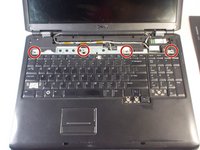
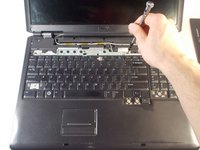
    • Remove the four 3mm Phillips #0 screws.

  4. Dell Vostro 1700 RAM Replacement: 4 단계, 이미지 2개 중 1개 Dell Vostro 1700 RAM Replacement: 4 단계, 이미지 2개 중 2개
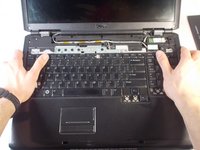
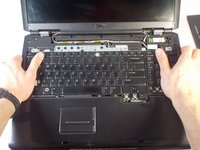
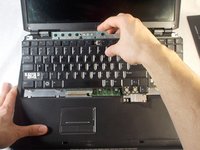
    • Grasp the laptop with both hands as shown.

    • Push the keyboard upwards with your thumbs to disconnect it.

  5. Dell Vostro 1700 RAM Replacement: 5 단계, 이미지 2개 중 1개 Dell Vostro 1700 RAM Replacement: 5 단계, 이미지 2개 중 2개
    • Lift the keyboard from the laptop and remove it.

    • Ensure the connector is fully disconnected before lifting the keyboard out.

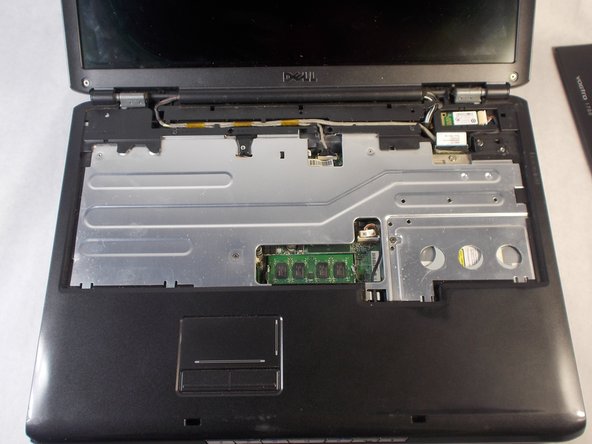
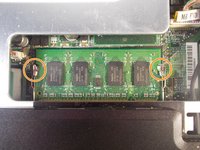
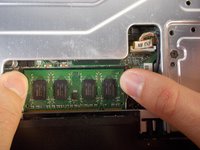
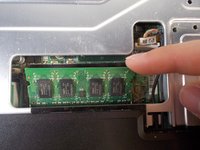
  6. Dell Vostro 1700 RAM Replacement, RAM: 6 단계, 이미지 3개 중 1개 Dell Vostro 1700 RAM Replacement, RAM: 6 단계, 이미지 3개 중 2개 Dell Vostro 1700 RAM Replacement, RAM: 6 단계, 이미지 3개 중 3개
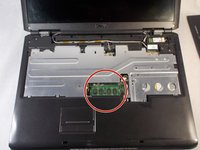
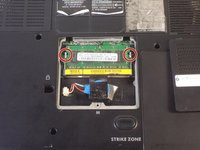
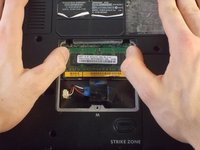
    • Dislodge the RAM from its slot.

    • Push the retaining clips outward with your fingers.

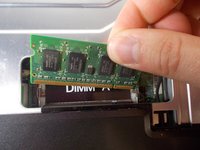
  7. Dell Vostro 1700 RAM Replacement: 7 단계, 이미지 3개 중 1개 Dell Vostro 1700 RAM Replacement: 7 단계, 이미지 3개 중 2개 Dell Vostro 1700 RAM Replacement: 7 단계, 이미지 3개 중 3개
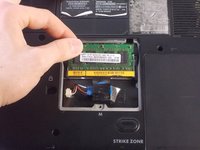
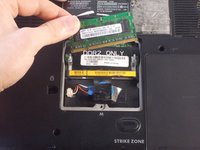
    • Pull the RAM chip up and out.

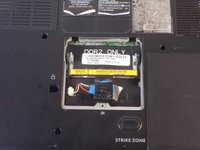
  8. Dell Vostro 1700 RAM Replacement: 8 단계, 이미지 3개 중 1개 Dell Vostro 1700 RAM Replacement: 8 단계, 이미지 3개 중 2개 Dell Vostro 1700 RAM Replacement: 8 단계, 이미지 3개 중 3개
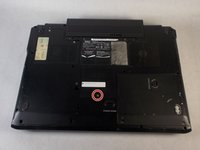
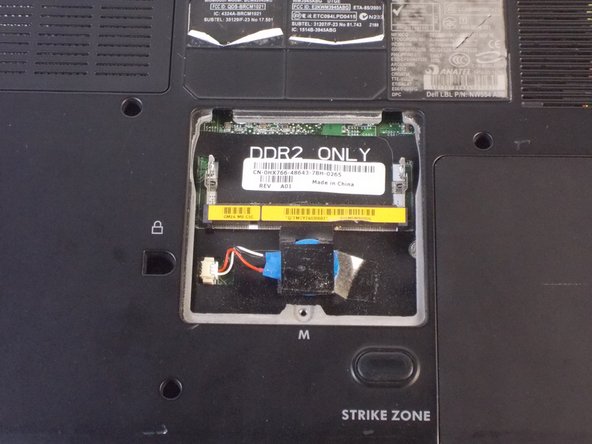
    • Flip the laptop so under side is facing upwards.

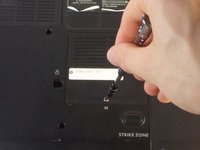
    • Remove the 4.5mm Phillips #1 screw from the RAM cover.

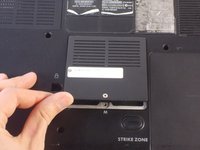
    • Lift off the cover.

  9. Dell Vostro 1700 RAM Replacement: 9 단계, 이미지 2개 중 1개 Dell Vostro 1700 RAM Replacement: 9 단계, 이미지 2개 중 2개
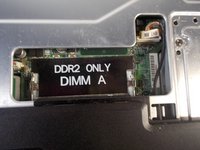
    • Dislodge the RAM from its slot by pushing outwards on the retaining clips.

  10. Dell Vostro 1700 RAM Replacement: 10 단계, 이미지 3개 중 1개 Dell Vostro 1700 RAM Replacement: 10 단계, 이미지 3개 중 2개 Dell Vostro 1700 RAM Replacement: 10 단계, 이미지 3개 중 3개
    • Lift the RAM chip up and out of the slot.

결론

To reassemble your device, follow these instructions in reverse order.

다른 2명이 해당 안내서를 완성하였습니다.

작성자

1다른 기여자 명과 함께

Nathan Valm

회원 가입일: 03/20/18

735 평판

안내서 5개를 작성함

UMass Dartmouth, Team S3-G1, Peak Spring 2018 UMass Dartmouth, Team S3-G1, Peak Spring 2018 회원

UMASSD-PEAK-S18S3G1

3 회원들

안내서 5개를 작성함

0가이드 댓글

댓글 쓰기

조회 통계:

지난 24시간: 2

지난 7일: 9

지난 30일: 22

전체 시간: 1,208