주요 콘텐츠로 건너뛰기
수리 커뮤니티 가입 - 계정 만들기

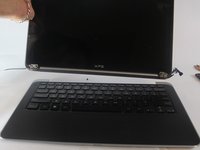
Dell XPS 13 L321X Screen Replacement

필요한 것

  1. Dell XPS 13 L321X Screen Replacement, Screen: 1 단계, 이미지 2개 중 1개 Dell XPS 13 L321X Screen Replacement, Screen: 1 단계, 이미지 2개 중 2개
    • Remove ten 3mm screws from the back cover with a "T5" screwdriver.

  2. Dell XPS 13 L321X Screen Replacement: 2 단계, 이미지 1개 중 1개
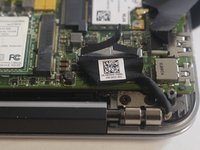
    • Remove the ribbons from both sides with a plastic iFixit opening tool.

  3. Dell XPS 13 L321X Screen Replacement: 3 단계, 이미지 2개 중 1개 Dell XPS 13 L321X Screen Replacement: 3 단계, 이미지 2개 중 2개
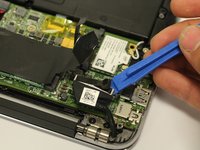
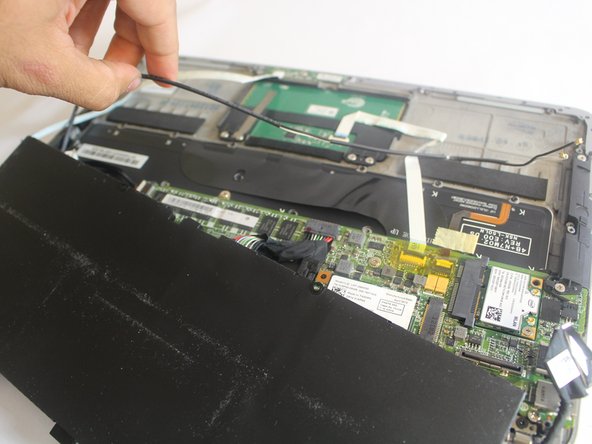
    • Remove the black wire that connects the screen to the motherboard by pulling up with a plastic iFixit opening tool.

  4. Dell XPS 13 L321X Screen Replacement: 4 단계, 이미지 2개 중 1개 Dell XPS 13 L321X Screen Replacement: 4 단계, 이미지 2개 중 2개
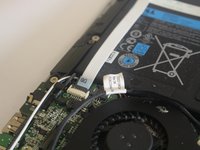
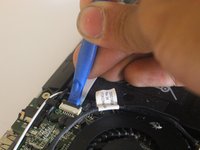
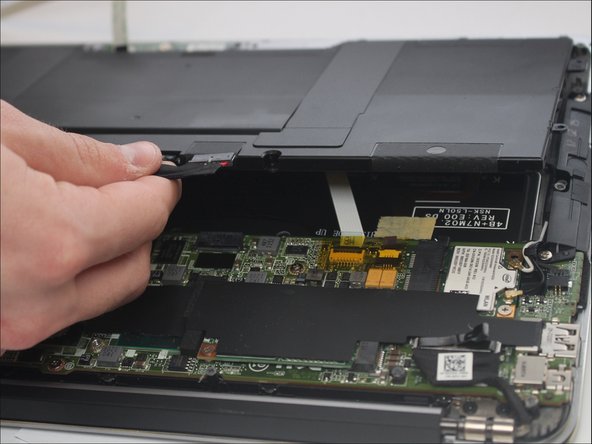
    • Disconnect the ribbon cable with a plastic iFixit opening tool by lifting up the black clip and pulling the white ribbon off.

    • Pull aside the ribbon cable.

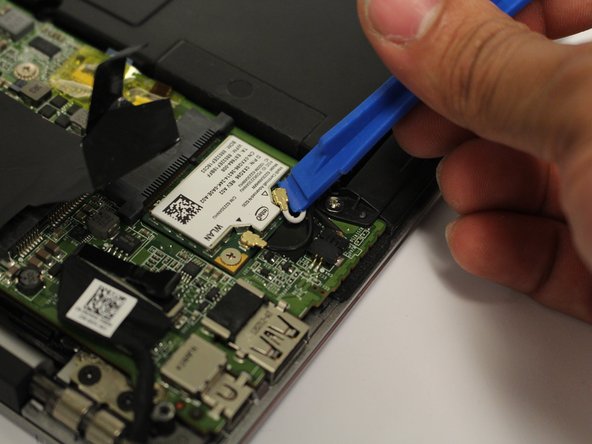
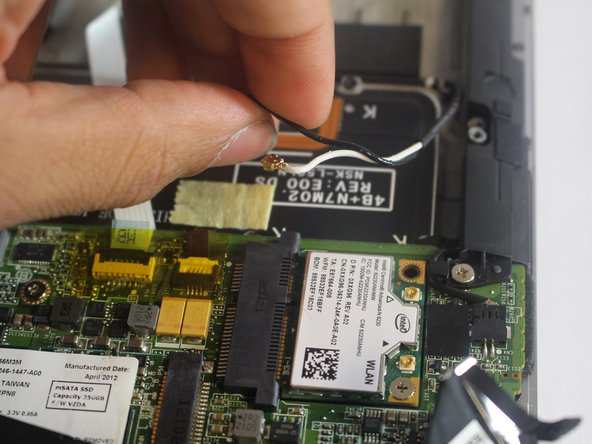
  5. Dell XPS 13 L321X Screen Replacement: 5 단계, 이미지 3개 중 1개 Dell XPS 13 L321X Screen Replacement: 5 단계, 이미지 3개 중 2개 Dell XPS 13 L321X Screen Replacement: 5 단계, 이미지 3개 중 3개
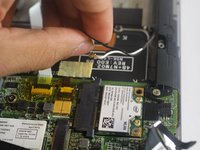
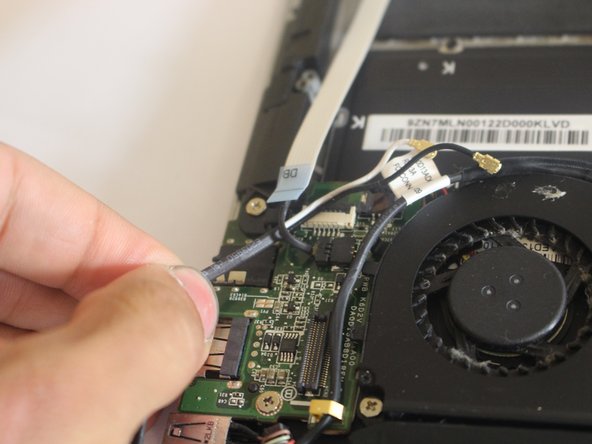
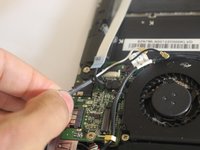
    • Disconnect the wire that is connected to the wireless card with a plastic iFixit opening tool by lifting up slowly, then pulling the wires aside.

  6. Dell XPS 13 L321X Screen Replacement: 6 단계, 이미지 1개 중 1개
    • Use a PH00 size screwdriver to remove the 8 screws that secure the battery.

    • Six 3mm screws.

    • Two 5mm screws.

  7. Dell XPS 13 L321X Screen Replacement: 7 단계, 이미지 2개 중 1개 Dell XPS 13 L321X Screen Replacement: 7 단계, 이미지 2개 중 2개
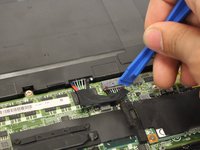
    • Insert a plastic iFixit opening tool in between the port and the wires to remove the battery cable.

  8. Dell XPS 13 L321X Screen Replacement: 8 단계, 이미지 3개 중 1개 Dell XPS 13 L321X Screen Replacement: 8 단계, 이미지 3개 중 2개 Dell XPS 13 L321X Screen Replacement: 8 단계, 이미지 3개 중 3개
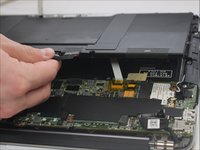
    • After removing the battery, start to remove the wireless wire and making it through the other wires connected under the battery.

  9. Dell XPS 13 L321X Screen Replacement: 9 단계, 이미지 2개 중 1개 Dell XPS 13 L321X Screen Replacement: 9 단계, 이미지 2개 중 2개
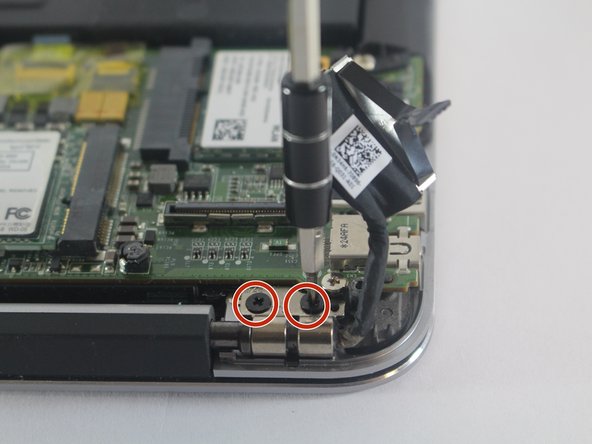
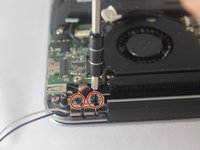
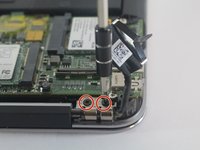
    • Remove the screws with a PH1 size screwdriver.

    • Each side of the brackets that are holding the screen down are going to have two 3mm screws in each side.

  10. Dell XPS 13 L321X Screen Replacement: 10 단계, 이미지 3개 중 1개 Dell XPS 13 L321X Screen Replacement: 10 단계, 이미지 3개 중 2개 Dell XPS 13 L321X Screen Replacement: 10 단계, 이미지 3개 중 3개
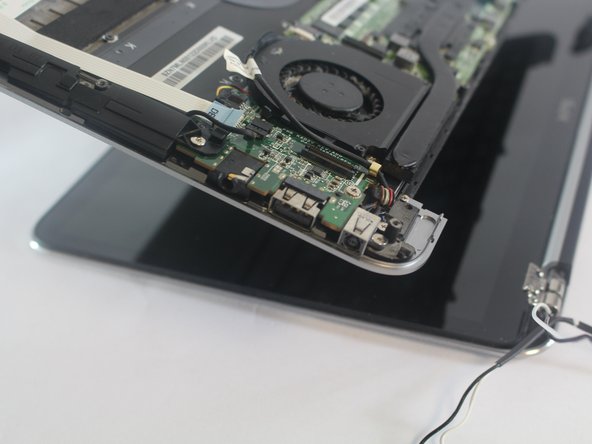
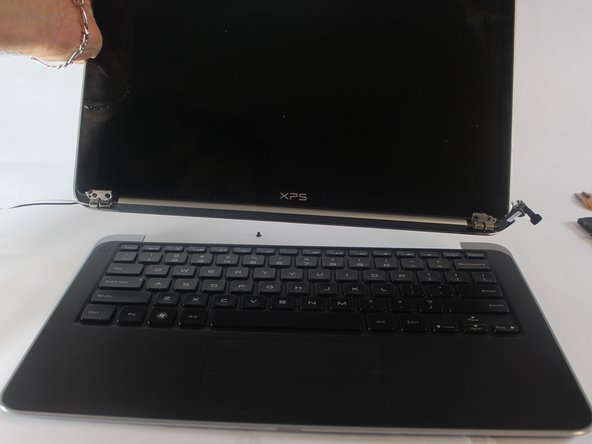
    • Open the laptop by separating the screen from the actual laptop and take it apart.

결승점

다른 2명이 해당 안내서를 완성하였습니다.

작성자

5다른 기여자 명과 함께

Molly Skinner

회원 가입일: 02/15/17

270 평판

안내서 2개를 작성함

USF Tampa, Team S6-G3, Lacy Spring 2017 USF Tampa, Team S6-G3, Lacy Spring 2017 회원

USFT-LACY-S17S6G3

4 회원들

안내서 5개를 작성함

2가이드 댓글

That would be the guide to take off the upper DISPLAY ASSEMBLY, not the screen.

I was expecting you to bring iOpeners and get the actual glass LCD out …

But it’s a good guide.

Xavier Jiang - 답글 공유

Is there a way only the screen can be replaced on Dell XPS 13, not the entire display assembly. From what I have got so far, the entire panel above the keyboard is a single unit

Abhi B - 답글 공유

댓글 쓰기

조회 통계:

지난 24시간: 2

지난 7일: 7

지난 30일: 37

전체 시간: 4,715