소개
If your screen has become damaged--cracked, scratched, or more--then it is in need of replacement. This guide will show you how to remove the battery and motherboard in order to access your broken screen.
필요한 것
-
-
To begin, locate the two 4.9mm Phillips #00 screws at the top corners of the case and remove them.
 FixBot에 문의하기
-
-
-
Squeeze the plastic opening tool in between the seam where the screen joins the plastic case.
-
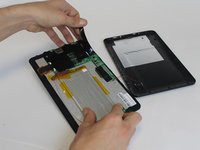
Begin separating the bottom of the case from the screen by carefully going around the whole edge of the case and slowly prying it apart.
-
-
이 단계에 사용된 도구:Tweezers$4.99
-
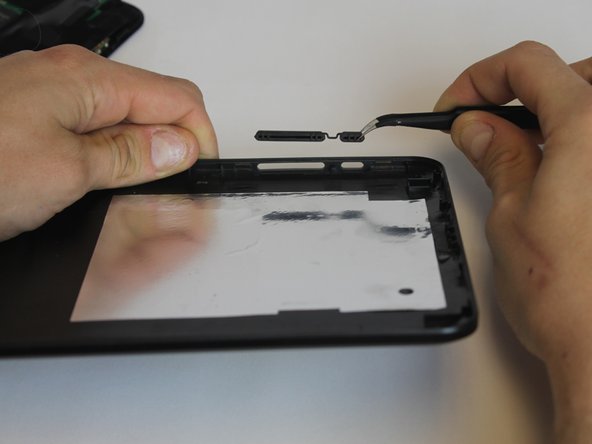
Carefully place the bottom lid next to the screen case. The power/speaker buttons should be visible at the corner of the lid. Remove the buttons with the tweezers.
-
-
-
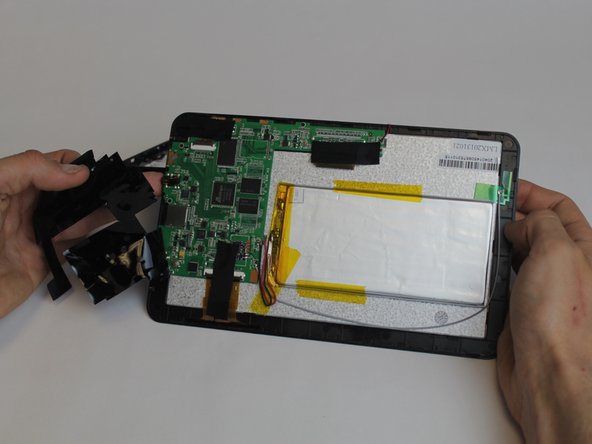
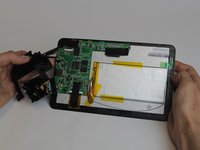
Begin removing the black tape covering the motherboard inside the tablet.
-
-
-
-
You will need to desolder the two contact points that connect the battery to the mother board.
-
Touch the hot iron to the contact points and gently pull on the wires to loosen them from the solder. They should release easily.
-
-
-
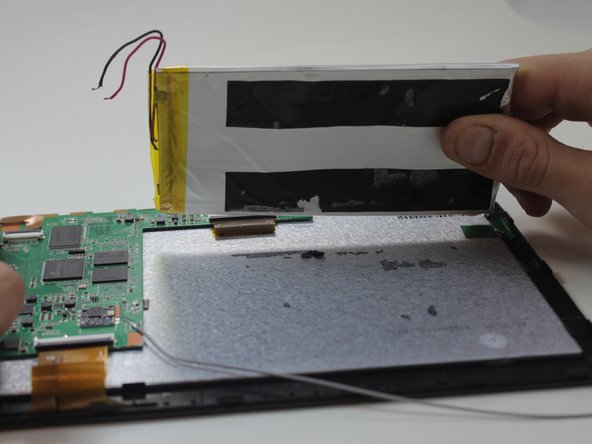
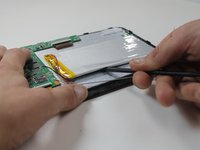
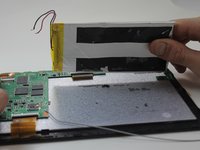
Using the black nylon spudger, get underneath the battery and begin prying it loose from the rest of the tablet.
-
-
-
The motherboard will need to be removed in order to access the screen.
-
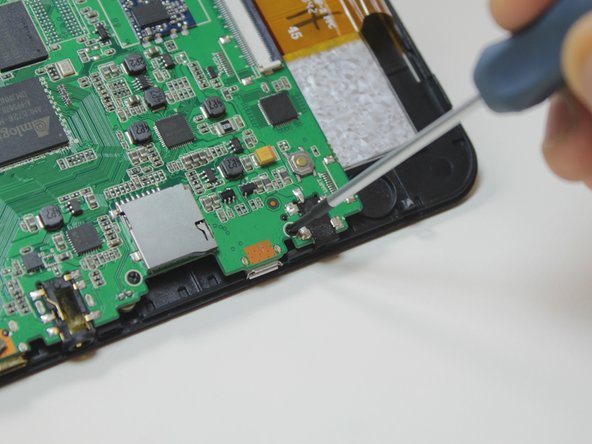
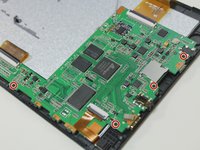
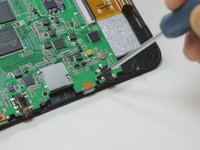
To remove the motherboard you must first unscrew four 4.9mm Phillips #00 screws.
-
-
-
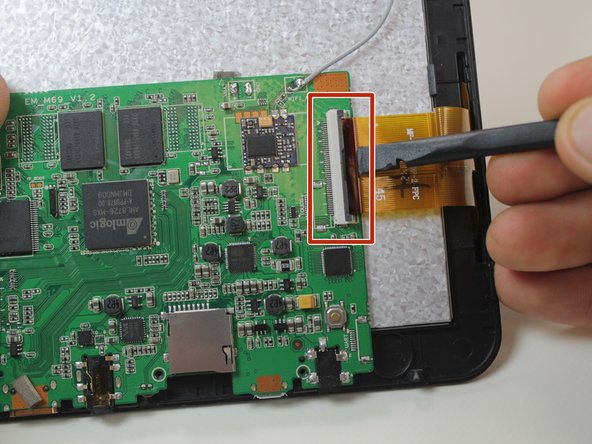
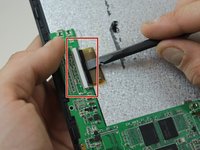
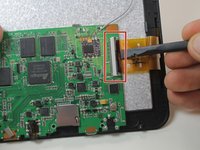
To finish removing the motherboard you must release the two data cables holding the screen to it.
-
Use the black nylon spudger to lift the gray clips up 90° on the white connectors.
-
You can now remove the data cables from the slots and lift the motherboard out from the device.
-
-
-
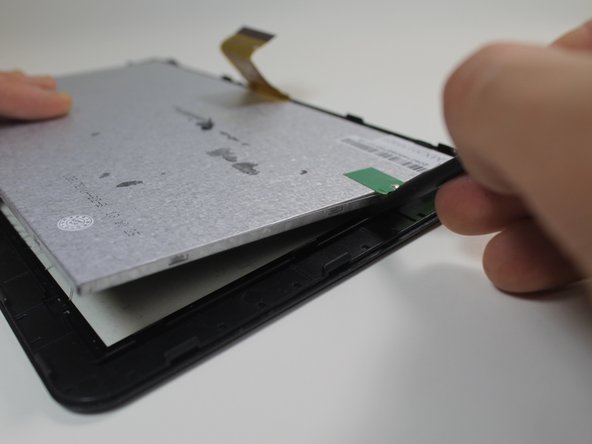
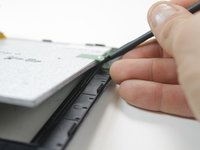
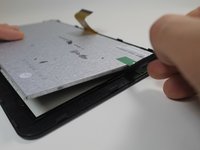
After removing the motherboard, use the black nylon spudger to pop the screen out of the housing holding it to the front of the screen case.
-
-
-
Pull the thin plastic screen casing apart and you can remove the damaged screen.
-










To reassemble your device, follow these instructions in reverse order.
다른 한 분이 해당 안내서를 완성하였습니다.

팀

USF Tampa, Team 9-1, Leahy Winter 2015 USF Tampa, Team 9-1, Leahy Winter 2015 회원
USFT-LEAHY-W15S9G1
3 회원들
안내서 9개를 작성함
