주요 콘텐츠로 건너뛰기

Disassembling Axis 214 PTZ Camera

필요한 것

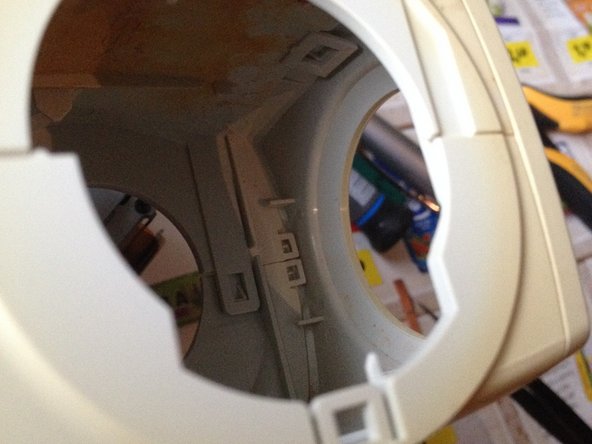
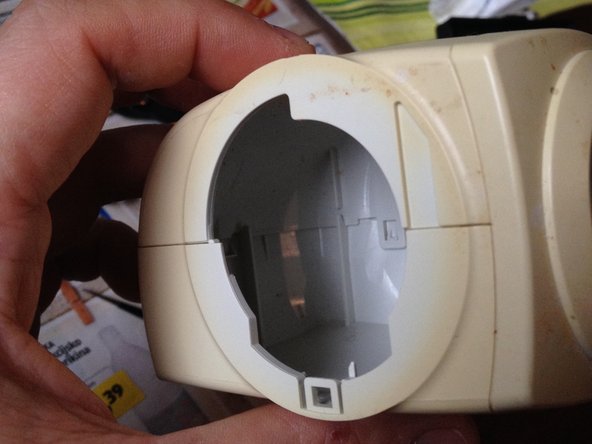
  1. Disassembling Axis 214 PTZ Camera, Camera: 1 단계, 이미지 2개 중 1개 Disassembling Axis 214 PTZ Camera, Camera: 1 단계, 이미지 2개 중 2개
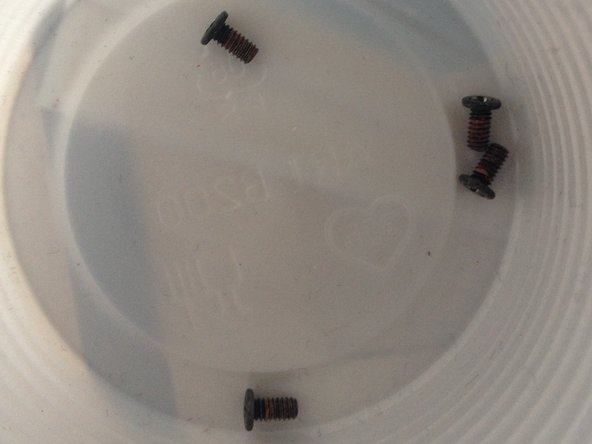
    • 4 screws

  2. Disassembling Axis 214 PTZ Camera: 2 단계, 이미지 3개 중 1개 Disassembling Axis 214 PTZ Camera: 2 단계, 이미지 3개 중 2개 Disassembling Axis 214 PTZ Camera: 2 단계, 이미지 3개 중 3개
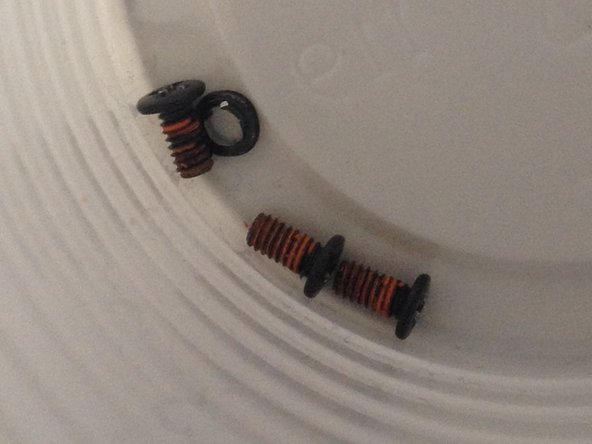
    • 7 screws

  3. Disassembling Axis 214 PTZ Camera: 3 단계, 이미지 3개 중 1개 Disassembling Axis 214 PTZ Camera: 3 단계, 이미지 3개 중 2개 Disassembling Axis 214 PTZ Camera: 3 단계, 이미지 3개 중 3개
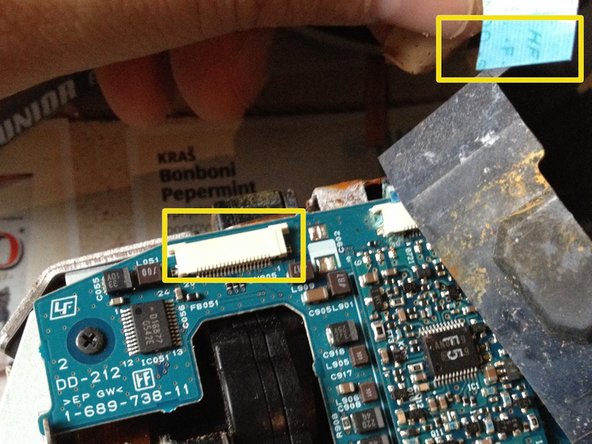
    • Remove (4) Phillips screws.

    • Carefully disconnect the ribbon connector.

  4. Disassembling Axis 214 PTZ Camera: 4 단계, 이미지 3개 중 1개 Disassembling Axis 214 PTZ Camera: 4 단계, 이미지 3개 중 2개 Disassembling Axis 214 PTZ Camera: 4 단계, 이미지 3개 중 3개
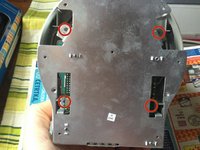
    • Remove (4) Phillips screws.

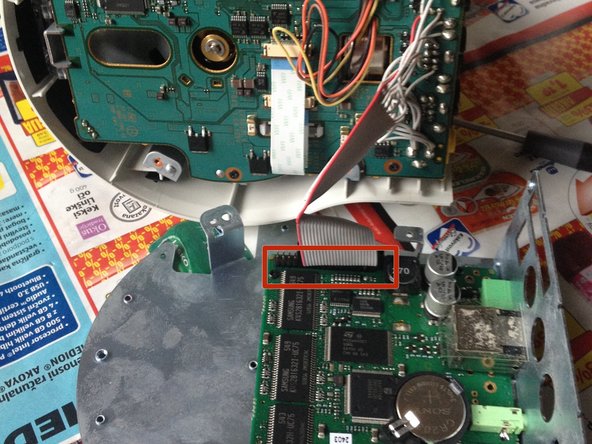
    • If replacing the logic board, remove (2) cables at the connectors.

    • At the underside of the logic board, disconnect the connector.

  5. Disassembling Axis 214 PTZ Camera: 5 단계, 이미지 3개 중 1개 Disassembling Axis 214 PTZ Camera: 5 단계, 이미지 3개 중 2개 Disassembling Axis 214 PTZ Camera: 5 단계, 이미지 3개 중 3개
    • Gently press back the plastic clip at both sides.

    • Remove 2 screws.

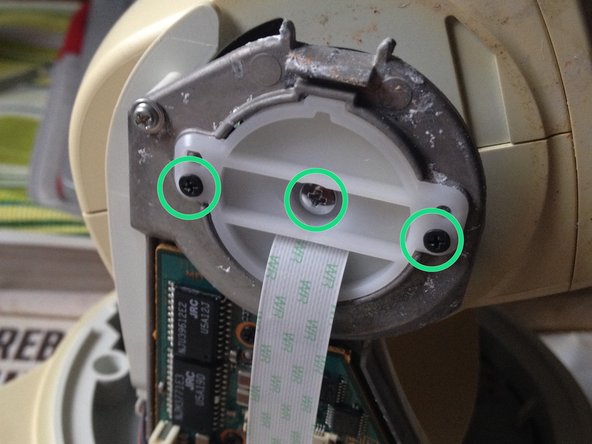
    • Remove (3) Phillip screws.

  6. Disassembling Axis 214 PTZ Camera, Odključitev heada: 6 단계, 이미지 2개 중 1개 Disassembling Axis 214 PTZ Camera, Odključitev heada: 6 단계, 이미지 2개 중 2개
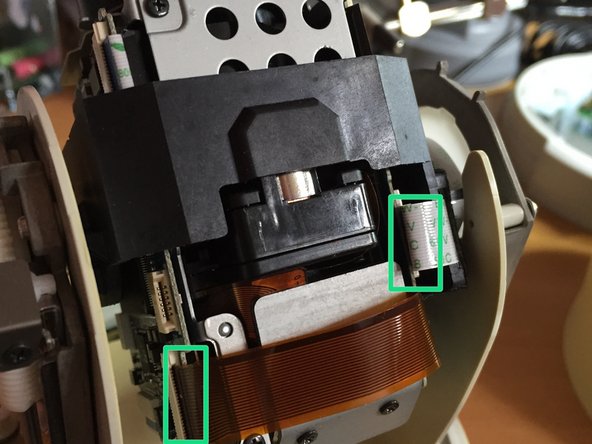
    • Remove (4) Phillips screws.

    • Carefully disconnect ribbon and flex cables.

  7. Disassembling Axis 214 PTZ Camera: 7 단계, 이미지 1개 중 1개
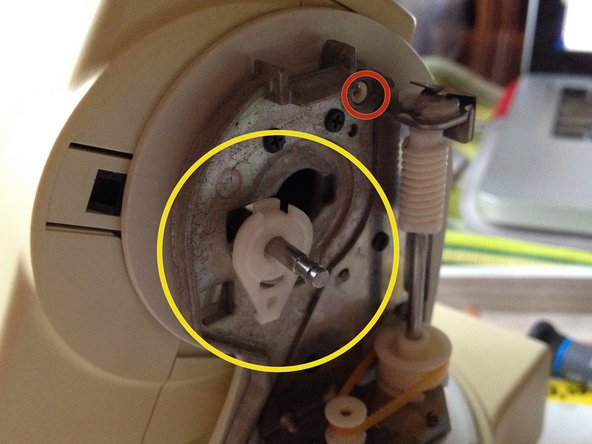
    • Remove (2) Phillip screws.

    • Remove (1) protective clip.

  8. Disassembling Axis 214 PTZ Camera: 8 단계, 이미지 2개 중 1개 Disassembling Axis 214 PTZ Camera: 8 단계, 이미지 2개 중 2개
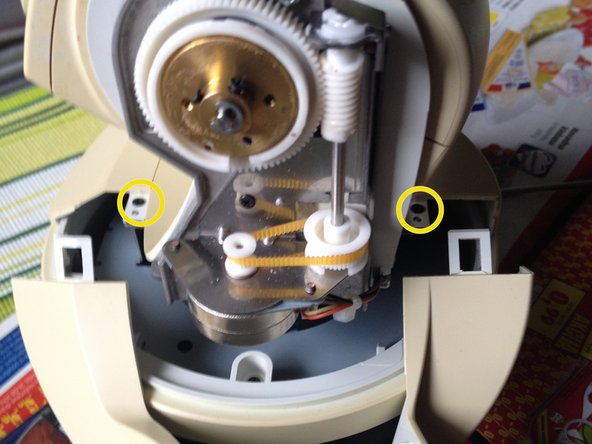
    • Remove 2 screws one on each side.

    • Turn the latch mechanism to the right.

  9. Disassembling Axis 214 PTZ Camera: 9 단계, 이미지 3개 중 1개 Disassembling Axis 214 PTZ Camera: 9 단계, 이미지 3개 중 2개 Disassembling Axis 214 PTZ Camera: 9 단계, 이미지 3개 중 3개
    • It is difficult to disassemble.

  10. Disassembling Axis 214 PTZ Camera: 10 단계, 이미지 2개 중 1개 Disassembling Axis 214 PTZ Camera: 10 단계, 이미지 2개 중 2개
    • Remove (4) recessed screws.

    • Disconnect flat Ribbon Cable.

결론

To reassemble your device, follow these instructions in reverse order.

다른 2명이 해당 안내서를 완성하였습니다.

작성자

5다른 기여자 명과 함께

lukahlastec

회원 가입일: 06/02/11

163 평판

안내서 1개를 작성함

0가이드 댓글

댓글 쓰기

조회 통계:

지난 24시간: 0

지난 7일: 7

지난 30일: 37

전체 시간: 2,727