소개
This guide will show you how to open your Flip Video and remove the main circuit board.
필요한 것
-
-
-
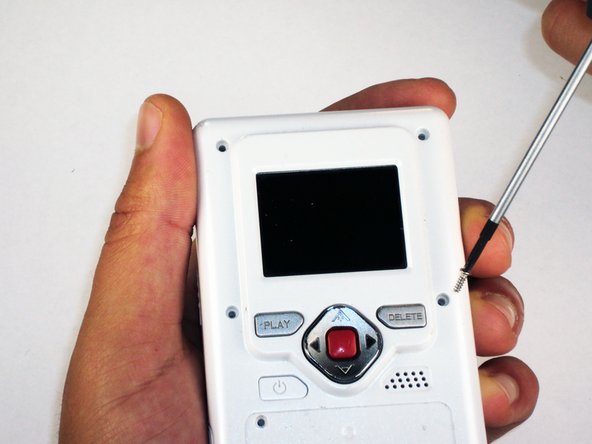
Remove the 4 gray screw caps with the spudger. These cover the screw heads and protect from dirt or grime.
-
-
-
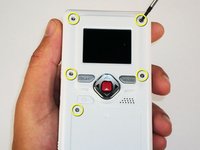
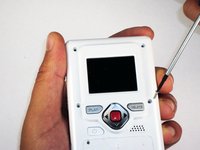
Remove the 5 10mm screws with the #00 Phillips screwdriver. These connect the back of the outer shell to the front of the outer shell.
-
-
-
-
Open battery door. This can be done by gently depressing and sliding the battery down downward.
-
-
-
Use the spudger to separate outer shells.
-
The spudger must be inserted between the shell halves to pry the edges apart.
-
Slowly work around the outside to separate the halves.
-
-
-
-
Remove the 3 5mm screws securing the circuit board to the front shell with the #00 Phillips screwdriver.
-
-
-
Slide out the battery contacts.
-
Battery contacts
-
Slot where battery contacts were located
-
-


 FixBot에 문의하기




To reassemble your device, follow these instructions in reverse order.
다른 한 분이 해당 안내서를 완성하였습니다.

팀

Cal Poly, Team 26-21, Regan Spring 2010 Cal Poly, Team 26-21, Regan Spring 2010 회원
CPSU-REGAN-S10S26G21
4 회원들
안내서 18개를 작성함
1가이드 댓글
Thank you. Where is the reset button on these first generation Flip Videos (mine doesn’t have one visible on outside, must be on inside.
sherrygray - 답글 공유
