소개
This guide will show you how to open the outer shell of your Flip Video.
필요한 것
-
-
-
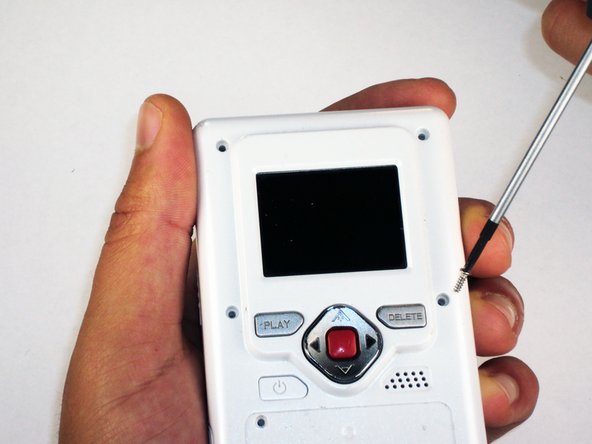
Remove the 4 gray screw caps with the spudger. These cover the screw heads and protect from dirt or grime.
-
-
-
-
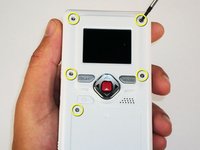
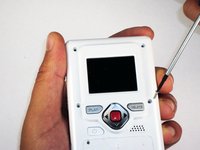
Remove the 5 10mm screws with the #00 Phillips screwdriver. These connect the back of the outer shell to the front of the outer shell.
-
-
-
Open battery door. This can be done by gently depressing and sliding the battery down downward.
-
-
-
Use the spudger to separate outer shells.
-
The spudger must be inserted between the shell halves to pry the edges apart.
-
Slowly work around the outside to separate the halves.
-


 FixBot에 문의하기




To reassemble your device, follow these instructions in reverse order.
다른 한 분이 해당 안내서를 완성하였습니다.

팀

Cal Poly, Team 26-21, Regan Spring 2010 Cal Poly, Team 26-21, Regan Spring 2010 회원
CPSU-REGAN-S10S26G21
4 회원들
안내서 18개를 작성함
