주요 콘텐츠로 건너뛰기
수리 커뮤니티 가입 - 계정 만들기

Disassembling the Root Coding Robot

필요한 것

  1. Disassembling the Root Coding Robot, Removing the bottom screws: 1 단계, 이미지 1개 중 1개
    • The first step in our disassembly is to remove the four bottom Phillips screws.

  2. Disassembling the Root Coding Robot, Opening up the Root: 2 단계, 이미지 3개 중 1개 Disassembling the Root Coding Robot, Opening up the Root: 2 단계, 이미지 3개 중 2개 Disassembling the Root Coding Robot, Opening up the Root: 2 단계, 이미지 3개 중 3개
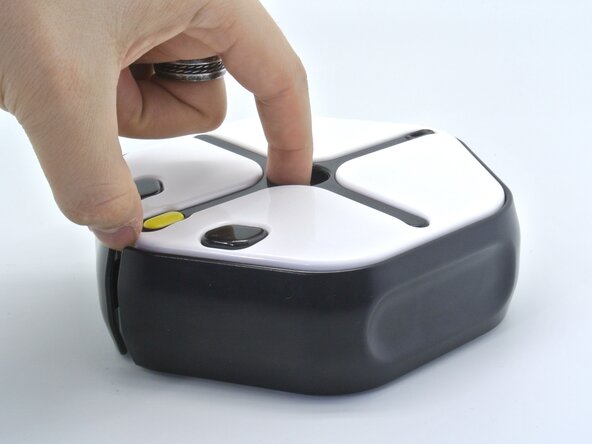
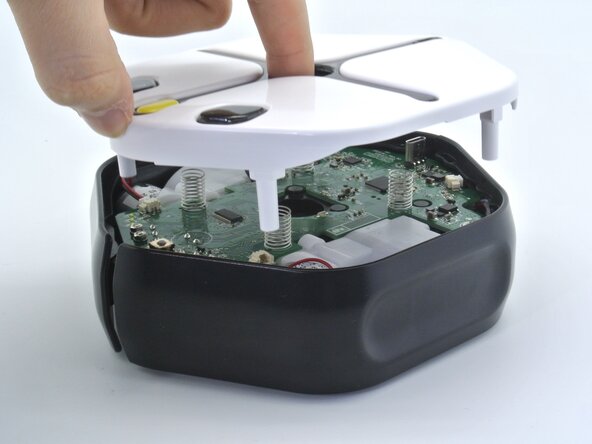
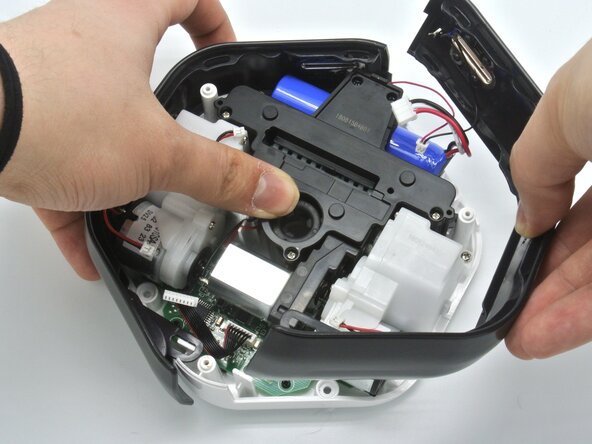
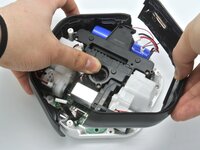
    • Once the screws are removed, simply flip the robot face up and lift the top cover. This will expose the Root's motherboard.

  3. Disassembling the Root Coding Robot, Disconnecting some cables: 3 단계, 이미지 3개 중 1개 Disassembling the Root Coding Robot, Disconnecting some cables: 3 단계, 이미지 3개 중 2개 Disassembling the Root Coding Robot, Disconnecting some cables: 3 단계, 이미지 3개 중 3개
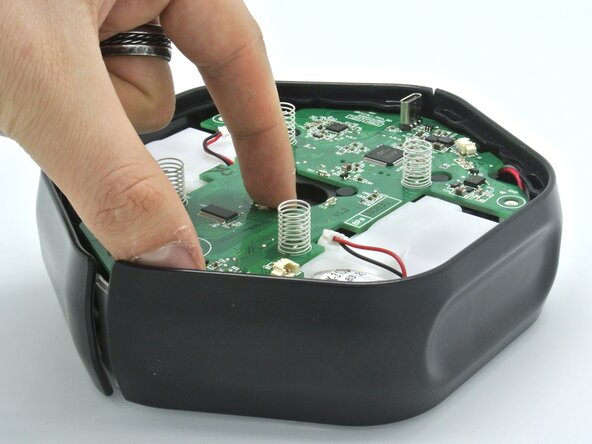
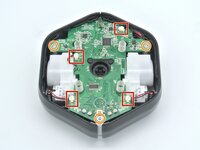
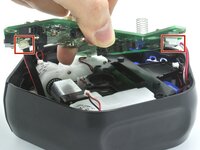
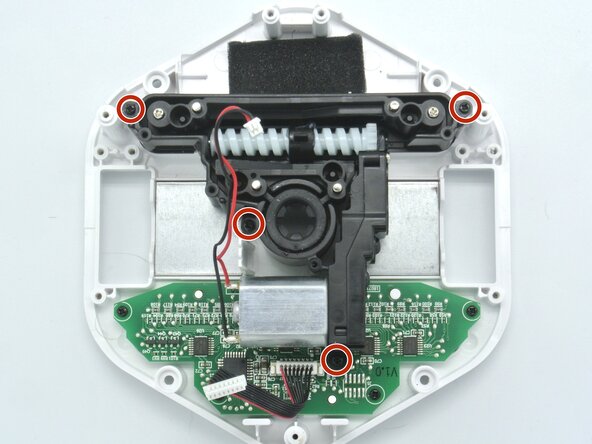
    • Remove the three screws holding the motherboard in place.

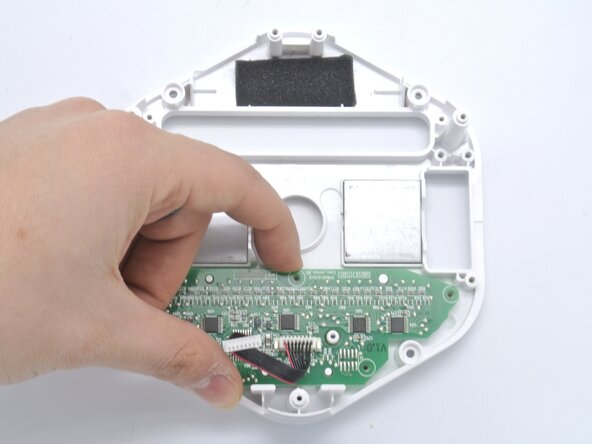
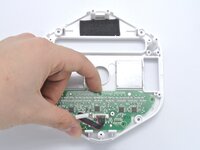
    • With a spudger, remove the four cables connected to the motherboard. This will allow us to lift it but there's still a couple of connectors to disconnect.

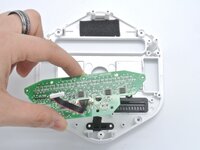
    • Don't force the motherboard out as the erasing mechanisms and color sensors are still connected to it.

  4. Disassembling the Root Coding Robot, Removing the motherboard: 4 단계, 이미지 2개 중 1개 Disassembling the Root Coding Robot, Removing the motherboard: 4 단계, 이미지 2개 중 2개
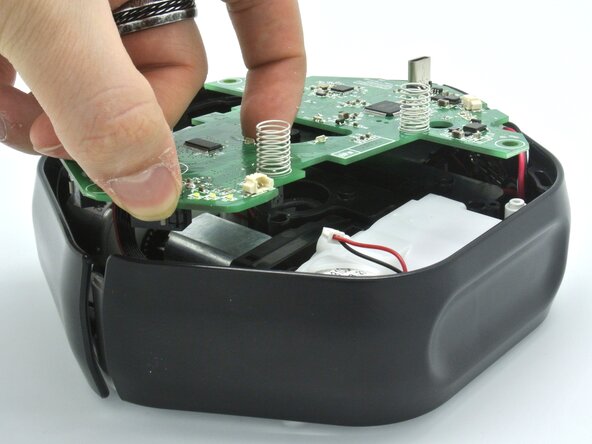
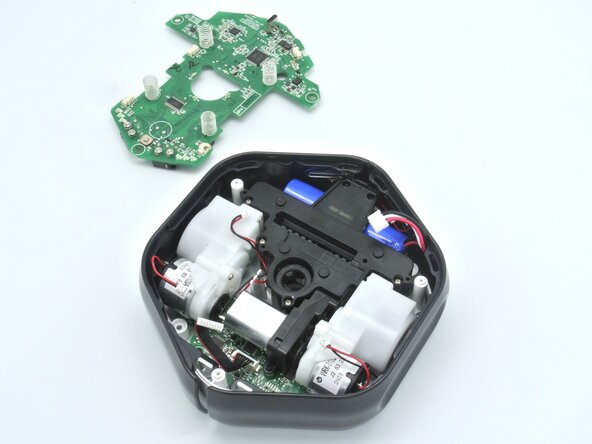
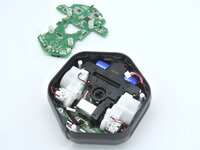
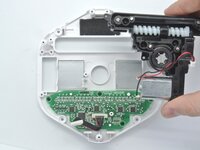
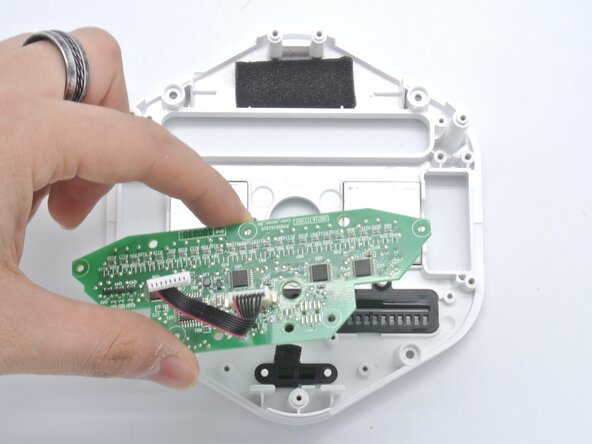
    • Now you can see both connectors still attached to the motherboard, remove them and simply set the motherboard aside.

  5. Disassembling the Root Coding Robot, Side buttons: 5 단계, 이미지 2개 중 1개 Disassembling the Root Coding Robot, Side buttons: 5 단계, 이미지 2개 중 2개
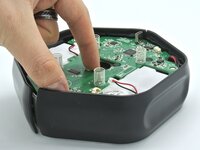
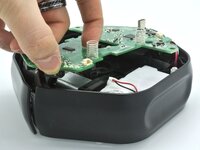
    • With the motherboard out of the way, we can simply lift the side buttons and remove them.

  6. Disassembling the Root Coding Robot, Motors: 6 단계, 이미지 3개 중 1개 Disassembling the Root Coding Robot, Motors: 6 단계, 이미지 3개 중 2개 Disassembling the Root Coding Robot, Motors: 6 단계, 이미지 3개 중 3개
    • Without the side buttons we can now easily access the three Phillips screws holding down the motors.

    • Unscrew them and remove the motors.

  7. Disassembling the Root Coding Robot, Accessing the battery: 7 단계, 이미지 2개 중 1개 Disassembling the Root Coding Robot, Accessing the battery: 7 단계, 이미지 2개 중 2개
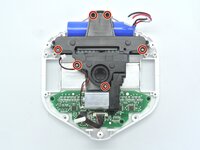
    • To access the battery, unscrew the 6 Phillips screws and remove the plastic piece.

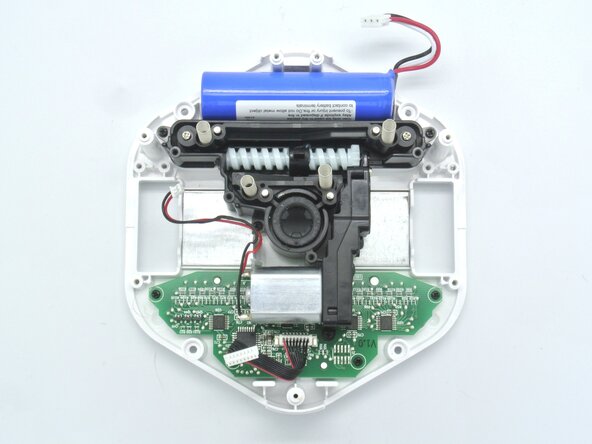
    • With motors removed you can now see thge powerful magnets that hold this robot fixed on a whiteboard.

  8. Disassembling the Root Coding Robot, Battery: 8 단계, 이미지 2개 중 1개 Disassembling the Root Coding Robot, Battery: 8 단계, 이미지 2개 중 2개
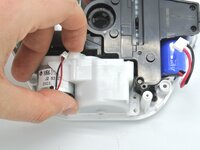
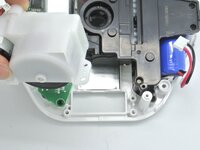
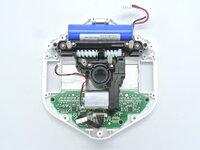
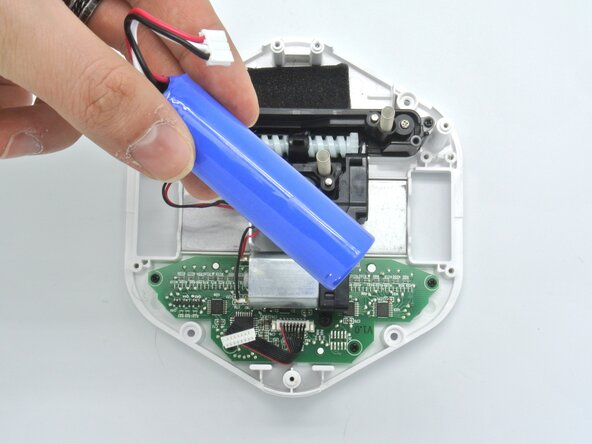
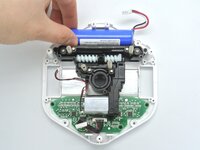
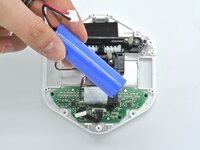
    • With access to the battery, you can simply take it out.

  9. Disassembling the Root Coding Robot, Repositionning some cables: 9 단계, 이미지 2개 중 1개 Disassembling the Root Coding Robot, Repositionning some cables: 9 단계, 이미지 2개 중 2개
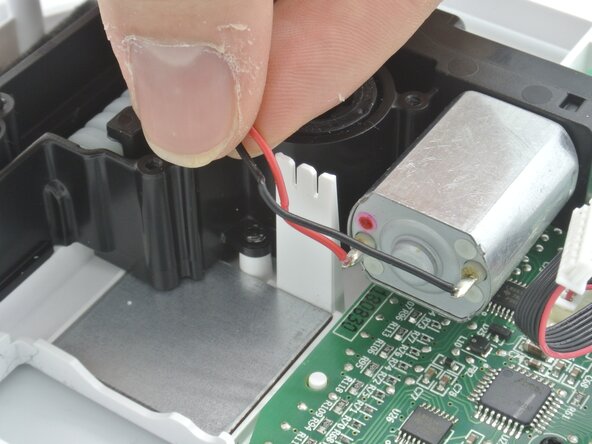
    • There's a little cable holder that makes sure the motor cables don't go everywhere, make sure to remove the cables from there.

  10. Disassembling the Root Coding Robot, Erasing mechanism: 10 단계, 이미지 3개 중 1개 Disassembling the Root Coding Robot, Erasing mechanism: 10 단계, 이미지 3개 중 2개 Disassembling the Root Coding Robot, Erasing mechanism: 10 단계, 이미지 3개 중 3개
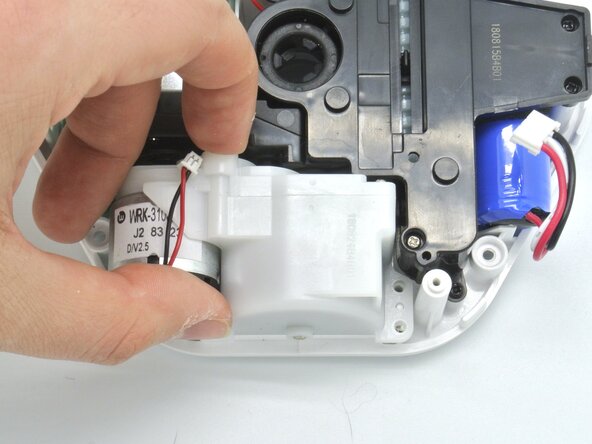
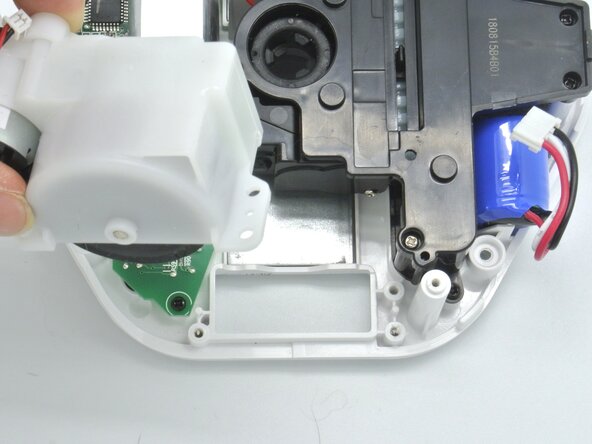
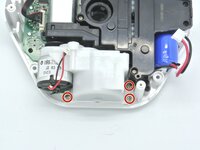
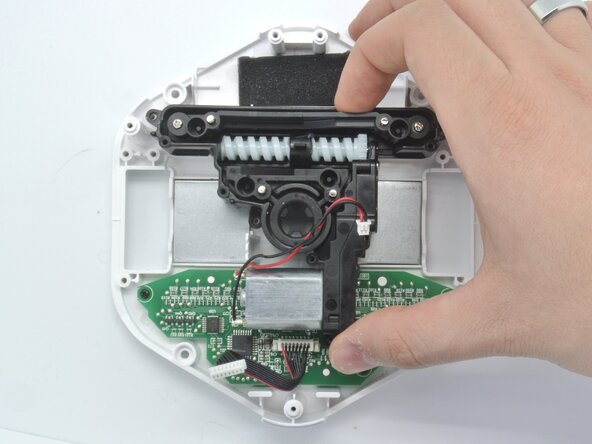
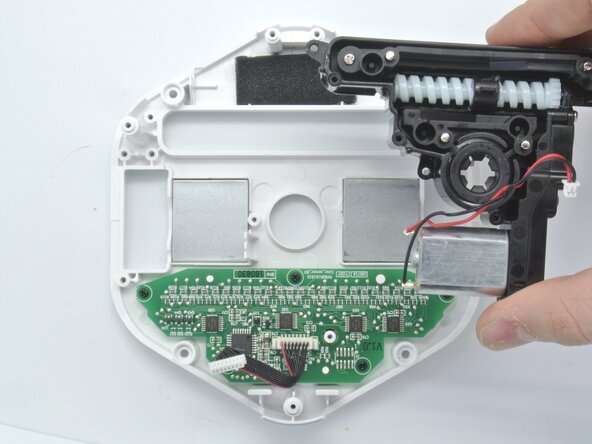
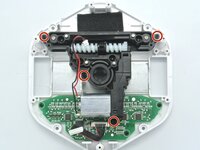
    • The cool thing about the Root robot is that it can go on a white board and it can erase stuff. That mechanism is shown here and it can be remove by unscrewing these four screws.

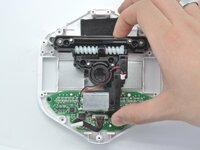
    • Once that's done, remove the erasing mechanism.

  11. Disassembling the Root Coding Robot, Color sensor board: 11 단계, 이미지 3개 중 1개 Disassembling the Root Coding Robot, Color sensor board: 11 단계, 이미지 3개 중 2개 Disassembling the Root Coding Robot, Color sensor board: 11 단계, 이미지 3개 중 3개
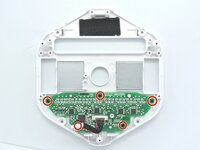
    • To recognize colors, the Root uses a color sensor board at the bottom of the robot. Unscrew the five screws holding the board to the chassis.

    • Remove the board.

결론

Congratulations, you've made it to the end of the guide, and that concludes the Root Coding robot disassembly.

To reassemble your device, follow these instructions in reverse order.

작성자

1다른 기여자 명과 함께

Alexandre Aires Viegas

회원 가입일: 03/07/25

1,556 평판

안내서 5개를 작성함

0가이드 댓글

댓글 쓰기

조회 통계:

지난 24시간: 0

지난 7일: 1

지난 30일: 14

전체 시간: 181