주요 콘텐츠로 건너뛰기
수리 커뮤니티 가입 - 계정 만들기

Electrohome EAAC475 Display Replacement

필요한 것

  1. Electrohome EAAC475 Display Replacement, Battery: 1 단계, 이미지 2개 중 1개 Electrohome EAAC475 Display Replacement, Battery: 1 단계, 이미지 2개 중 2개
    • Remove the 10 mm Phillips #1 screw from the battery cover.

    • Remove the battery cover.

  2. Electrohome EAAC475 Display Replacement: 2 단계, 이미지 1개 중 1개
    • Remove the flat lithium battery.

  3. Electrohome EAAC475 Display Replacement, Buttons: 3 단계, 이미지 2개 중 1개 Electrohome EAAC475 Display Replacement, Buttons: 3 단계, 이미지 2개 중 2개
    • Disconnect the radio from all power sources.

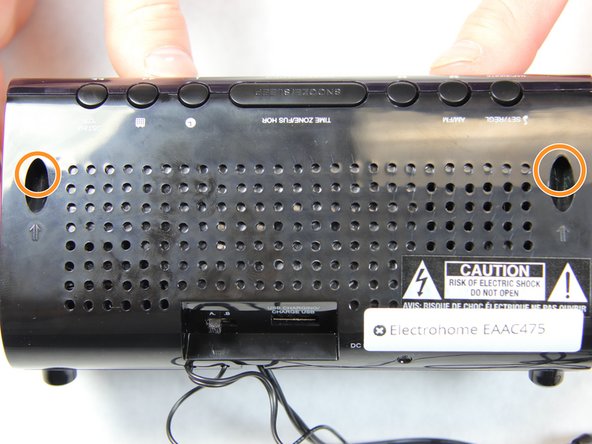
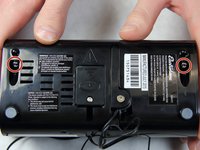
    • Remove the two 10 mm Phillips #1 screws from the bottom of the device.

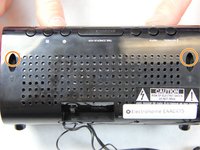
    • Remove two 10 mm Phillips #1 screws from the back side of the device.

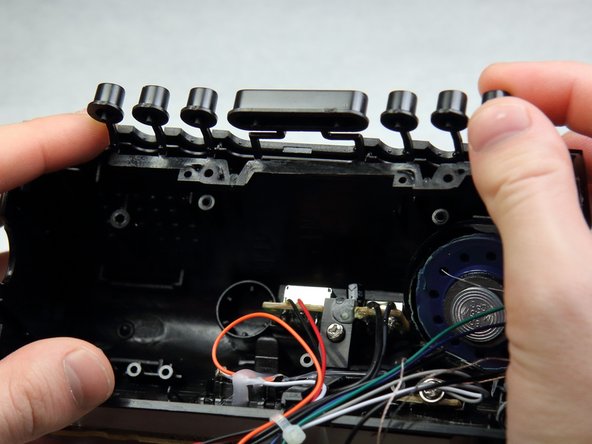
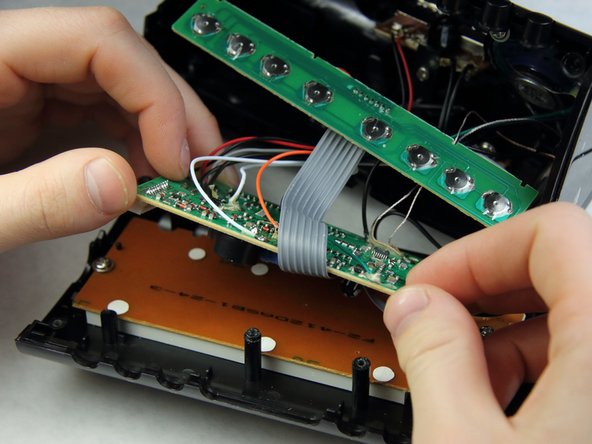
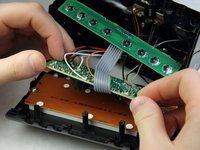
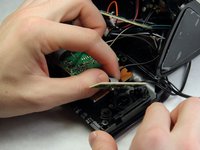
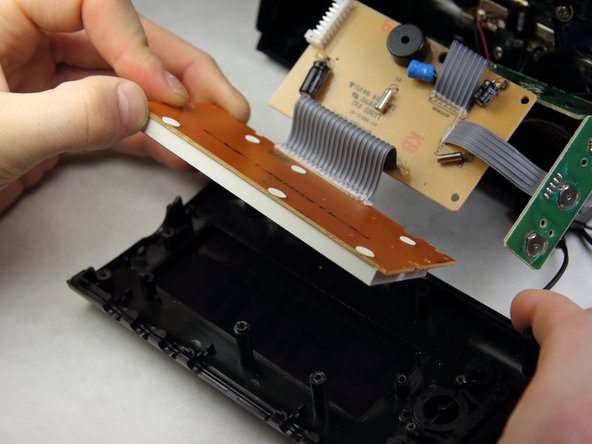
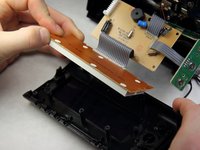
  4. Electrohome EAAC475 Display Replacement: 4 단계, 이미지 3개 중 1개 Electrohome EAAC475 Display Replacement: 4 단계, 이미지 3개 중 2개 Electrohome EAAC475 Display Replacement: 4 단계, 이미지 3개 중 3개
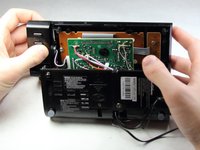
    • Carefully and slowly pull the lower case away from the rest of the device.

    • Do not completely separate the lower case. There are several wires connecting the two halves of the device.

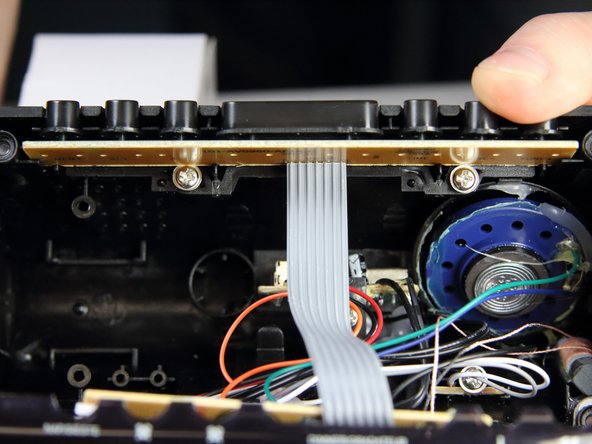
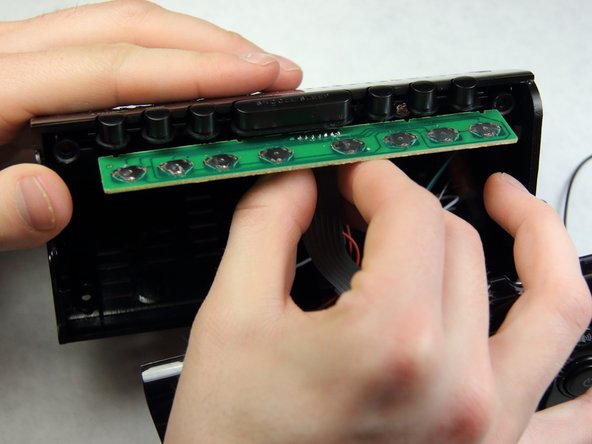
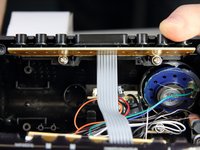
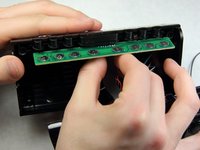
    • Flip the device over to access the button assembly.

    • Slowly remove the button contact board from the assembly.

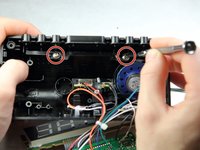
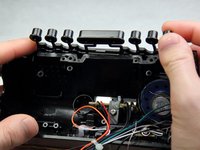
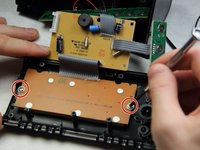
  5. Electrohome EAAC475 Display Replacement: 5 단계, 이미지 2개 중 1개 Electrohome EAAC475 Display Replacement: 5 단계, 이미지 2개 중 2개
    • Remove the two 7 mm Phillips # 1 screws holding the buttons.

    • Remove the plastic buttons.

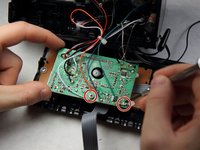
  6. Electrohome EAAC475 Display Replacement, Display: 6 단계, 이미지 2개 중 1개 Electrohome EAAC475 Display Replacement, Display: 6 단계, 이미지 2개 중 2개
    • Remove the two 8 mm Phillips screws supporting the circuit board.

    • Pull off the circuit board to access the panels below.

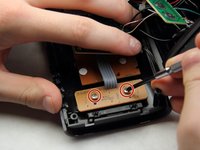
  7. Electrohome EAAC475 Display Replacement: 7 단계, 이미지 2개 중 1개 Electrohome EAAC475 Display Replacement: 7 단계, 이미지 2개 중 2개
    • Remove the two 6 mm Phillips screws supporting the mini circuit board for the frontal buttons.

    • Remove the mini circuit board.

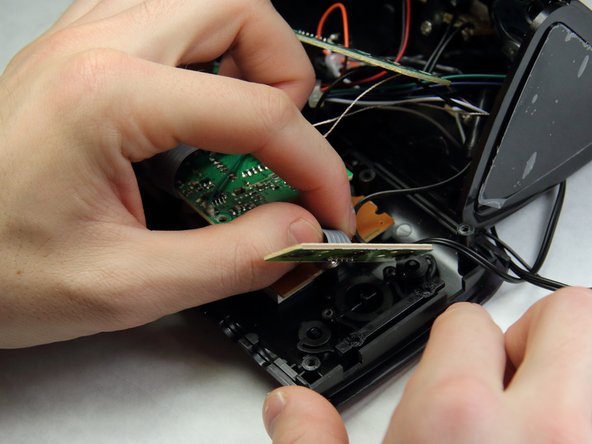
  8. Electrohome EAAC475 Display Replacement: 8 단계, 이미지 2개 중 1개 Electrohome EAAC475 Display Replacement: 8 단계, 이미지 2개 중 2개
    • Move the now free circuit boards away from the display.

    • Remove the final two 7 mm Phillips screws securing the display.

    • Pull the display screen away from the casing.

  9. Electrohome EAAC475 Display Replacement: 9 단계, 이미지 1개 중 1개
    • You have successfully accessed the display.

    • Replacing the display with a new one will be challenging as soldering and connecting micro wires are necessary.

결론

To reassemble your device, follow these instructions in reverse order.

작성자

4다른 기여자 명과 함께

Sohail Khatri

회원 가입일: 02/16/16

201 평판

안내서 2개를 작성함

IUPUI, Team 2-1, Harley Spring 2016 IUPUI, Team 2-1, Harley Spring 2016 회원

IUPUI-HARLEY-S16S2G1

4 회원들

안내서 6개를 작성함

0가이드 댓글

댓글 쓰기

조회 통계:

지난 24시간: 1

지난 7일: 10

지난 30일: 42

전체 시간: 1,160