주요 콘텐츠로 건너뛰기
수리 커뮤니티 가입 - 계정 만들기

Flip Video Ultra Circuit Board Replacement

필요한 것

    1. Flip Video Ultra Circuit Board Replacement, Circuit Board: 1 단계, 이미지 1개 중 1개
      • Unlock the battery cover by sliding the switch to the unlock position.

      댓글 쓰기

    2. Flip Video Ultra Circuit Board Replacement: 2 단계, 이미지 1개 중 1개
      • Remove the battery cover by sliding it down the camera.

      댓글 쓰기

    3. Flip Video Ultra Circuit Board Replacement: 3 단계, 이미지 1개 중 1개
      • Remove the batteries

      댓글 쓰기

    4. Flip Video Ultra Circuit Board Replacement: 4 단계, 이미지 1개 중 1개
      • Slide the black upper casing off from the device.

      댓글 쓰기

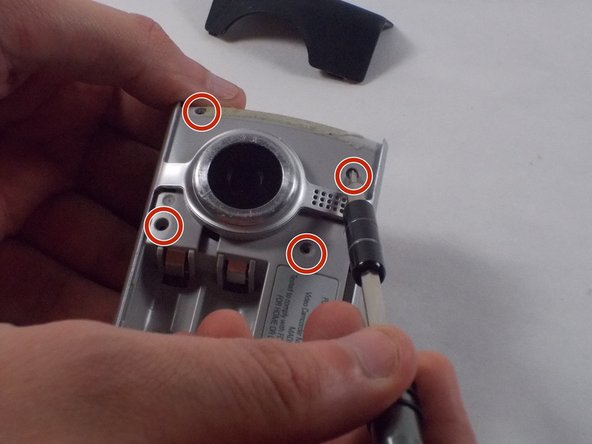
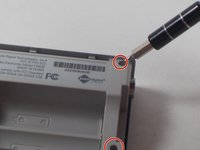
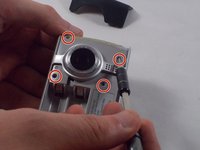
    5. Flip Video Ultra Circuit Board Replacement: 5 단계, 이미지 2개 중 1개 Flip Video Ultra Circuit Board Replacement: 5 단계, 이미지 2개 중 2개
      • Remove the six 1mm screws from the back and upper casing with the Phillips Head screwdriver.

      댓글 쓰기

    6. Flip Video Ultra Circuit Board Replacement: 6 단계, 이미지 1개 중 1개
      • Remove the top casing from the bottom to reveal the inner circuit board.

      댓글 쓰기

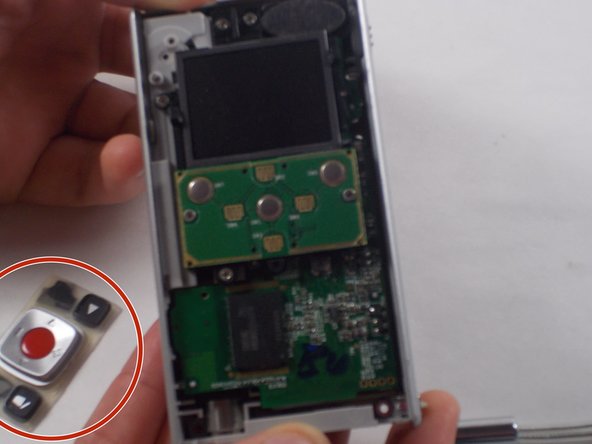
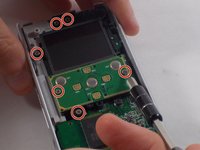
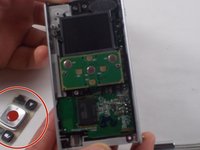
    7. Flip Video Ultra Circuit Board Replacement: 7 단계, 이미지 2개 중 1개 Flip Video Ultra Circuit Board Replacement: 7 단계, 이미지 2개 중 2개
      • When removing the back panel, the rubber buttons will become loose and likely fall off the board. This is normal and can easily placed back on the board once finished.

      • Remove the six 1mm screws with the 1 Phillips head screwdriver.

      댓글 쓰기

    8. Flip Video Ultra Circuit Board Replacement: 8 단계, 이미지 1개 중 1개
      • Gently separate the circuit board from the casing.

      댓글 쓰기

    9. Flip Video Ultra Circuit Board Replacement: 9 단계, 이미지 2개 중 1개 Flip Video Ultra Circuit Board Replacement: 9 단계, 이미지 2개 중 2개
      • Unscrew the single 1mm screw from USB housing unit.

      댓글 쓰기

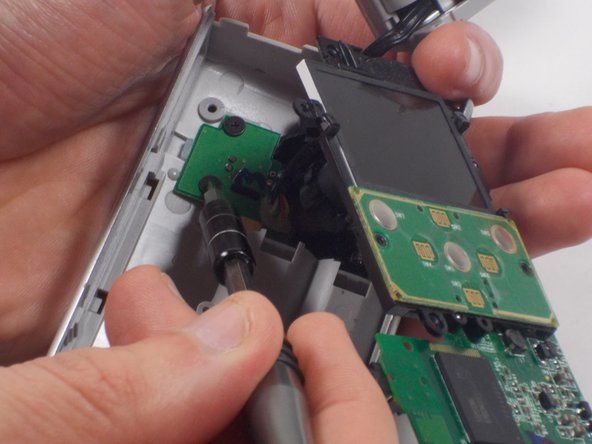
    10. Flip Video Ultra Circuit Board Replacement: 10 단계, 이미지 2개 중 1개 Flip Video Ultra Circuit Board Replacement: 10 단계, 이미지 2개 중 2개
      • Unscrew the 2 1mm screws and gently separate camera wires from plastic casing.

      댓글 쓰기

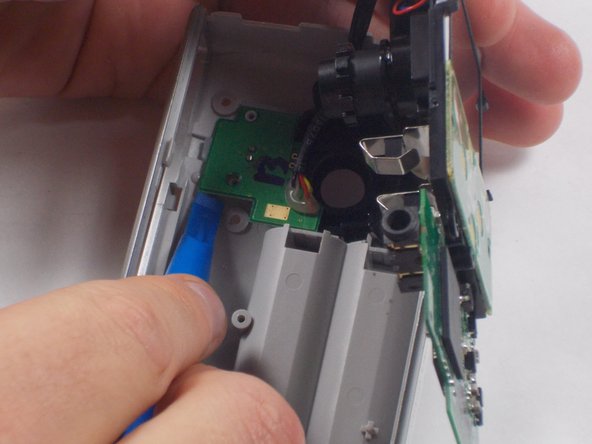
    11. Flip Video Ultra Circuit Board Replacement: 11 단계, 이미지 1개 중 1개
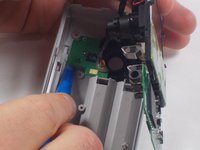
      • Gently pry out the USB housing unit with the Ifxit Opening Tool.

      댓글 쓰기

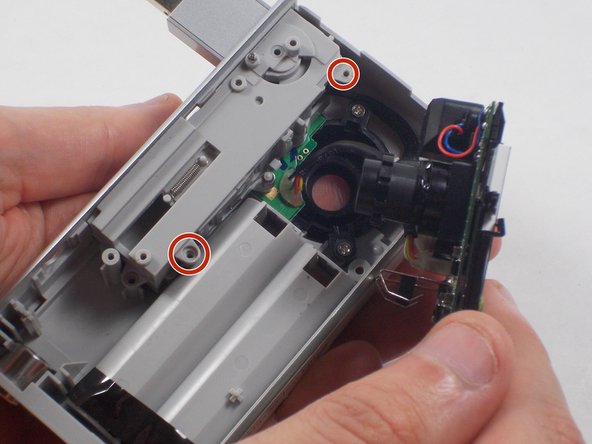
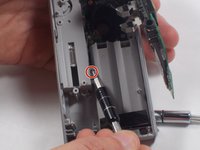
    12. Flip Video Ultra Circuit Board Replacement: 12 단계, 이미지 3개 중 1개 Flip Video Ultra Circuit Board Replacement: 12 단계, 이미지 3개 중 2개 Flip Video Ultra Circuit Board Replacement: 12 단계, 이미지 3개 중 3개
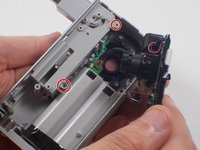
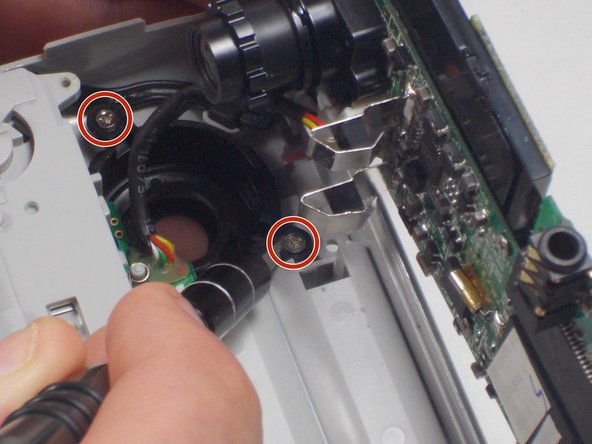
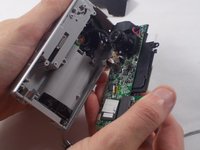
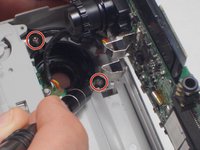
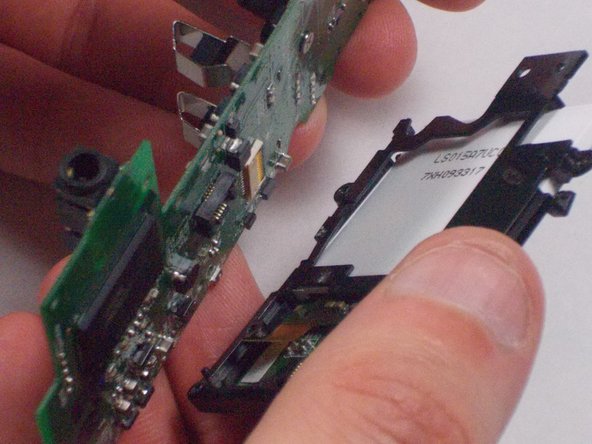
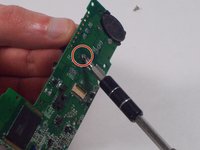
      • Remove the two 1mm screws and separate the circuit board and camera from the plastic casing.

      댓글 쓰기

    13. Flip Video Ultra Circuit Board Replacement: 13 단계, 이미지 1개 중 1개
      • Unscrew the camera housing unit from the plastic case.

      댓글 쓰기

    14. Flip Video Ultra Circuit Board Replacement: 14 단계, 이미지 3개 중 1개 Flip Video Ultra Circuit Board Replacement: 14 단계, 이미지 3개 중 2개 Flip Video Ultra Circuit Board Replacement: 14 단계, 이미지 3개 중 3개
      이 단계에 사용된 도구:
      Tweezers
      $4.99
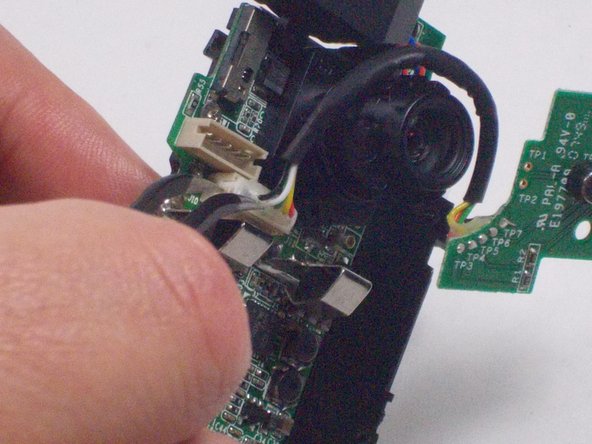
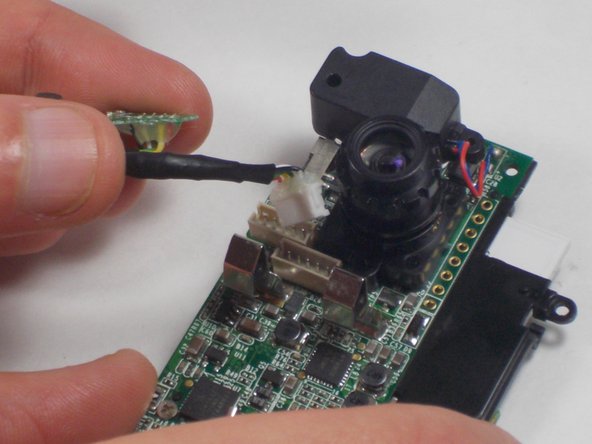
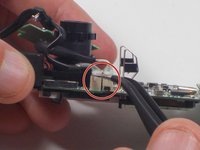
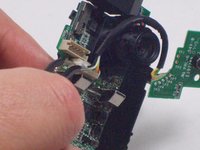
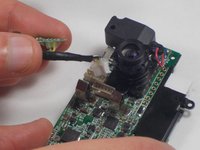
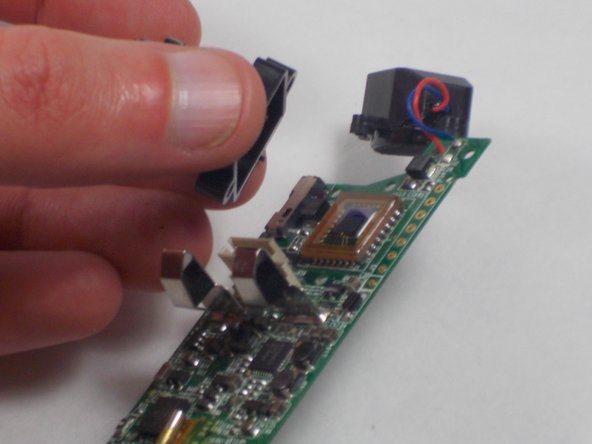
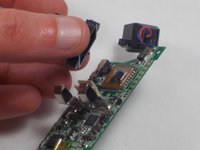
      • With tweezers, remove the microphone and USB connections.

      댓글 쓰기

    15. Flip Video Ultra Circuit Board Replacement: 15 단계, 이미지 2개 중 1개 Flip Video Ultra Circuit Board Replacement: 15 단계, 이미지 2개 중 2개
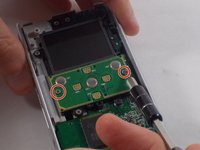
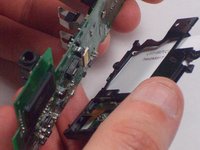
      • Unscrew the two 1mm screws from the board shown. Remove screen from circuit board.

      댓글 쓰기

    16. Flip Video Ultra Circuit Board Replacement: 16 단계, 이미지 2개 중 1개 Flip Video Ultra Circuit Board Replacement: 16 단계, 이미지 2개 중 2개
      • Remove the single 2.1 mm screw and separate camera from the circuit board.

      댓글 쓰기

결론

To reassemble your device, follow these instructions in reverse order.

취소: 해당 안내서를 완성하지 않았습니다.

다른 한 분이 해당 안내서를 완성하였습니다.

작성자

4다른 기여자 명과 함께

Nathaniel Ruf

회원 가입일: 10/18/16

514 평판

안내서 5개를 작성함

UMass Dartmouth, Team 5-7, Martin Fall 2016 UMass Dartmouth, Team 5-7, Martin Fall 2016 회원

UMASSD-MARTIN-F16S5G7

3 회원들

안내서 10개를 작성함

0가이드 댓글

댓글 쓰기

조회 통계:

지난 24시간: 5

지난 7일: 9

지난 30일: 34

전체 시간: 1,080