주요 콘텐츠로 건너뛰기

Flip Video Ultra Power button Replacement

필요한 것

  1. Flip Video Ultra Power button Replacement, Power button: 1 단계, 이미지 1개 중 1개
    • Unlock the battery cover by sliding the switch to the unlock position.

  2. Flip Video Ultra Power button Replacement: 2 단계, 이미지 1개 중 1개
    • Remove the battery cover by sliding it down the camera.

  3. Flip Video Ultra Power button Replacement: 3 단계, 이미지 1개 중 1개
    • Remove the batteries

  4. Flip Video Ultra Power button Replacement: 4 단계, 이미지 1개 중 1개
    • Slide the black upper casing off from the device.

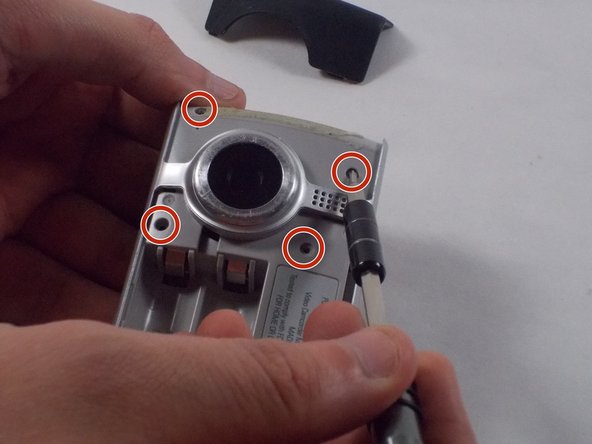
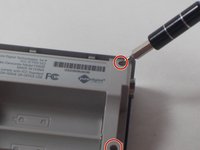
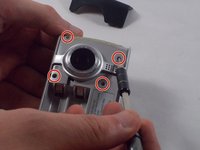
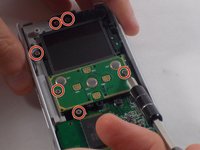
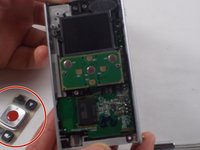
  5. Flip Video Ultra Power button Replacement: 5 단계, 이미지 2개 중 1개 Flip Video Ultra Power button Replacement: 5 단계, 이미지 2개 중 2개
    • Remove the six 1mm screws from the back and upper casing with the Phillips Head screwdriver.

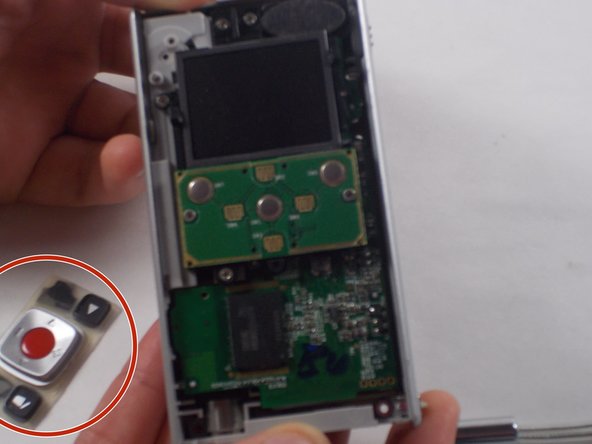
  6. Flip Video Ultra Power button Replacement: 6 단계, 이미지 1개 중 1개
    • Remove the top casing from the bottom to reveal the inner circuit board.

  7. Flip Video Ultra Power button Replacement: 7 단계, 이미지 2개 중 1개 Flip Video Ultra Power button Replacement: 7 단계, 이미지 2개 중 2개
    • When removing the back panel, the rubber buttons will become loose and likely fall off the board. This is normal and can easily placed back on the board once finished.

    • Remove the six 1mm screws with the 1 Phillips head screwdriver.

  8. Flip Video Ultra Power button Replacement: 8 단계, 이미지 1개 중 1개
    • Gently separate the circuit board from the casing.

  9. Flip Video Ultra Power button Replacement: 9 단계, 이미지 2개 중 1개 Flip Video Ultra Power button Replacement: 9 단계, 이미지 2개 중 2개
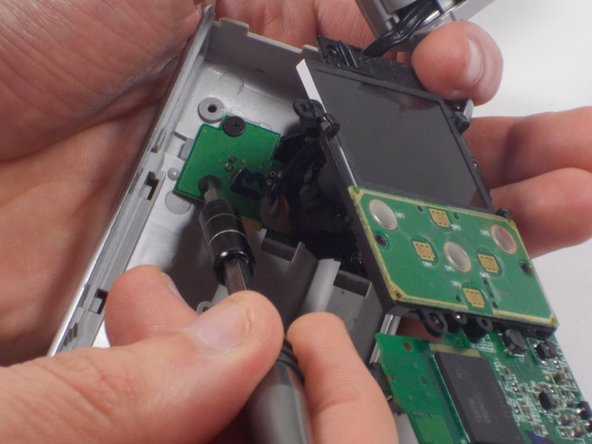
    • Unscrew the single 1mm screw from USB housing unit.

  10. Flip Video Ultra Power button Replacement: 10 단계, 이미지 2개 중 1개 Flip Video Ultra Power button Replacement: 10 단계, 이미지 2개 중 2개
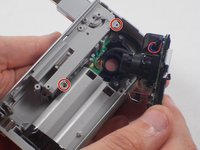
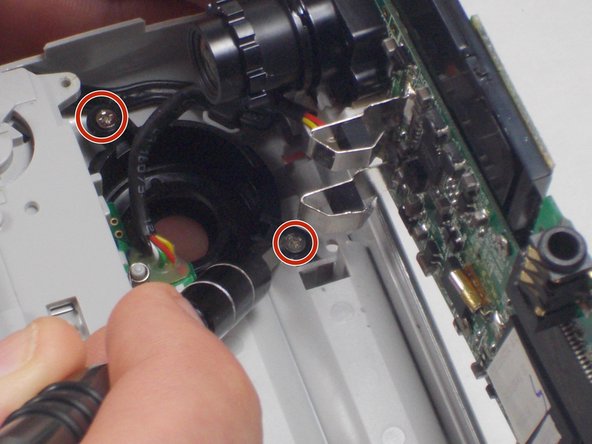
    • Unscrew the 2 1mm screws and gently separate camera wires from plastic casing.

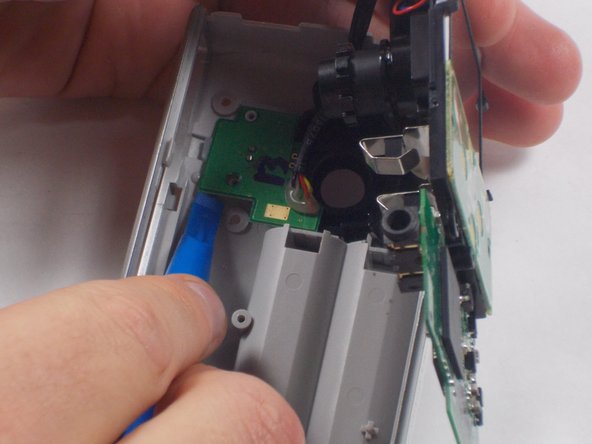
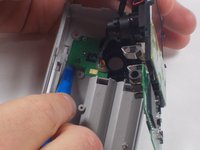
  11. Flip Video Ultra Power button Replacement: 11 단계, 이미지 1개 중 1개
    • Gently pry out the USB housing unit with the Ifxit Opening Tool.

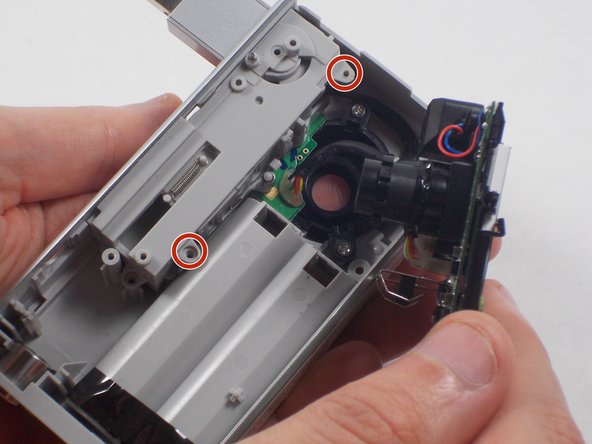
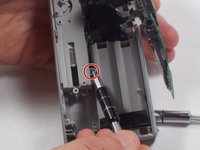
  12. Flip Video Ultra Power button Replacement: 12 단계, 이미지 3개 중 1개 Flip Video Ultra Power button Replacement: 12 단계, 이미지 3개 중 2개 Flip Video Ultra Power button Replacement: 12 단계, 이미지 3개 중 3개
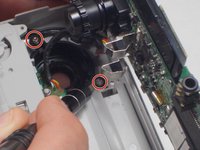
    • Remove the two 1mm screws and separate the circuit board and camera from the plastic casing.

  13. Flip Video Ultra Power button Replacement: 13 단계, 이미지 1개 중 1개
    • Unscrew the camera housing unit from the plastic case.

결론

To reassemble your device, follow these instructions in reverse order.

작성자

2다른 기여자 명과 함께

Nathaniel Ruf

회원 가입일: 10/18/16

514 평판

안내서 5개를 작성함

UMass Dartmouth, Team 5-7, Martin Fall 2016 UMass Dartmouth, Team 5-7, Martin Fall 2016 회원

UMASSD-MARTIN-F16S5G7

3 회원들

안내서 10개를 작성함

0가이드 댓글

댓글 쓰기

조회 통계:

지난 24시간: 0

지난 7일: 2

지난 30일: 10

전체 시간: 625