주요 콘텐츠로 건너뛰기
수리 커뮤니티 가입 - 계정 만들기

Fujitsu LifeBook N3510 RAM Replacement

필요한 것

  1. Fujitsu LifeBook N3510 RAM Replacement, Battery: 1 단계, 이미지 1개 중 1개
    • Locate the two clips on the bottom of the computer that support the battery.

  2. Fujitsu LifeBook N3510 RAM Replacement: 2 단계, 이미지 1개 중 1개
    • Using your fingers, push the clips inward and then upward.

    • Lift the battery out of the computer.

  3. Fujitsu LifeBook N3510 RAM Replacement, RAM: 3 단계, 이미지 1개 중 1개
    • Locate the RAM cover.

  4. Fujitsu LifeBook N3510 RAM Replacement: 4 단계, 이미지 1개 중 1개
    • Remove the screw labeled “3.”

    • The screw is not shown in the picture.

  5. Fujitsu LifeBook N3510 RAM Replacement: 5 단계, 이미지 2개 중 1개 Fujitsu LifeBook N3510 RAM Replacement: 5 단계, 이미지 2개 중 2개
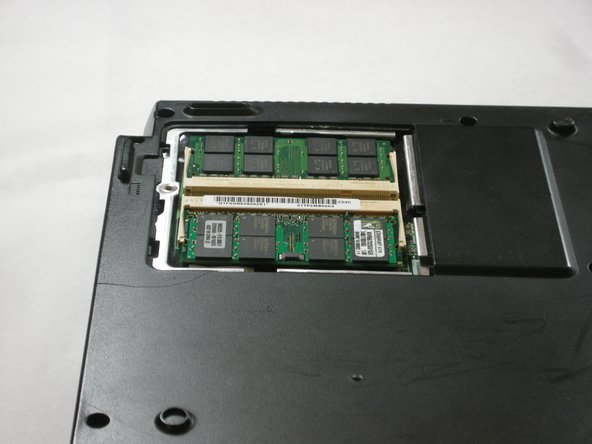
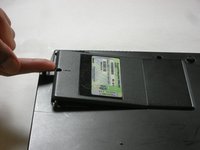
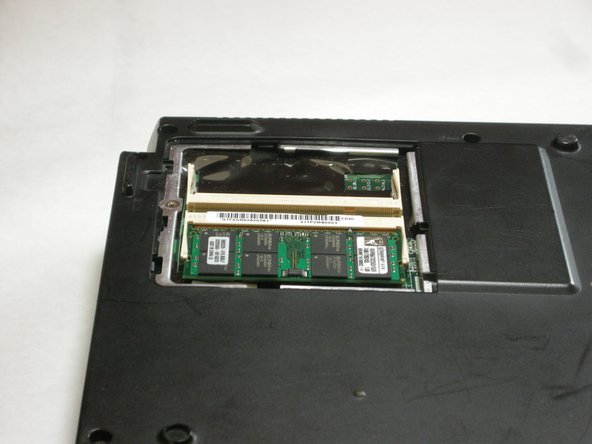
    • Remove the RAM cover by lifting it with your finger.

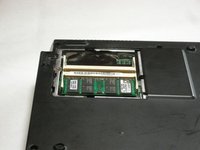
  6. Fujitsu LifeBook N3510 RAM Replacement: 6 단계, 이미지 2개 중 1개 Fujitsu LifeBook N3510 RAM Replacement: 6 단계, 이미지 2개 중 2개
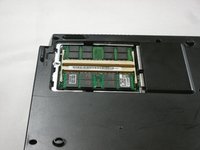
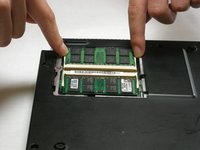
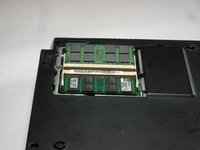
    • Remove the RAM module by pushing the securing clips outward.

    • The RAM module will then slightly pop out.

    • When you are installing a new RAM module, carefully insert it into the socket and push downwards.

  7. Fujitsu LifeBook N3510 RAM Replacement: 7 단계, 이미지 2개 중 1개 Fujitsu LifeBook N3510 RAM Replacement: 7 단계, 이미지 2개 중 2개
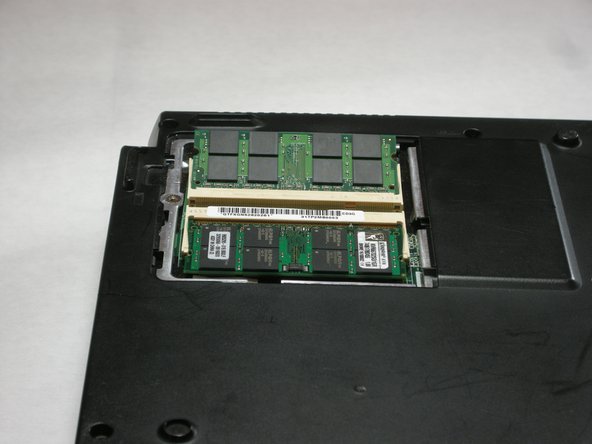
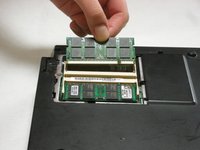
    • Carefully pull the RAM module from the computer.

결론

To reassemble your device, follow these instructions in reverse order.

다른 3명이 해당 안내서를 완성하였습니다.

작성자

7다른 기여자 명과 함께

Neil Daniels

회원 가입일: 01/17/11

1,411 평판

안내서 11개를 작성함

Cal Poly, Team 5-18, Amido Winter 2011 Cal Poly, Team 5-18, Amido Winter 2011 회원

CPSU-AMIDO-W11S5G18

3 회원들

안내서 23개를 작성함

0가이드 댓글

댓글 쓰기

조회 통계:

지난 24시간: 0

지난 7일: 4

지난 30일: 20

전체 시간: 3,253