주요 콘텐츠로 건너뛰기
수리 커뮤니티 가입 - 계정 만들기

Garmin DriveSmart 71 EX Case Disassembly

필요한 것

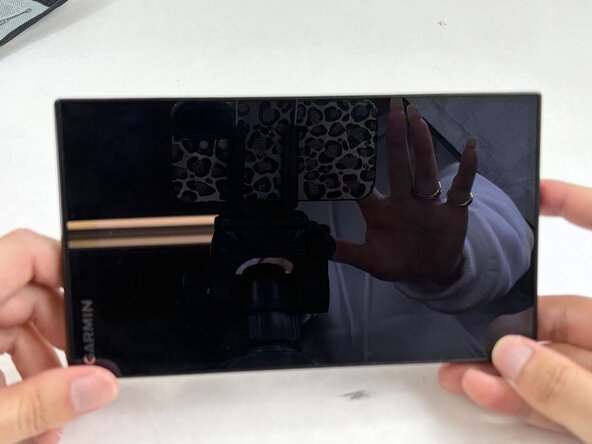
    1. Garmin DriveSmart 71 EX Case Disassembly, Case: 1 단계, 이미지 1개 중 1개
      • Unplug and power off the device.

      댓글 쓰기

    2. Garmin DriveSmart 71 EX Case Disassembly: 2 단계, 이미지 1개 중 1개
      • Remove the four 5 mm T5 Torx screws securing the rear case.

      댓글 쓰기

    3. Garmin DriveSmart 71 EX Case Disassembly: 3 단계, 이미지 3개 중 1개 Garmin DriveSmart 71 EX Case Disassembly: 3 단계, 이미지 3개 중 2개 Garmin DriveSmart 71 EX Case Disassembly: 3 단계, 이미지 3개 중 3개
      • Insert an opening pick into the seam between the front and back cover.

      • Carefully slide the opening pick around the perimeter of the device to release the clips securing the front and rear case.

      • Open the case with care not to strain the display ribbon cable or the microphone cable.

      • You may hear small snapping sounds as the clips release. Don't worry, this is normal.

      댓글 쓰기

결론

To reassemble your device, follow these instructions in reverse order.

취소: 해당 안내서를 완성하지 않았습니다.

Connor Bassolino

회원 가입일: 03/29/22

25,232 평판

안내서 125개를 작성함

0가이드 댓글

댓글 쓰기

조회 통계:

지난 24시간: 0

지난 7일: 2

지난 30일: 22

전체 시간: 62