소개
If you need to replace the silicon buttons in a Garmin STRIKER 4, access them with this guide. Some reasons you may be replacing the buttons include the button pegs being worn down.
필요한 것
-
-
Remove all six 6 mm screws using a Phillips #0 screwdriver.
-
Detach and flip the backside to open the device.
-
-
-
-
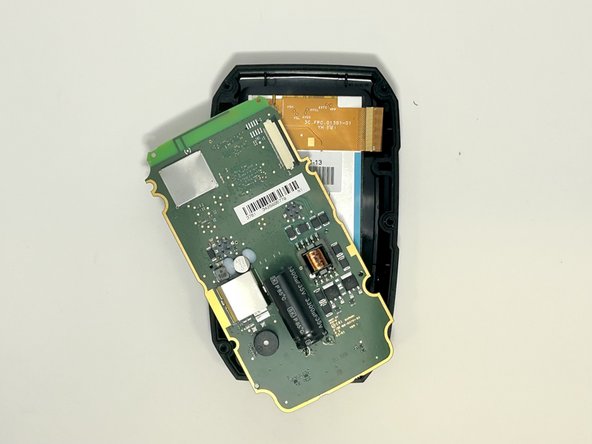
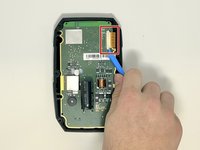
Slide out the screen cable from the motherboard using the iFixit opening tool or your fingernail.
-
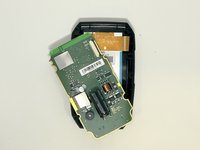
Remove the motherboard from the device.
-
-
-
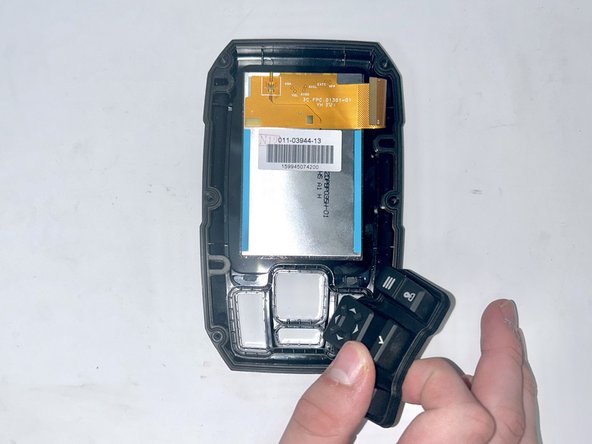
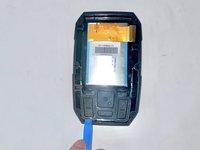
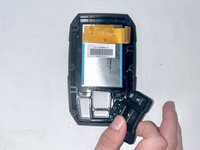
Use the iFixit opening tool to lift the silicon buttons from their original casing.
-


 FixBot에 문의하기



To reassemble your device, follow these instructions in reverse order.
다른 2명이 해당 안내서를 완성하였습니다.

팀

Utah Tech University, Team 1-5, McMurrin Fall 2023 Utah Tech University, Team 1-5, McMurrin Fall 2023 회원
UTAHTECH-MCMURRIN-F23S1G5
3 회원들
안내서 4개를 작성함
