소개
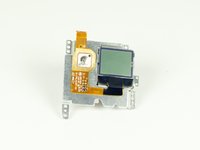
If for some reason, your screen is dysfunctional, you can replace it. Since it is near the bottom of the camera, it is not easy to replace. Grab your screwdrivers and tweezers and let's go!
필요한 것
-
-
-
Gently pry the back open by inserting a metal spudger between the case and back panel.
-
-
-
Disconnect the battery from the motherboard by unplugging the red, white, and black wires from the white adapter.
-
-
-
Disconnect the ribbon cable from the lens by lifting the black latch and gently pulling the ribbon cable from the socket.
-
-
-
-
Use a Phillips screwdriver (PH000) to remove the four screws around the white plastic piece.
-
-
-
-
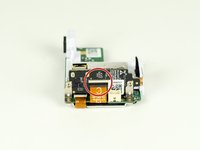
Remove the larger ribbon cable from the daughter board by lifting the black latch and pulling the ribbon cable gently from the socket.
-
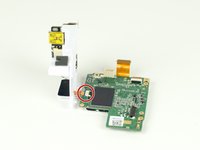
Disconnect the smaller ribbon cable leading from the white plastic piece by simply pulling it from the socket.
-
-
-
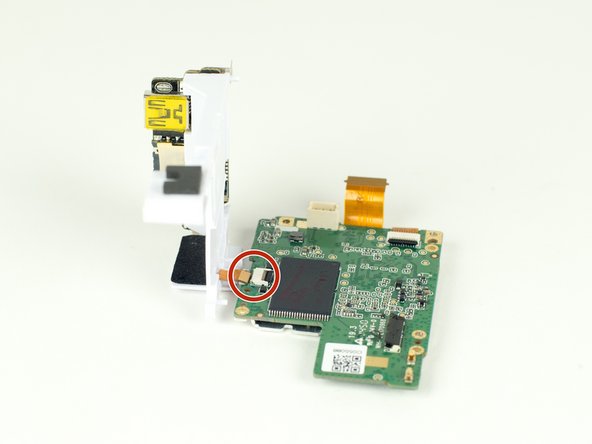
Remove the ribbon cable from the motherboard by simply pulling the cable from the socket.
-
-

 FixBot에 문의하기




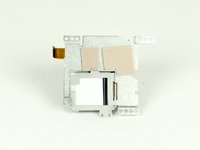
To reassemble your device, follow these instructions in reverse order.
다른 6명이 해당 안내서를 완성하였습니다.

팀

Cal Poly, Team 12-2, Lancaster Spring 2015 Cal Poly, Team 12-2, Lancaster Spring 2015 회원
CPSU-LANCASTER-S15S12G2
4 회원들
안내서 18개를 작성함
3가이드 댓글
Where do you buy the replacement lcd
Gopro hero 7 white repair cost:
Screen: $45 - https://www.ebay.com.au/itm/183828969944
Side panel: $35 - https://www.herogear.com.au/genuine-repl...
Addisen KING - 답글 공유
I can find the screen but is it compatible with the Hero+
Brian Casado - 답글 공유
