주요 콘텐츠로 건너뛰기
수리 커뮤니티 가입 - 계정 만들기

HMD Fusion Screen Replacement

필요한 것

  1. HMD Fusion Screen Replacement, Prepare your phone for disassembly: 1 단계, 이미지 1개 중 1개
    • Let your phone's battery drain below 25% before starting this repair. A charged lithium‑ion battery may catch fire if damaged.

    • Unplug all cables from your phone and completely power it down.

  2. HMD Fusion Screen Replacement, Remove the SIM card tray: 2 단계, 이미지 3개 중 1개 HMD Fusion Screen Replacement, Remove the SIM card tray: 2 단계, 이미지 3개 중 2개 HMD Fusion Screen Replacement, Remove the SIM card tray: 2 단계, 이미지 3개 중 3개
    • Firmly press a SIM eject tool, bit, or straightened paper clip into the SIM card tray hole on the left edge of your phone until the tray ejects.

    • Remove the SIM card tray.

  3. HMD Fusion Screen Replacement, Remove the back cover screws: 3 단계, 이미지 3개 중 1개 HMD Fusion Screen Replacement, Remove the back cover screws: 3 단계, 이미지 3개 중 2개 HMD Fusion Screen Replacement, Remove the back cover screws: 3 단계, 이미지 3개 중 3개
    • Use a T3 Torx screwdriver to remove the sixteen 5.0 mm‑long screws securing the back cover.

    • Use your fingernails, or angled tweezers, to remove any stuck screws.

    • The screws are secured tightly in the back cover, so you might not be able to remove all of them. If you can't remove a few screws, don't worry! Move to the next step and follow the guide normally.

  4. HMD Fusion Screen Replacement: 4 단계, 이미지 1개 중 1개
    이 단계에 사용된 도구:
    Magnetic Project Mat
    $19.95
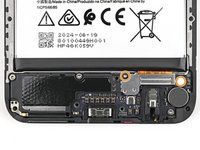
    • During the next four steps, the remaining back cover screws might fall out unexpectedly.

    • To avoid losing screws, you can place a tray, bowl, or Magnetic Project Mat under the phone while you work.

  5. HMD Fusion Screen Replacement, Unclip the back cover: 5 단계, 이미지 2개 중 1개 HMD Fusion Screen Replacement, Unclip the back cover: 5 단계, 이미지 2개 중 2개
    • Flip your phone over so the screen is facing up.

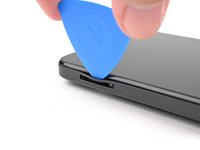
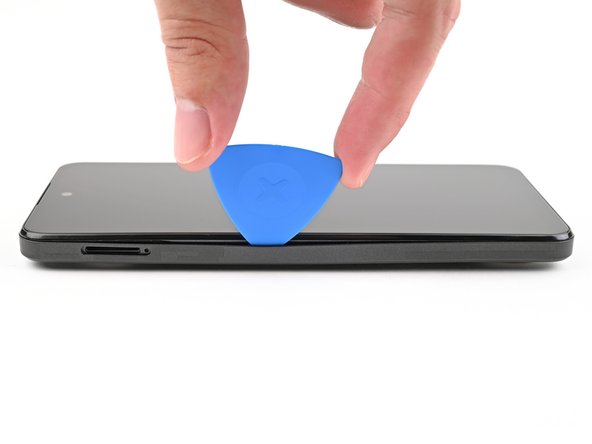
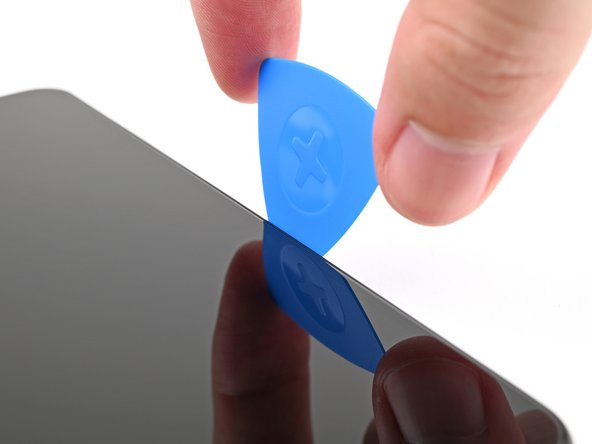
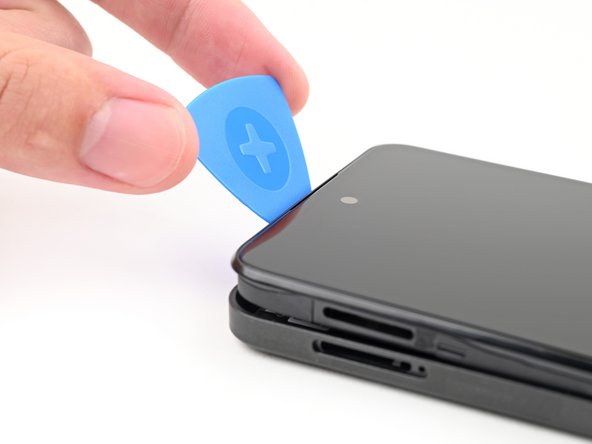
    • Insert the tip of an opening pick between the back cover and frame at the SIM card tray cutout.

  6. HMD Fusion Screen Replacement: 6 단계, 이미지 3개 중 1개 HMD Fusion Screen Replacement: 6 단계, 이미지 3개 중 2개 HMD Fusion Screen Replacement: 6 단계, 이미지 3개 중 3개
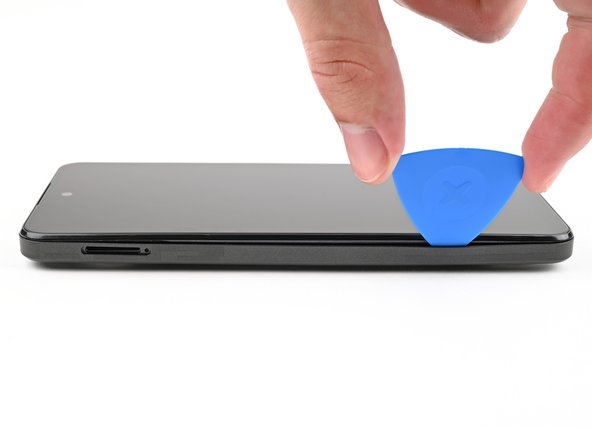
    • Slide the opening pick along the left edge to begin unclipping the back cover.

  7. HMD Fusion Screen Replacement: 7 단계, 이미지 3개 중 1개 HMD Fusion Screen Replacement: 7 단계, 이미지 3개 중 2개 HMD Fusion Screen Replacement: 7 단계, 이미지 3개 중 3개
    • Continue sliding the pick around the perimeter of your phone until the back cover is fully unclipped.

    • The corners can be tricky to unclip and may take some force. If you're having trouble, try prying up with the pick.

    • Don't try to fully remove the cover yet, as it's still connected by a delicate cable.

  8. HMD Fusion Screen Replacement: 8 단계, 이미지 3개 중 1개 HMD Fusion Screen Replacement: 8 단계, 이미지 3개 중 2개 HMD Fusion Screen Replacement: 8 단계, 이미지 3개 중 3개
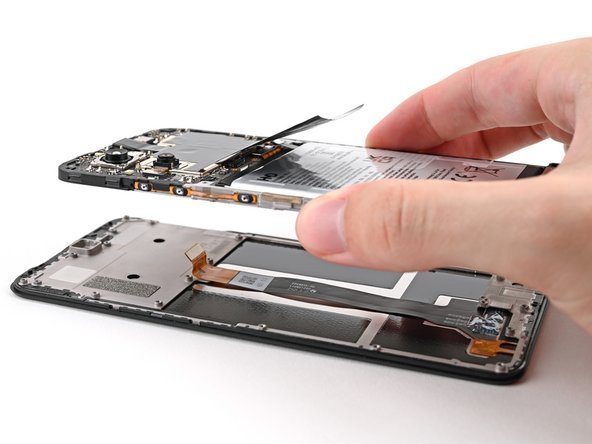
    • Carefully flip your phone over so the back cover is facing up.

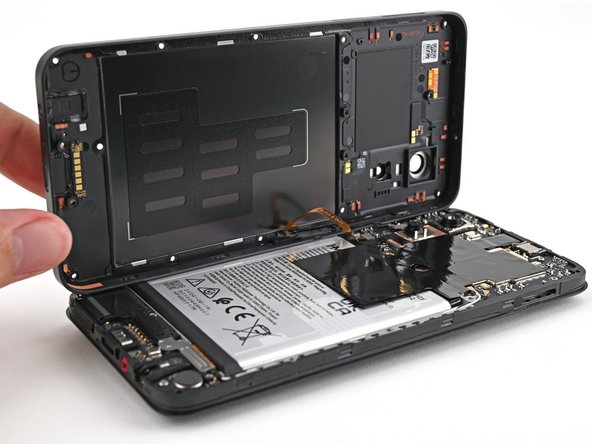
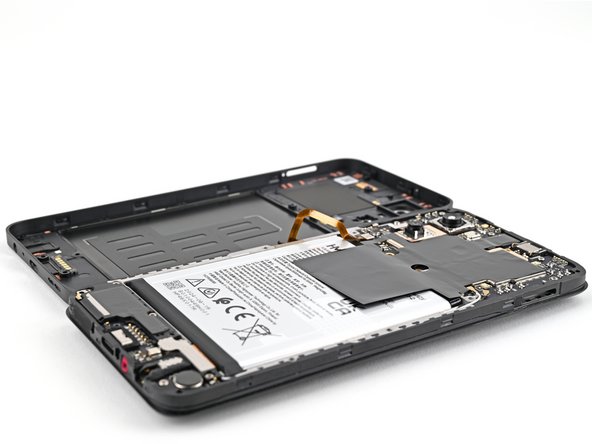
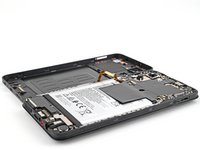
    • Lift the back cover off the frame and flip it over the left edge of your phone, laying the cover flat on your work surface.

    • Be very careful not to strain the back cover's delicate cable.

    • During reassembly, place the back cover onto the frame and firmly press around the perimeter to reengage all the clips.

  9. HMD Fusion Screen Replacement, Disconnect the battery: 9 단계, 이미지 3개 중 1개 HMD Fusion Screen Replacement, Disconnect the battery: 9 단계, 이미지 3개 중 2개 HMD Fusion Screen Replacement, Disconnect the battery: 9 단계, 이미지 3개 중 3개
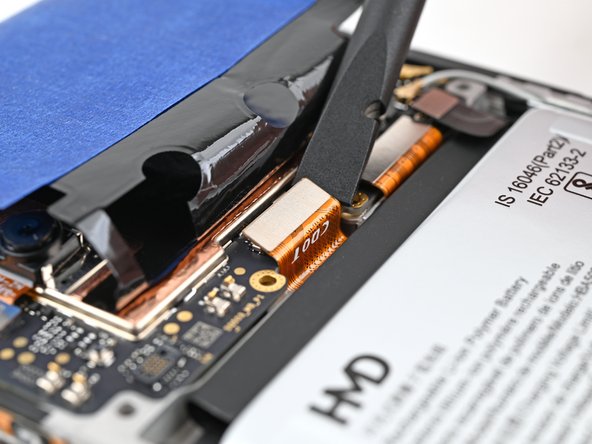
  10. HMD Fusion Screen Replacement, Disconnect the power button: 10 단계, 이미지 3개 중 1개 HMD Fusion Screen Replacement, Disconnect the power button: 10 단계, 이미지 3개 중 2개 HMD Fusion Screen Replacement, Disconnect the power button: 10 단계, 이미지 3개 중 3개
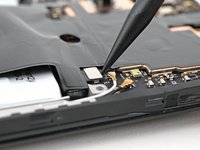
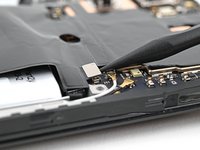
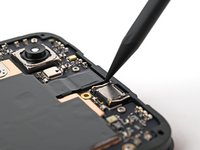
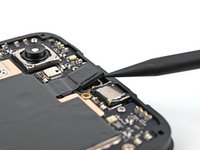
    • Use a spudger to pry up and disconnect the power button press connector.

    • Remove the back cover.

  11. HMD Fusion Screen Replacement, Screen: 11 단계, 이미지 3개 중 1개 HMD Fusion Screen Replacement, Screen: 11 단계, 이미지 3개 중 2개 HMD Fusion Screen Replacement, Screen: 11 단계, 이미지 3개 중 3개
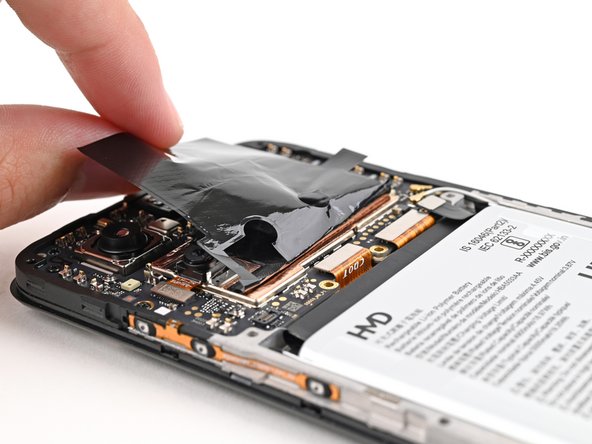
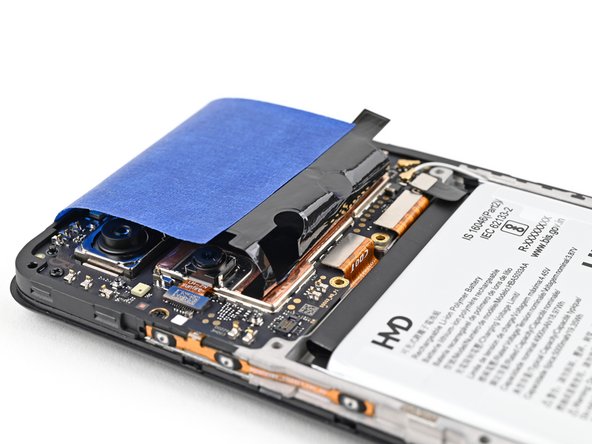
    • For the next step, you'll need to hold the graphite sheet out of the way of the display connector along the bottom of the motherboard.

    • Alternatively, you can use tape with light adhesive (such as painter's tape) to keep the graphite sheet out of the way.

  12. HMD Fusion Screen Replacement, Disconnect the display: 12 단계, 이미지 2개 중 1개 HMD Fusion Screen Replacement, Disconnect the display: 12 단계, 이미지 2개 중 2개
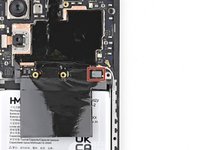
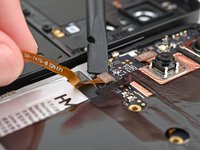
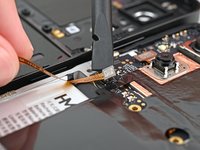
    • Use a spudger to pry up and disconnect the display press connector.

    • Pry under the right edge of the connector, as there are delicate surface‑mounted components to the left of it.

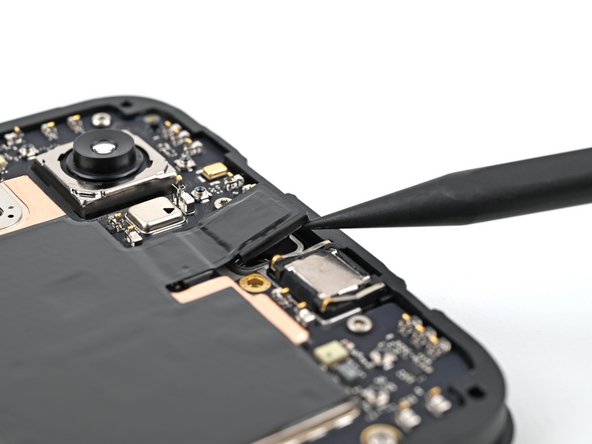
  13. HMD Fusion Screen Replacement, Separate the front camera: 13 단계, 이미지 2개 중 1개 HMD Fusion Screen Replacement, Separate the front camera: 13 단계, 이미지 2개 중 2개
    • Use the tip of a spudger to pry up the front camera from the frame and separate its adhesive.

  14. HMD Fusion Screen Replacement, Remove the screen screws: 14 단계, 이미지 2개 중 1개 HMD Fusion Screen Replacement, Remove the screen screws: 14 단계, 이미지 2개 중 2개
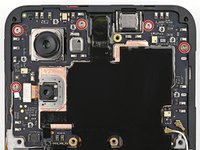
    • Use a T3 Torx screwdriver to remove the seven 3.3 mm‑long screws securing the screen:

    • Five screws on the motherboard

    • Two screws on the loudspeaker

    • One of the screws on the loudspeaker may be covered by a sticker. Pierce through it with your screwdriver, or use tweezers to remove it.

  15. HMD Fusion Screen Replacement, Remove the screen: 15 단계, 이미지 2개 중 1개 HMD Fusion Screen Replacement, Remove the screen: 15 단계, 이미지 2개 중 2개
    • Lift the screen off the frame, making sure to thread the display cable through its slot.

    • Remove the screen.

결론

To reassemble your device, follow these instructions in reverse order.

Take your e-waste to an R2 or e-Stewards certified recycler.

Repair didn’t go as planned? Try some basic troubleshooting, or ask our Answers community for help.

다른 8명이 해당 안내서를 완성하였습니다.

작성자

3다른 기여자 명과 함께

Alex Diaz-Kokaisl

회원 가입일: 01/16/22

216,138 평판

안내서 1,047개를 작성함

iFixit iFixit 회원

Staff

123 회원들

안내서 23,868개를 작성함

5가이드 댓글

Wo kann ich ein Ersatzdisplay bestellen? (Bin aus der Schweiz)

Ivan Haedo - 답글

Will the parts ever be in stock in Europe? Pointless to buy a repairable phone when you can't buy the parts

Ejrj - 답글

In teh description you remove the screen, but Ifix send a sreen with a frame fixed to it. no way this is gona fit.

L Verheul - 답글

Yes, the new screen has a frame attached to it. Just remove every screw on it an detach the frame carefully. I guess the frame supports the screen for transportation.

Robert Reiter - 답글

Hello, I am in Portugal, can I buy the screen on this website?

Sand.barack - 답글

댓글 쓰기

조회 통계:

지난 24시간: 10

지난 7일: 94

지난 30일: 341

전체 시간: 5,755