소개
This guide will walk you through the step by step process of removing and reinstalling the disc drive in your HP-BA078DX
필요한 것
-
-
Unclip the two latches on the bottom of the laptop.
-
Slide the battery straight out while holding the clip open.
 FixBot에 문의하기
-
-
-
-
Using the Phillips #0 screwdriver, remove the 7.5mm screw from the underside of the plastic frame that holds the disc tray in place.
-
-
-
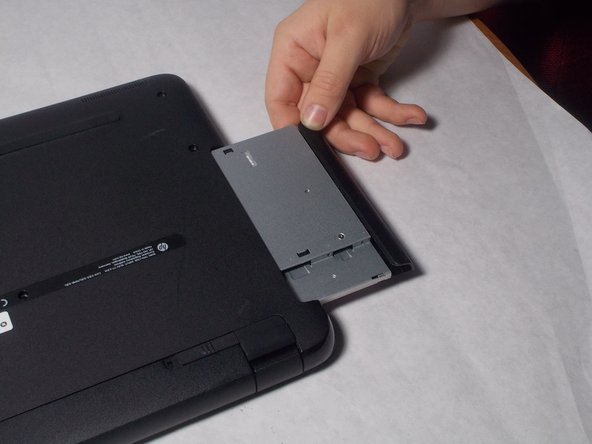
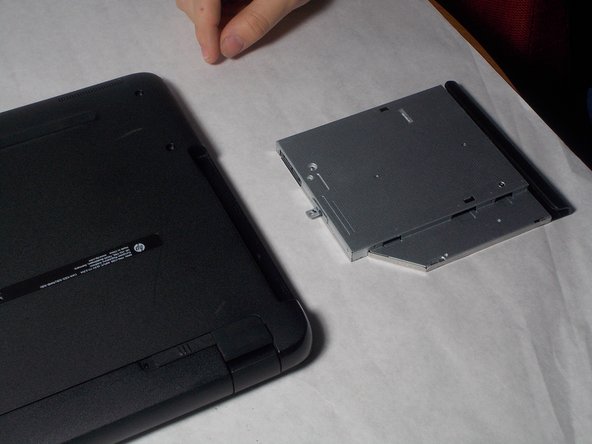
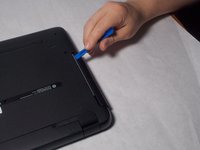
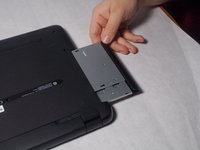
Remove the disk tray assembly by sliding it out from the side using the blue plastic opening tool.
-


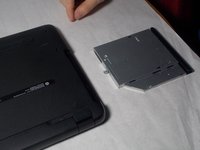
To reassemble your device, follow these instructions in reverse order.
다른 한 분이 해당 안내서를 완성하였습니다.

팀

UMass Dartmouth, Team S3-G4, Peak Spring 2018 UMass Dartmouth, Team S3-G4, Peak Spring 2018 회원
UMASSD-PEAK-S18S3G4
3 회원들
안내서 6개를 작성함
