소개
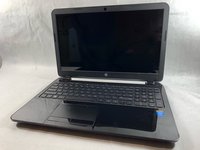
A hard drive can be the source of many issues in a laptop computer. This means that it is important to know how to replace a hard drive. Before you decide to replace a hard drive, you should always attempt to back up your data to a secondary source so that nothing is lost in the process.
필요한 것
-
-
Slide the lock mechanism on the left side of the laptop to the right.
 FixBot에 문의하기
-
-
-
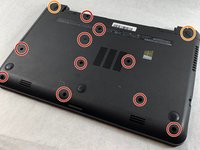
Flip the laptop over to reveal screw locations.
-
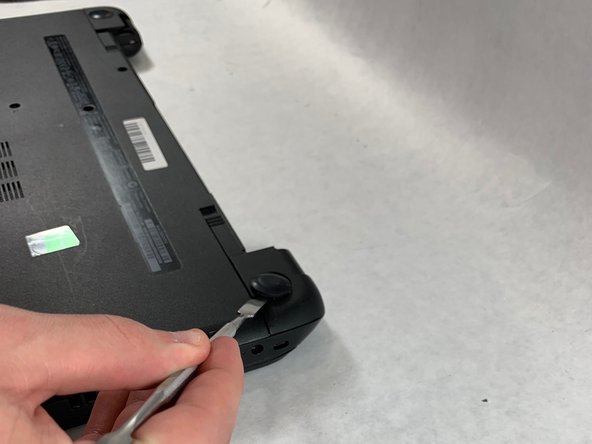
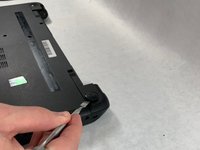
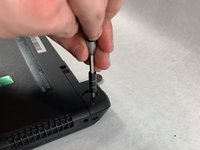
Use a metal spudger to remove the two rear rubber feet. There are screws hidden underneath them.
-
-
-
-
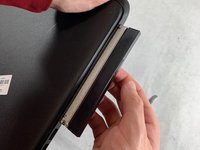
Remove the DVD drive from the laptop.
-
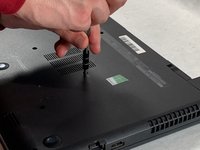
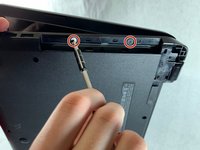
Remove the two 3 mm Phillips #1 screws underneath the DVD drive.
-
-
-
Flip the laptop and open.
-
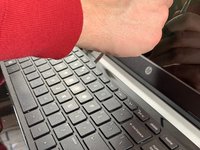
Detach the keyboard by prying it free from the laptop using a spudger.
-
Disconnect the keyboard ribbon cable.
-
-
-
Disconnect the two narrow ribbon cables to the left of the keyboard connection.
-
Remove five 4 mm Phillips #1 screws from the metal tray for the keyboard.
-
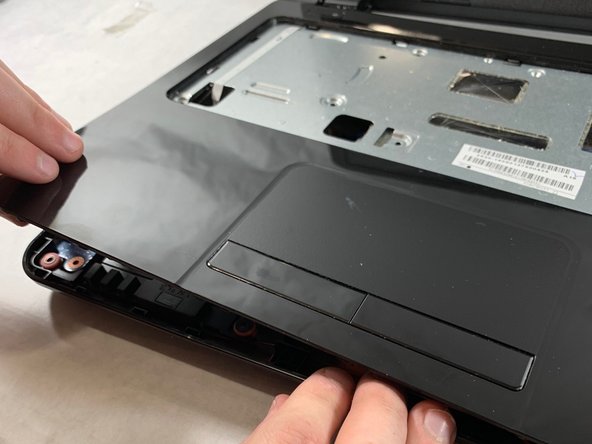
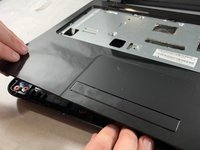
Pry open the plastic casing using a spudger.
-
-
-
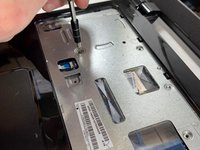
Remove two 5 mm Phillips #1 screws located at the base of the hard drive.
-
-
-
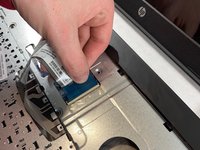
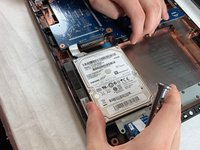
Pull the hard drive upwards and away from the laptop.
-
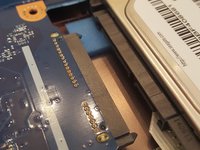
The hard drive should disconnect from its port on the motherboard as shown in the second image.
-
-
-
Flip the hard drive over.
-
Remove the two 4 mm Phillips #1 screws from the base of the hard drive.
-
Remove the mounting brace (silver bracket) from the hard drive.
-












To reassemble your device, follow these instructions in reverse order.
다른 3명이 해당 안내서를 완성하였습니다.

팀

UMass Dartmouth, Team S2-G4, Bailey Spring 2019 UMass Dartmouth, Team S2-G4, Bailey Spring 2019 회원
UMASSD-BAILEY-S19S2G4
3 회원들
안내서 6개를 작성함
