소개
This guide details how to replace the RAM on an HP 15-d076nr. If your laptop is slow, this may be the guide for you.
필요한 것
-
-
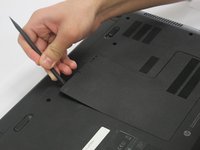
Locate the small screw on the panel at the center of the laptop.
-
Loosen the small screw using a Philips # 1 screwdriver.
-
-
-
-
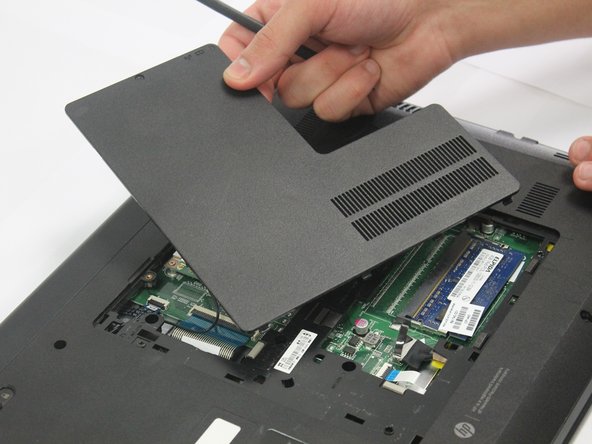
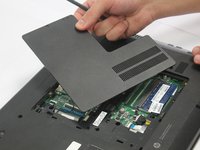
Carefully pry the middle panel up using a plastic spudger or other prying tool .
-
Pull the panel away from the laptop and set it off to the side.
-
-
-
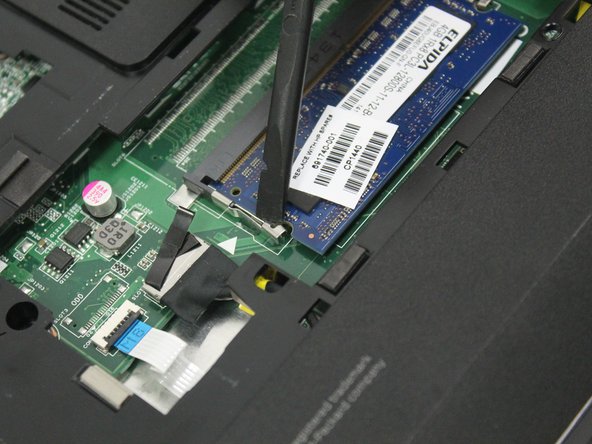
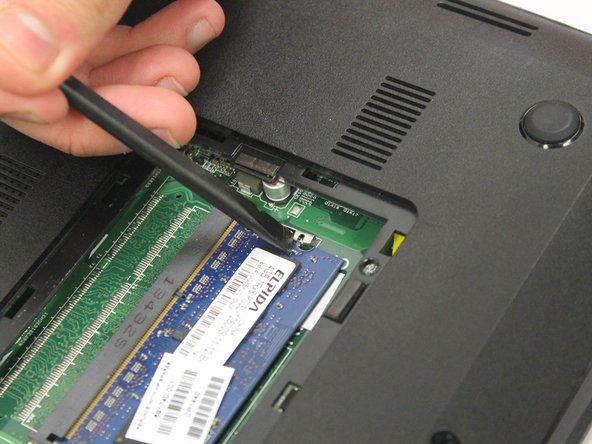
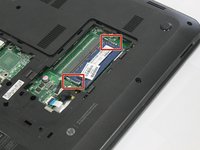
Locate the latches on the RAM.
-
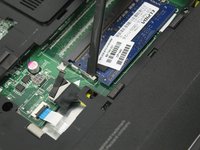
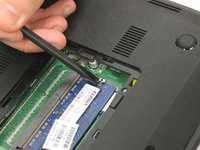
Slide the latches away from the RAM using a plastic spudger.
-

 FixBot에 문의하기





To reassemble your device, follow these instructions in reverse order.

팀

Oakland University, Team 2-2, Ruskiewicz Winter 2017 Oakland University, Team 2-2, Ruskiewicz Winter 2017 회원
OAK-RUSKIEWICZ-W17S2G2
4 회원들
안내서 7개를 작성함
