소개
If your laptop slows down when using certain applications, you may need to replace or add RAM in an HP 17-x173dx. This guide will show you how to replace RAM in your laptop in easy-to-follow steps.
필요한 것
-
-
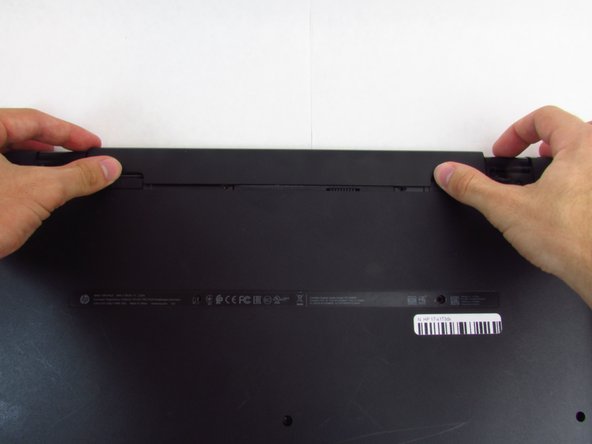
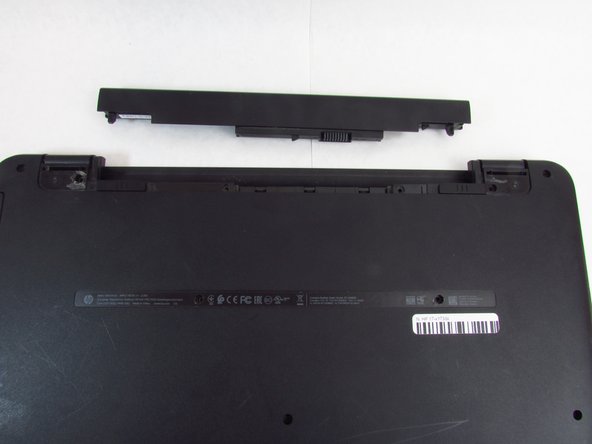
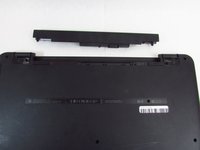
Slide and hold the right tab to the left, while gently pushing out the battery with your thumbs
-
-
-
-
Using the Phillips #0 screwdriver, remove fourteen 7 mm screws on the back of the device (two will be underneath where the battery was).
-
-
-
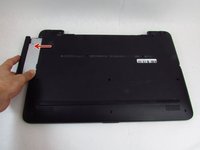
Remove the Optical Disk Drive.
-
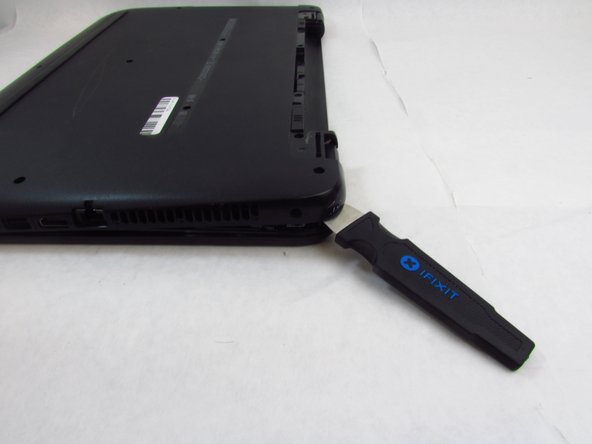
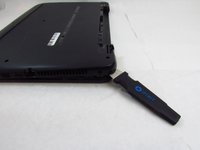
Use the spudger to lift the plastic backing, starting from the back right side, near the vent.
-
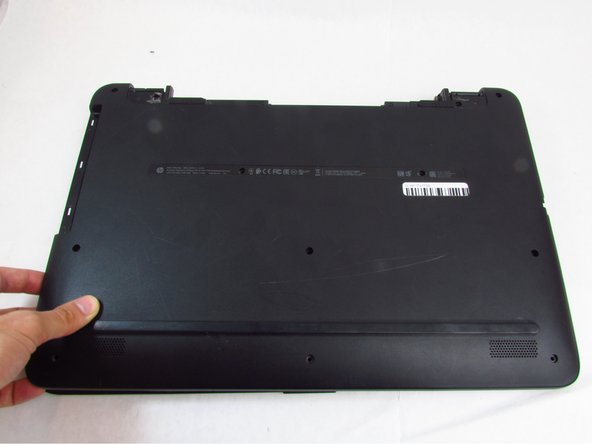
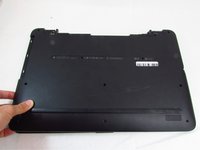
Remove the back of the device by continuing to lift the plastic around the entire perimeter of the device.
-
-
이 단계에 사용된 도구:Tweezers$4.99
-
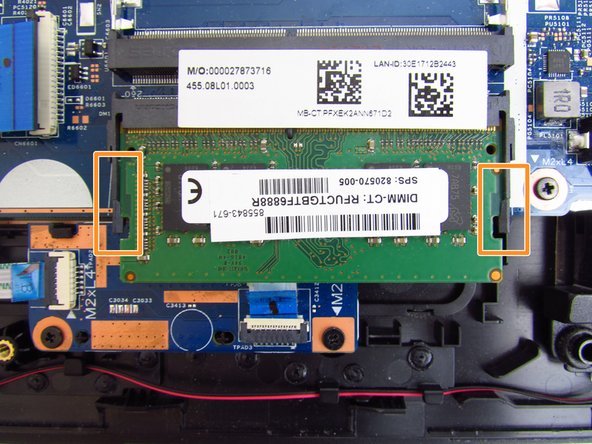
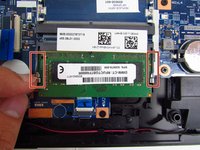
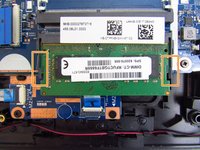
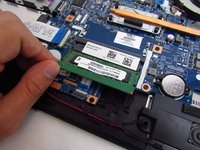
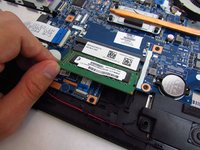
Use a pair of tweezers or your fingernails to carefully pry the two metal retention clips out and away from the ram casing.
-
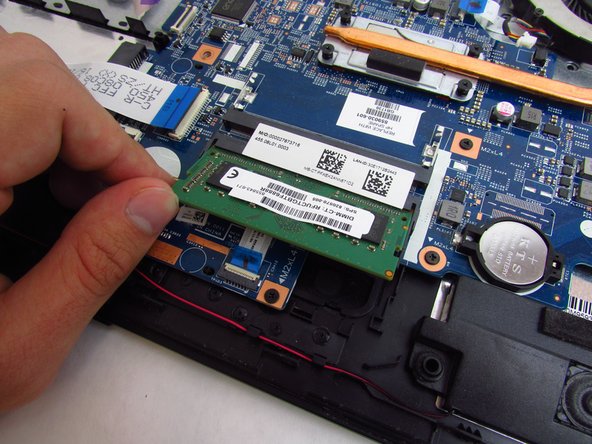
Then gently bend the plastic retainers away to free the ram stick.
-


 FixBot에 문의하기







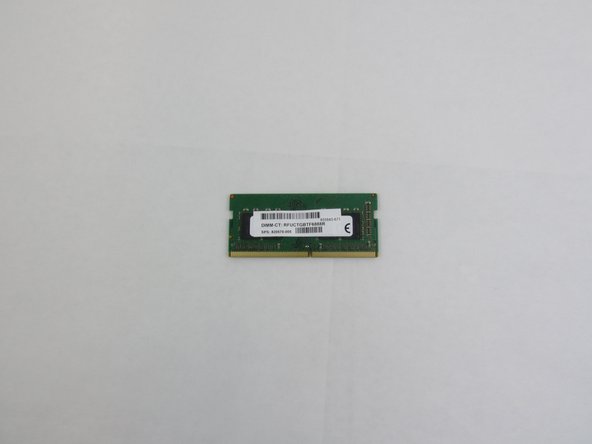
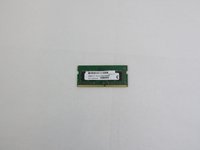
Install your replacement RAM and reassemble your device by following these instructions in reverse order.

팀

Embry-Riddle Aeronautical University, Team S24-G4, McClure Fall 2019 Embry-Riddle Aeronautical University, Team S24-G4, McClure Fall 2019 회원
ERAU-MCCLURE-F19S24G4
4 회원들
안내서 5개를 작성함
