주요 콘텐츠로 건너뛰기
수리 커뮤니티 가입 - 계정 만들기

HP Chromebook 11-v011dx Screen Replacement

필요한 것

  1. HP Chromebook 11-v011dx Screen  Replacement, Key Board: 1 단계, 이미지 3개 중 1개 HP Chromebook 11-v011dx Screen  Replacement, Key Board: 1 단계, 이미지 3개 중 2개 HP Chromebook 11-v011dx Screen  Replacement, Key Board: 1 단계, 이미지 3개 중 3개
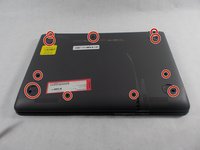
    • Wedge the spudger between one of the black rubber caps on each of the four corners on the bottom of the HP Chromebook 11-v011dx.

    • Lift up the black rubber cap until it is completely removed.

    • Repeat this until all four of the black rubber caps are removed.

  2. HP Chromebook 11-v011dx Screen  Replacement: 2 단계, 이미지 2개 중 1개 HP Chromebook 11-v011dx Screen  Replacement: 2 단계, 이미지 2개 중 2개
    • Locate the two smaller black rubber caps on the top corners of the HP ChromeBook 11-v011dx. Wedge the spudger between one of them.

    • Lift up the small black rubber cap until it is completely off.

    • Repeat this step one more time to remove the other small black rubber cap on the other side.

  3. HP Chromebook 11-v011dx Screen  Replacement: 3 단계, 이미지 2개 중 1개 HP Chromebook 11-v011dx Screen  Replacement: 3 단계, 이미지 2개 중 2개
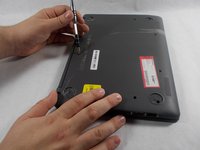
    • Locate the eleven screws on the bottom the HP ChromeBook. Six are located under the larger black rubber caps and the others are in different locations.

    • Use a Phillips #0 screwdriver to remove eleven 1.3mm screws.

  4. HP Chromebook 11-v011dx Screen  Replacement: 4 단계, 이미지 3개 중 1개 HP Chromebook 11-v011dx Screen  Replacement: 4 단계, 이미지 3개 중 2개 HP Chromebook 11-v011dx Screen  Replacement: 4 단계, 이미지 3개 중 3개
    • Make sure to do steps 1-3 or it will be impossible to lift up the key board and you may also do damage to the hardware.

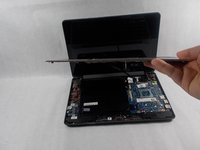
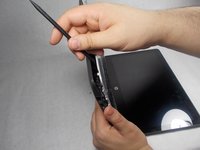
    • Wedge the spudger between the key board and the bottom panel, carefully go around the keyboards edges gently.

    • Lift the spudger a little in the front of the keyboard until the key board lifts up.

    • With your hands, slowly and carefully lift the key board up.

  5. HP Chromebook 11-v011dx Screen  Replacement: 5 단계, 이미지 1개 중 1개
    • Locate the black tab that holds a wire in place that keeps the keyboard connected to the mother board.

    • Slowly unplug this wire that connects to the key board.

  6. HP Chromebook 11-v011dx Screen  Replacement, Screen: 6 단계, 이미지 2개 중 1개 HP Chromebook 11-v011dx Screen  Replacement, Screen: 6 단계, 이미지 2개 중 2개
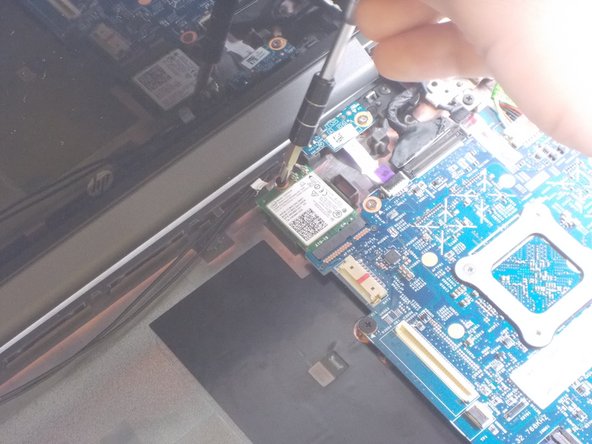
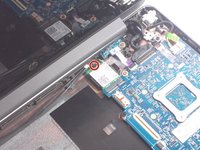
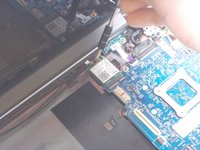
    • Use a Phillips #0 screwdriver to remove the 1.3 mm screw that holds the wireless card.

  7. HP Chromebook 11-v011dx Screen  Replacement: 7 단계, 이미지 2개 중 1개 HP Chromebook 11-v011dx Screen  Replacement: 7 단계, 이미지 2개 중 2개
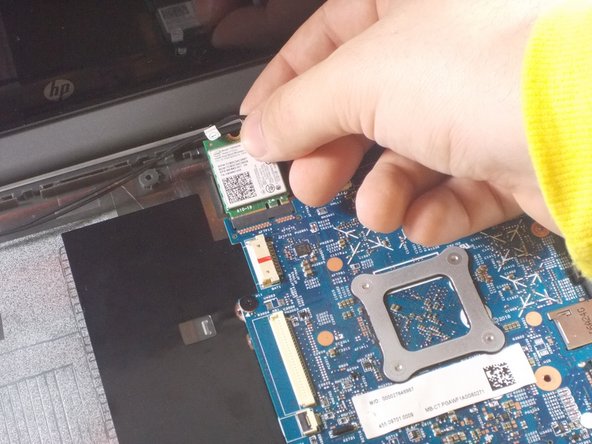
    • Remove the wireless card from the motherboard with your own hand.

  8. HP Chromebook 11-v011dx Screen  Replacement: 8 단계, 이미지 2개 중 1개 HP Chromebook 11-v011dx Screen  Replacement: 8 단계, 이미지 2개 중 2개
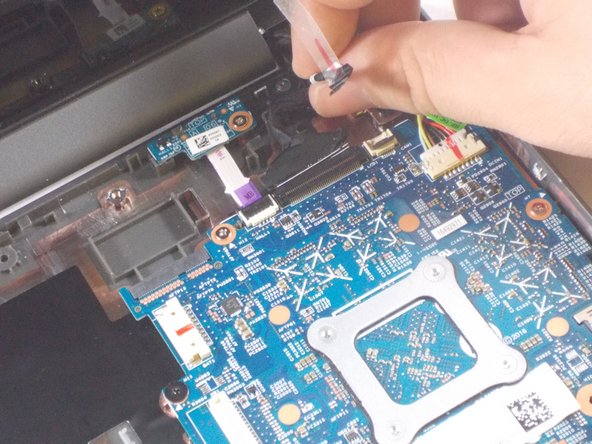
    • Find the wire that connects the screen to the motherboard.

    • Lift black tab that holds the wire in place.

    • Remove the wire.

  9. HP Chromebook 11-v011dx Screen  Replacement: 9 단계, 이미지 2개 중 1개 HP Chromebook 11-v011dx Screen  Replacement: 9 단계, 이미지 2개 중 2개
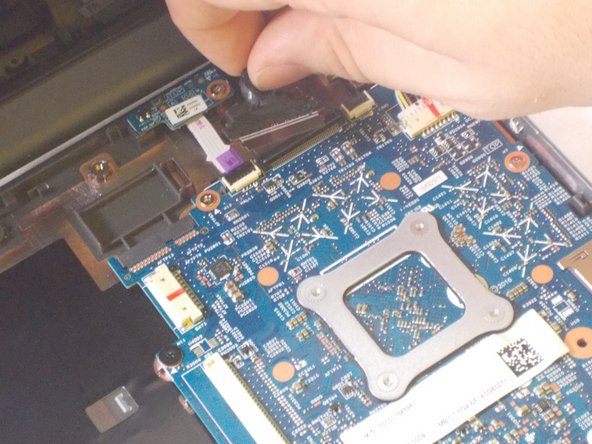
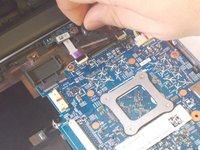
    • Find the display cable that connects the screen to the motherboard.

    • Lift black tab that holds the display cable in place.

    • Remove display cable.

  10. HP Chromebook 11-v011dx Screen  Replacement: 10 단계, 이미지 3개 중 1개 HP Chromebook 11-v011dx Screen  Replacement: 10 단계, 이미지 3개 중 2개 HP Chromebook 11-v011dx Screen  Replacement: 10 단계, 이미지 3개 중 3개
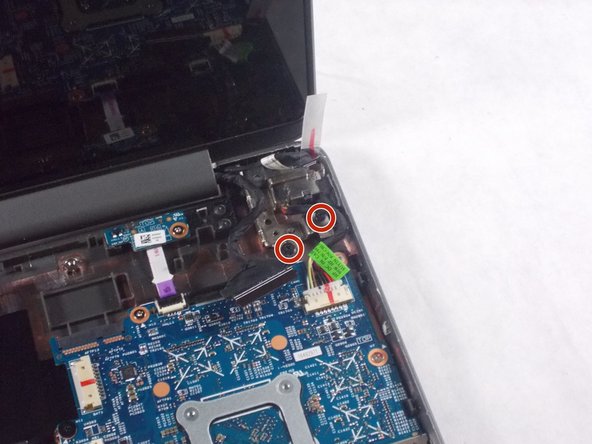
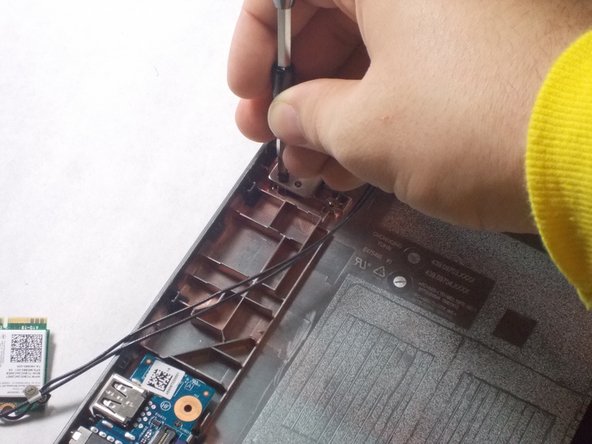
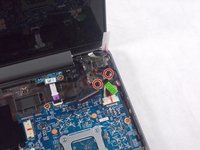
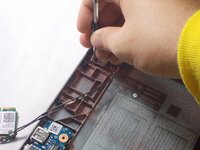
    • Use a Phillips #0 screwdriver to remove the four 1.3mm screws that hold the screen in place.

    • Two screws are on the left of the laptop and two are on the right of the laptop.

  11. HP Chromebook 11-v011dx Screen  Replacement: 11 단계, 이미지 2개 중 1개 HP Chromebook 11-v011dx Screen  Replacement: 11 단계, 이미지 2개 중 2개
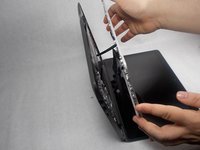
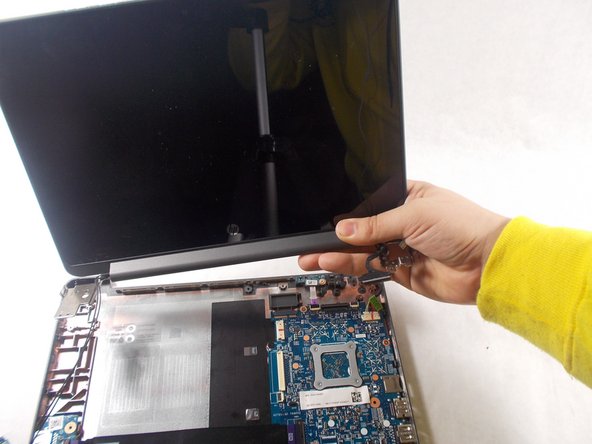
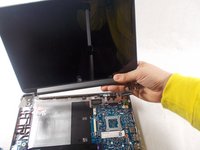
    • Be careful when removing the screen so it doesn't get caught on any wires.

    • Remove the screen from the laptop.

결론

To reassemble your device, follow these instructions in reverse order.

다른 한 분이 해당 안내서를 완성하였습니다.

작성자

2다른 기여자 명과 함께

Kyle DeMello

회원 가입일: 10/20/17

542 평판

안내서 5개를 작성함

UMass Dartmouth, Team S4-G2, Julie Fall 2017 UMass Dartmouth, Team S4-G2, Julie Fall 2017 회원

UMASSD-JULIE-F17S4G2

3 회원들

안내서 5개를 작성함

0가이드 댓글

댓글 쓰기

조회 통계:

지난 24시간: 0

지난 7일: 4

지난 30일: 22

전체 시간: 1,062