주요 콘텐츠로 건너뛰기
수리 커뮤니티 가입 - 계정 만들기

HP Deskjet D1660 Springs Replacement

필요한 것

    1. HP Deskjet D1660 Springs Replacement, Top Cover: 1 단계, 이미지 1개 중 1개
      • Remove the back two 14.0 mm Torx #10 screws.

      댓글 쓰기

    2. HP Deskjet D1660 Springs Replacement: 2 단계, 이미지 1개 중 1개
      • Lay the printer on its back.

      • Grab the paper tray by its right side and pull it to the left and up.

      댓글 쓰기

    3. HP Deskjet D1660 Springs Replacement: 3 단계, 이미지 1개 중 1개
      • Open the frontal access panel by lifting it from the top.

      • Similar to the paper tray, grab it from the right side and pull it to the left and up.

      댓글 쓰기

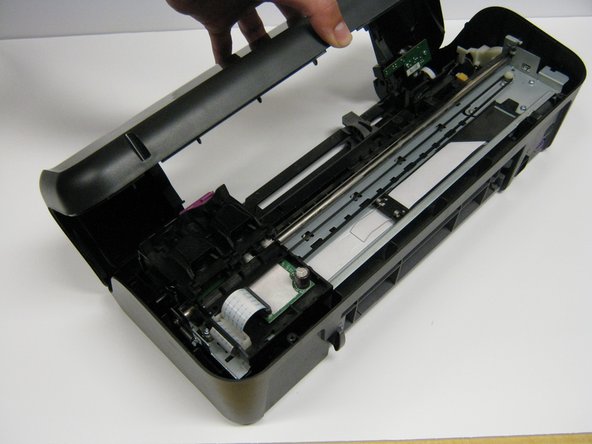
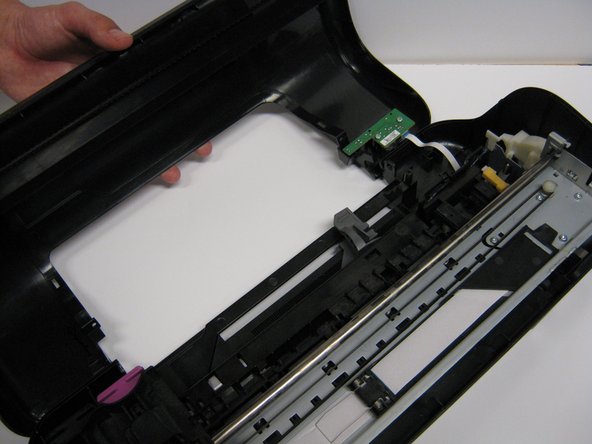
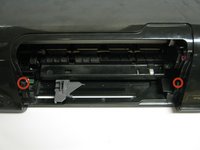
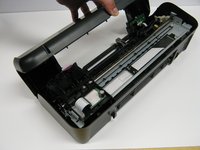
    4. HP Deskjet D1660 Springs Replacement: 4 단계, 이미지 3개 중 1개 HP Deskjet D1660 Springs Replacement: 4 단계, 이미지 3개 중 2개 HP Deskjet D1660 Springs Replacement: 4 단계, 이미지 3개 중 3개
      • Take out the two frontal 14.0 mm Torx #10 screws.

      • Carefully lift the frontal cover.

      • Don't lift it up aggressively. A strip will be attached to it.

      댓글 쓰기

    1. HP Deskjet D1660 Springs Replacement, Ink Cartridge Rail: 5 단계, 이미지 2개 중 1개 HP Deskjet D1660 Springs Replacement, Ink Cartridge Rail: 5 단계, 이미지 2개 중 2개
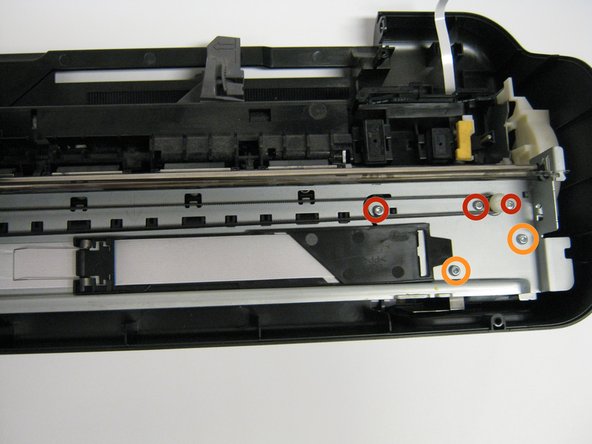
      • Remove the five 13.0 mm Torx #10 screws found on top of the frame.

      • Remove the four 9.0 mm Torx #10 smaller screws.

      댓글 쓰기

    2. HP Deskjet D1660 Springs Replacement: 6 단계, 이미지 2개 중 1개 HP Deskjet D1660 Springs Replacement: 6 단계, 이미지 2개 중 2개
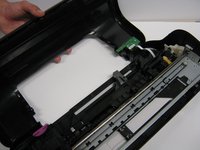
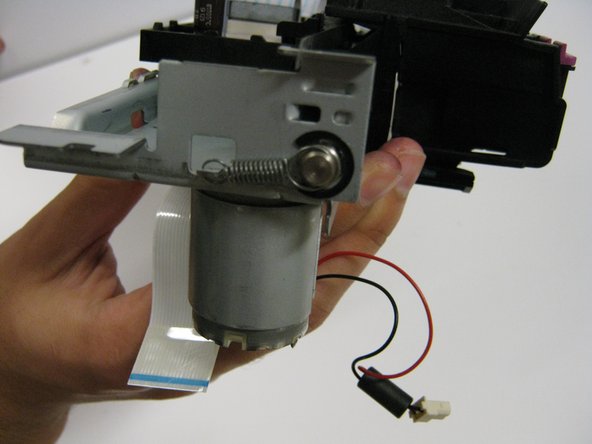
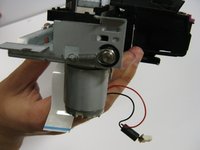
      • Lift the rail carefully as a strip and motor will be connected to the bottom part of the printer.

      • Now detach the white strip and wires by gently lifting them up.

      댓글 쓰기

    1. HP Deskjet D1660 Springs Replacement, Springs: 7 단계, 이미지 2개 중 1개 HP Deskjet D1660 Springs Replacement, Springs: 7 단계, 이미지 2개 중 2개
      이 단계에 사용된 도구:
      Tweezers
      $4.99
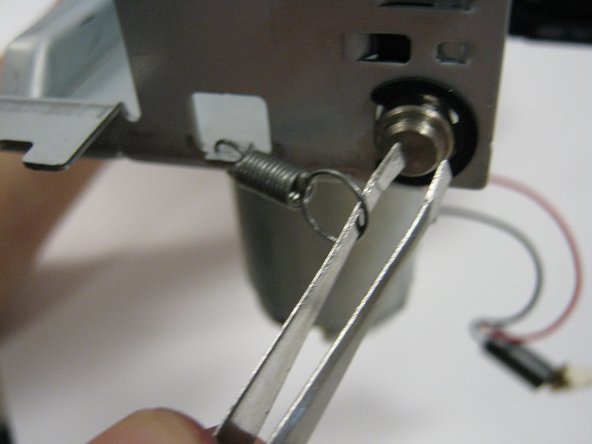
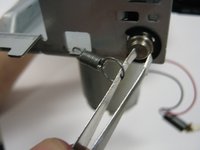
      • Locate the springs. They will be on the side of the metal frame.

      • Using the tweezers, grab the loop of the spring that is connected to the bar.

      • Remove the spring by lifting the loop.

      댓글 쓰기

결론

To reassemble your device, follow these instructions in reverse order.

취소: 해당 안내서를 완성하지 않았습니다.

다른 2명이 해당 안내서를 완성하였습니다.

작성자

3다른 기여자 명과 함께

Justin Taiki Fukada

회원 가입일: 01/25/14

912 평판

안내서 7개를 작성함

Cal Poly, Team 1-41, Maness Winter 2014 Cal Poly, Team 1-41, Maness Winter 2014 회원

CPSU-MANESS-W14S1G41

4 회원들

안내서 56개를 작성함

0가이드 댓글

댓글 쓰기

조회 통계:

지난 24시간: 0

지난 7일: 4

지난 30일: 31

전체 시간: 1,660