소개
The video card is instrumental in the visualization of data by the HP Media Center 876x system. If the images on screen are distorted, of bad quality, or will not appear at all, the video card may require replacement.
필요한 것
-
-
Place the tower on its side.
-
Slide the side panel horizontally to detach, and pull upward to remove.
-
-
-
-
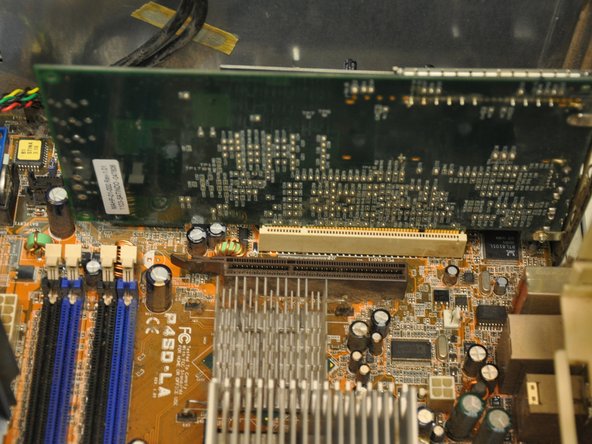
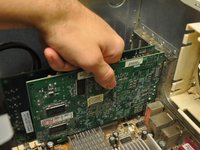
Identify the video card (the green card nearest to the fan casing in the bottom left hand corner of the tower).
-
-
-
Using a Phillips #0 screwdriver, remove the single 6 mm screw fastening the video card to its mount.
-


 FixBot에 문의하기


To reassemble your device, follow these instructions in reverse order.
다른 한 분이 해당 안내서를 완성하였습니다.

팀

Clemson, Team 6-1, Benson Spring 2014 Clemson, Team 6-1, Benson Spring 2014 회원
CLEM-BENSON-S14S6G1
3 회원들
안내서 15개를 작성함
