소개
This guide will include the steps required in removing the RAM in the HP Pavilion 15-n232nr. This process will require the following tools: screwdriver and iFixit opening tools. This process does not require much expertise, but is rather tedious.
필요한 것
-
-
Slide the battery locks towards the center of the laptop. The battery will detach automatically.
-
Remove the battery by sliding it away from the laptop housing.
-
-
-
-
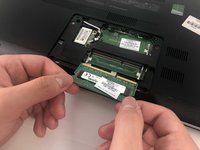
Release the clips securing the RAM by slightly bending them until the RAM is free.
-


 FixBot에 문의하기


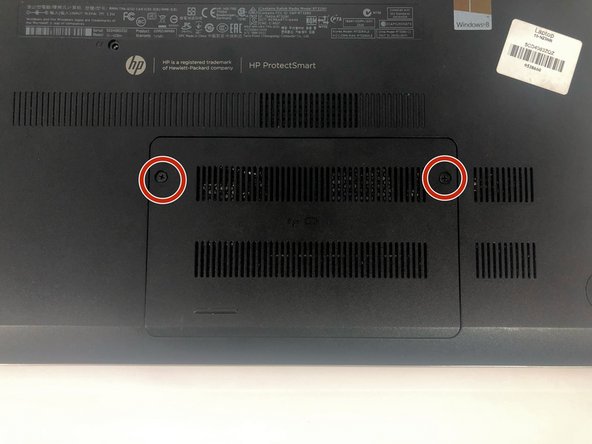
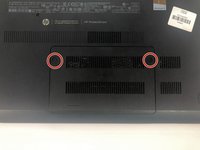

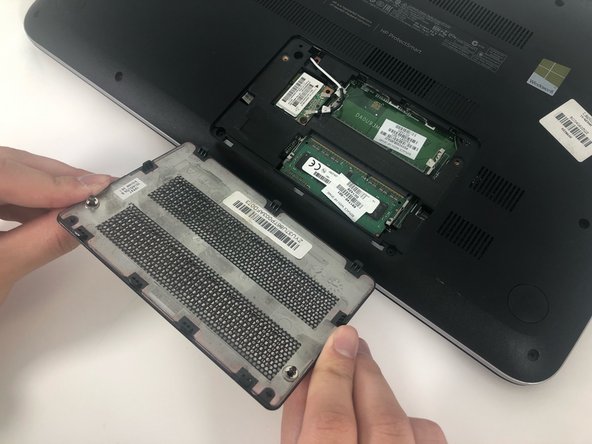
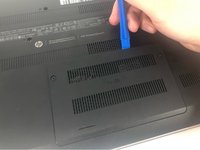
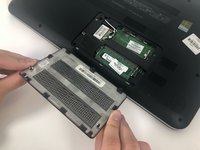

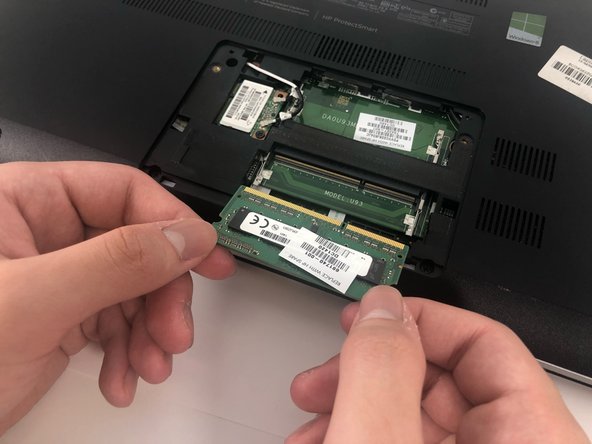
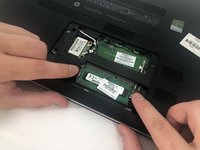
To reassemble your device, follow these instructions in reverse order.
다른 2명이 해당 안내서를 완성하였습니다.

팀

University of Memphis, Team S1-G1, Kim Spring 2019 University of Memphis, Team S1-G1, Kim Spring 2019 회원
UM-KIM-S19S1G1
4 회원들
안내서 4개를 작성함
