주요 콘텐츠로 건너뛰기
수리 커뮤니티 가입 - 계정 만들기

HP Pavilion G60-247CL RAM Replacement

필요한 것

  1. HP Pavilion G60-247CL RAM Replacement, Battery: 1 단계, 이미지 3개 중 1개 HP Pavilion G60-247CL RAM Replacement, Battery: 1 단계, 이미지 3개 중 2개 HP Pavilion G60-247CL RAM Replacement, Battery: 1 단계, 이미지 3개 중 3개
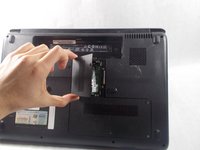
    • Press down and to the right on the battery lock slide.

    • Once slid over to the right the battery will pop up and out.

  2. HP Pavilion G60-247CL RAM Replacement, RAM: 2 단계, 이미지 1개 중 1개
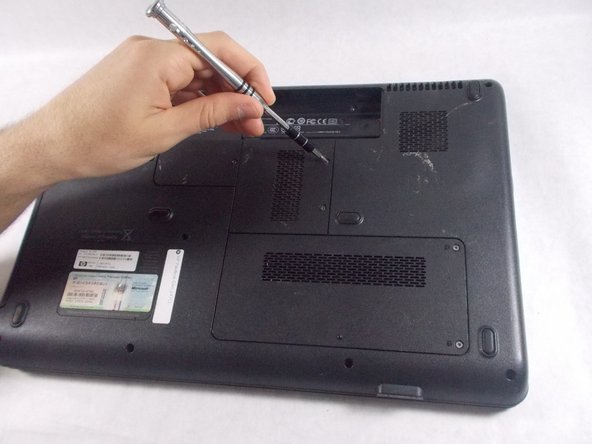
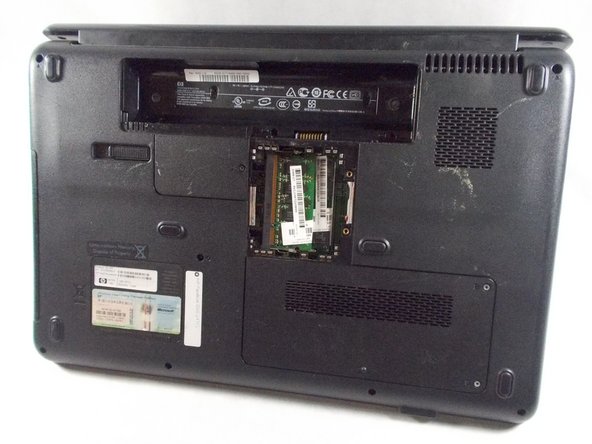
    • Locate RAM access door on the bottom side of the laptop.

  3. HP Pavilion G60-247CL RAM Replacement: 3 단계, 이미지 3개 중 1개 HP Pavilion G60-247CL RAM Replacement: 3 단계, 이미지 3개 중 2개 HP Pavilion G60-247CL RAM Replacement: 3 단계, 이미지 3개 중 3개
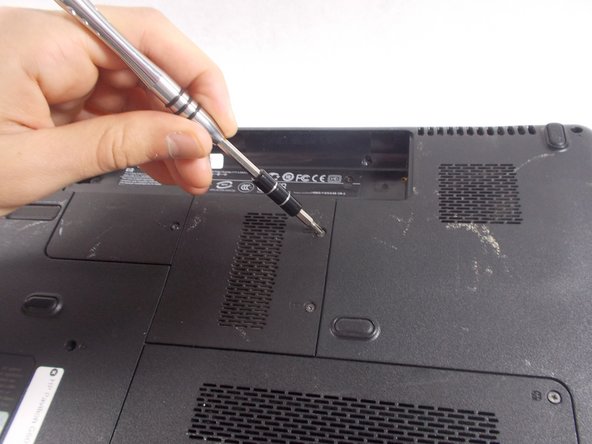
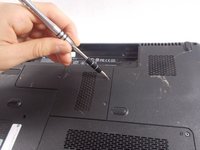
    • Remove the two screws holding down the RAM access door with a Phillips #1 screwdriver.

  4. HP Pavilion G60-247CL RAM Replacement: 4 단계, 이미지 2개 중 1개 HP Pavilion G60-247CL RAM Replacement: 4 단계, 이미지 2개 중 2개
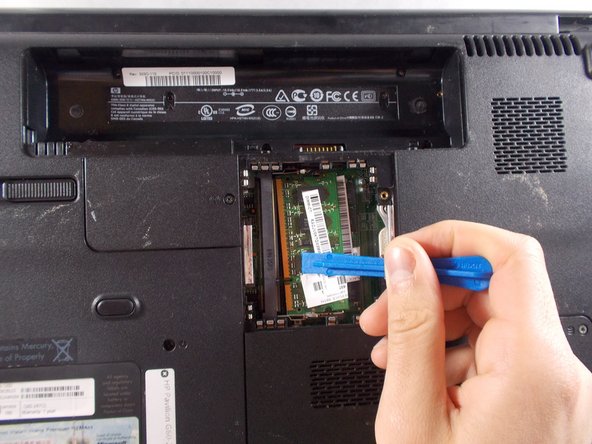
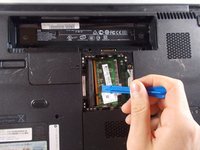
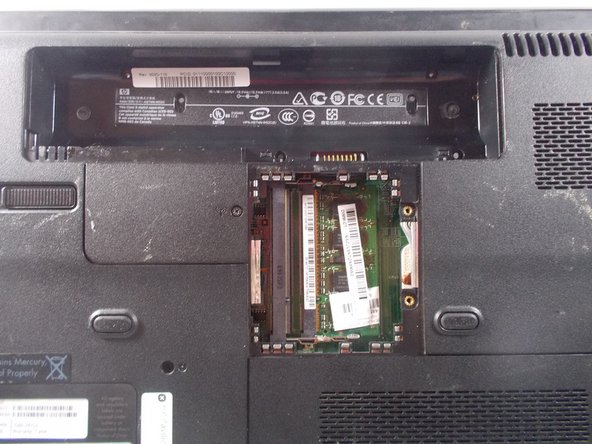
    • Lift up on the RAM cover and remove it to reveal RAM sticks.

  5. HP Pavilion G60-247CL RAM Replacement: 5 단계, 이미지 2개 중 1개 HP Pavilion G60-247CL RAM Replacement: 5 단계, 이미지 2개 중 2개
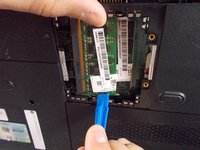
    • Gently pull apart the two metal tabs located on both sides of the stick of RAM.

  6. HP Pavilion G60-247CL RAM Replacement: 6 단계, 이미지 1개 중 1개
    • Gently lift the RAM stick up and out of its seat.

  7. HP Pavilion G60-247CL RAM Replacement: 7 단계, 이미지 1개 중 1개
    • Repeat the previous two steps for the remaining stick of RAM.

결론

To reassemble your device, follow these instructions in reverse order.

작성자

3다른 기여자 명과 함께

Zachary Herrera

회원 가입일: 03/20/18

485 평판

안내서 2개를 작성함

UMass Dartmouth, Team S4-G5, Covino Spring 2018 UMass Dartmouth, Team S4-G5, Covino Spring 2018 회원

UMASSD-COVINO-S18S4G5

3 회원들

안내서 5개를 작성함

0가이드 댓글

댓글 쓰기

조회 통계:

지난 24시간: 2

지난 7일: 6

지난 30일: 19

전체 시간: 254