소개
If the webcam for your HP Pavilion dv2700 laptop has stopped working, is cracked, or doesn’t record a clear image then this guide will show you how to successfully replace the camera module.
A webcam is a digital video device which serves a function to transmit pictures and videos over the internet. It is mostly used for taking pictures, video calls and recording videos on your laptop without an external camera.
The camera module is a component at the top of the display within the device. To replace the camera module you must remove the display bezel which gives you access to the inner components as they need to be removed before accessing the camera module. There are several screws which need to be removed throughout this process and you must be careful not to break the cable connected to the camera module when removing it.
Follow this guide and you will be able to successfully replace the camera module without damaging any components.
필요한 것
-
-
-
Flip the laptop over so that the bottom is facing upwards.
-
Use your index finger to push the battery latch.
-
Pivot the battery upward and lift it out of the socket to remove it.
-
-
-
-
Use an opening tool to remove the four rubber screw covers located across the top of the bezel.
-
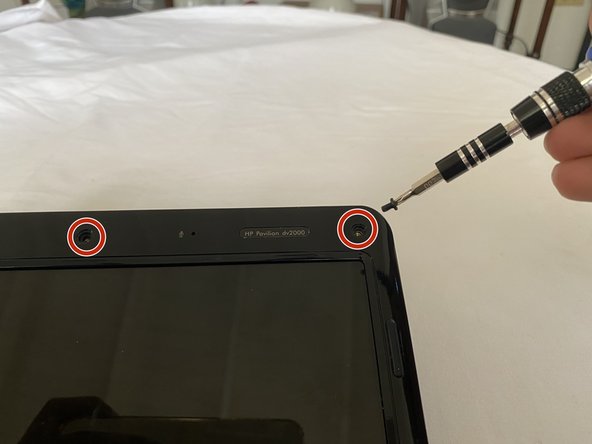
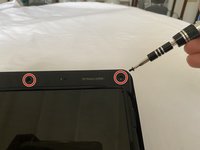
Remove the Phillips PM2.5×5.0 screws.
-
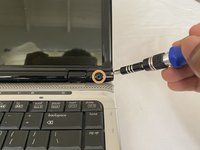
Remove the two rubber screw covers located at the bottom left and right of the bezel.
-
Remove the Phillips PM2.5×5.0 screws.
-
-
-
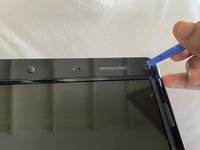
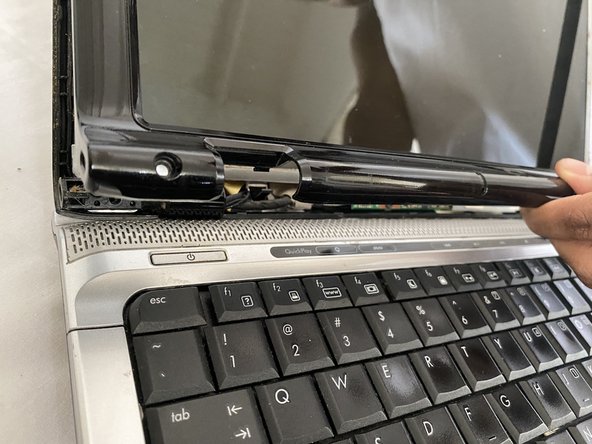
Flex the inside edges of the left and right sides and the top edge of the display bezel.
-
Lift the bezel with your finger until it disengages from the display enclosure.
-
-
-
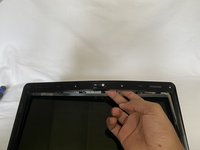
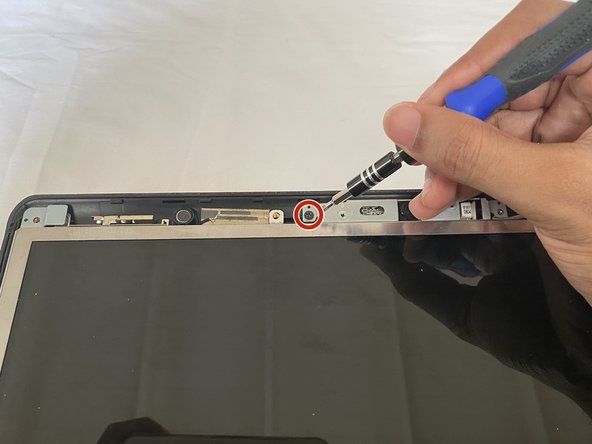
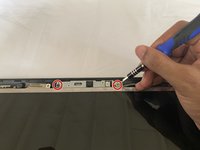
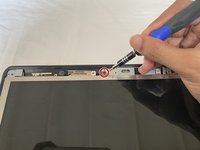
Remove the two Phillips PM2.5×4.0 screws that secure camera module.
-
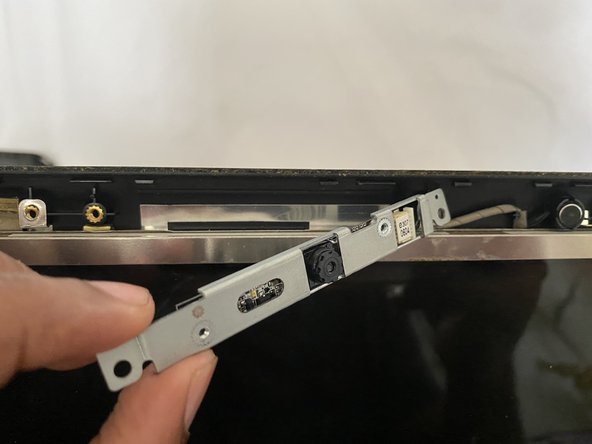
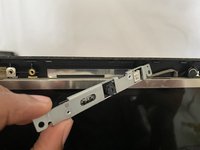
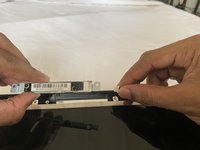
Release the camera module assembly unit by simply pulling it out of the laptop.
-
-
-
Disconnect the camera module cable from the camera module itself by pulling it out.
-
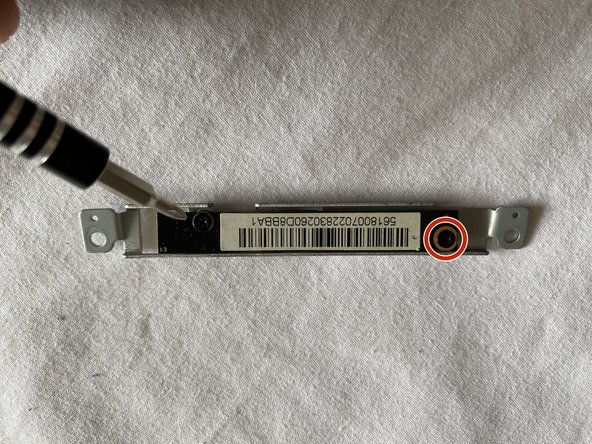
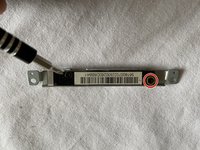
Turn the module upside down and remove the screws for the camera bracket.
-
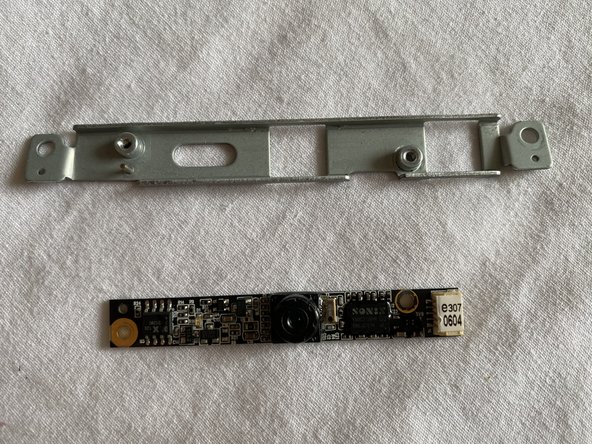
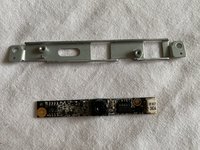
Remove the camera module from the bracket.
-

 FixBot에 문의하기









To reassemble your device, follow these instructions in reverse order.

팀

York University, Team S1-G35, Allen Summer 2020 York University, Team S1-G35, Allen Summer 2020 회원
YORK-ALLEN-SU20S1G35
1 회원
안내서 9개를 작성함
